
Record anything
A browser tab, your whole desktop, an app window, or a selected region — up to 4K at 60fps.
Chrome Extension · Screen recording
A smooth-scrolling screen recorder with a green-screen webcam, click-to-zoom, live annotation, and on-device voice cleanup. No account, no watermark, no upload.
Everything in the take
A browser tab, your whole desktop, an app window, or a selected region — up to 4K at 60fps.
Glide down a long page in one take with adjustable speed and easing. It even auto-pauses at headings so demos breathe.
Every click turns into a smooth cinematic zoom, with an XL cursor and a clean browser-window frame baked in.
Picture-in-picture camera with offline chroma-key background removal — no lighting rig, no cloud.
Kill fans, AC, keyboard, and room hiss and sharpen your narration — 100% on your device, before you ever hit stop.
Pen, arrows, shapes, highlighter, text, spotlight-blur, and a laser pointer — draw on the page as you present.
Inside FlowCapture
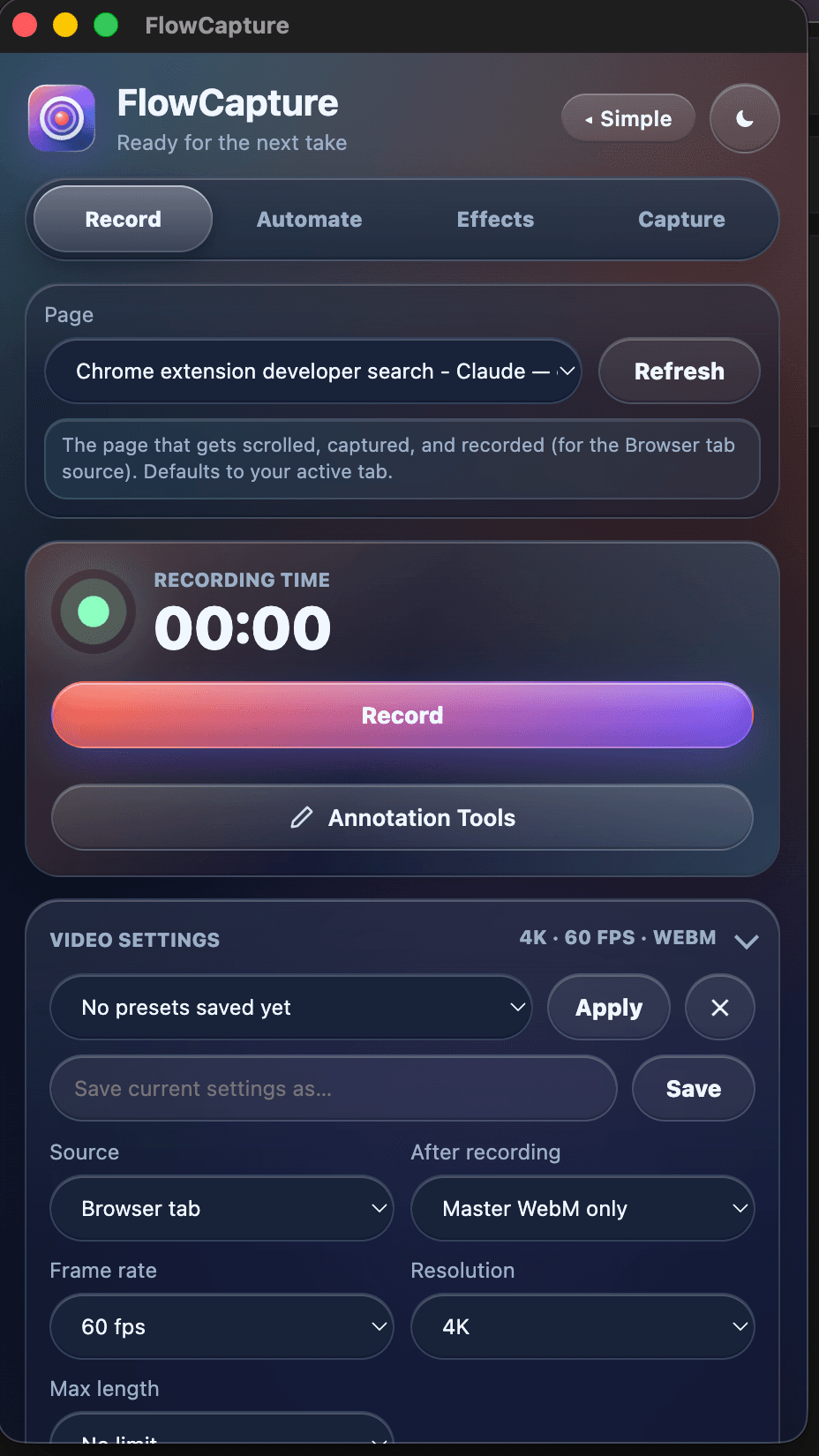
Simple mode for a quick capture, or the full studio when you want every control — countdown, floating timer, presets.
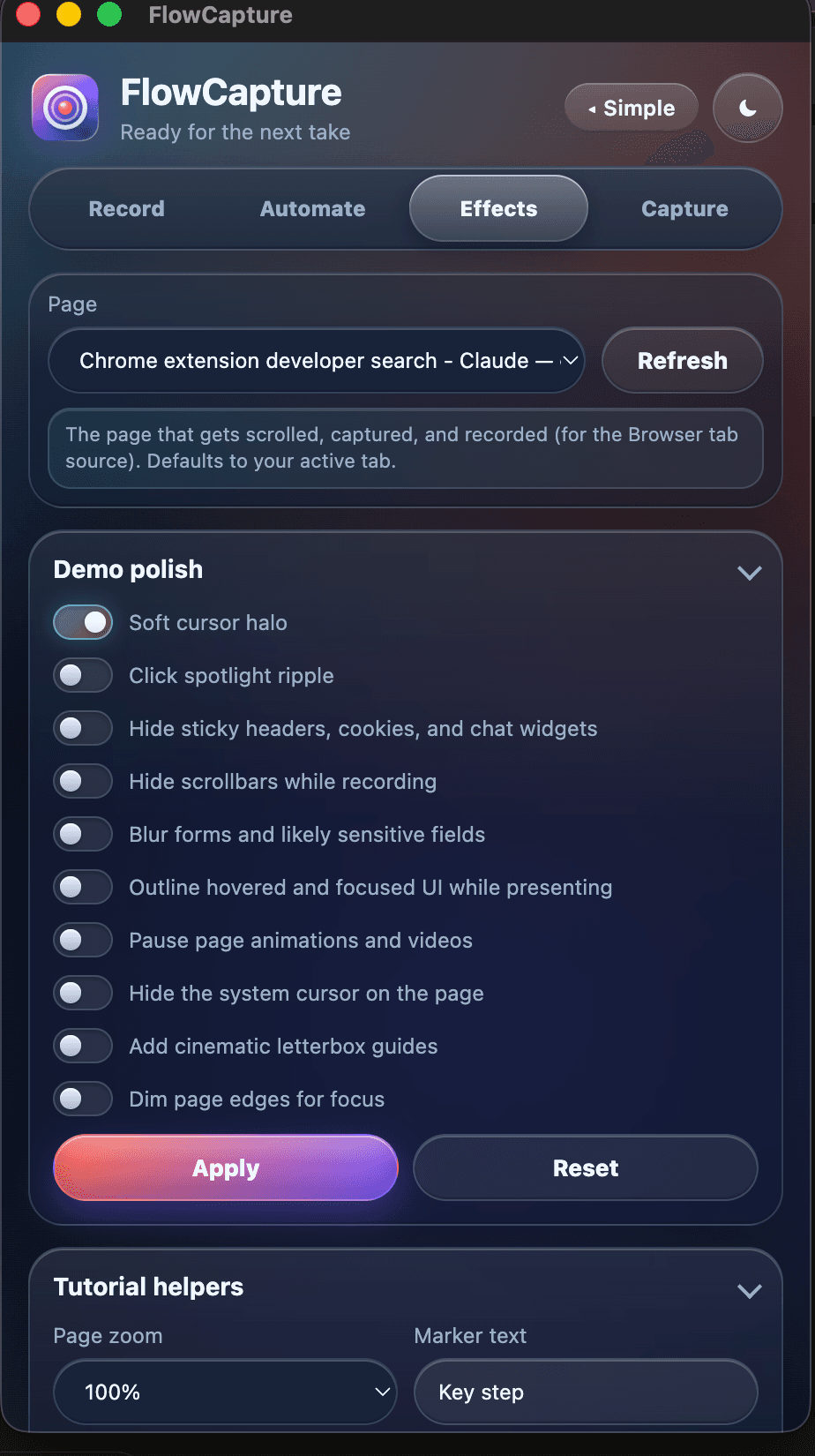
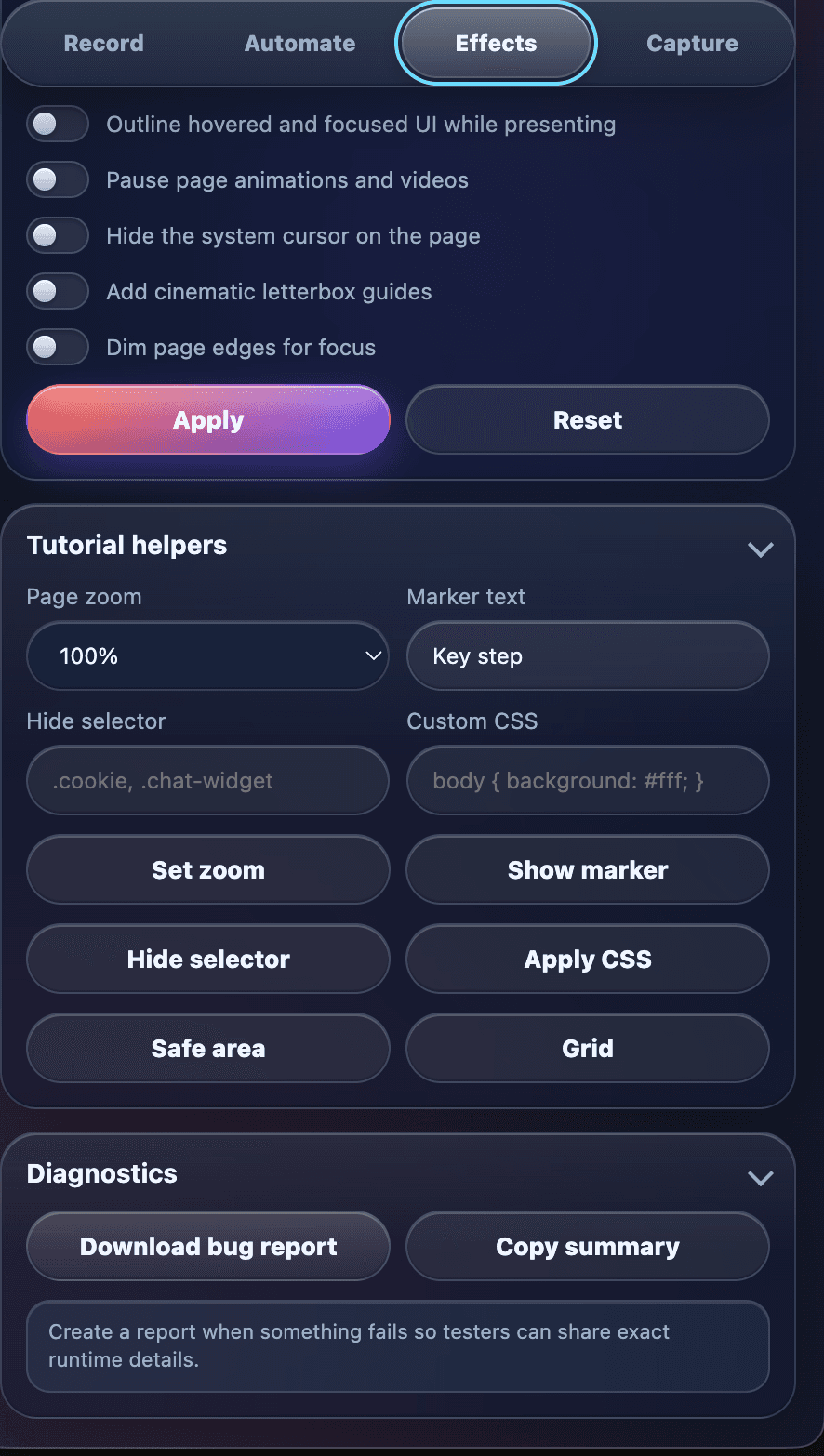
Auto-zoom on clicks, XL cursor, browser frame, and background — turn a raw screen grab into a polished demo.
A slim, glassy toolbar right on the page: pen, arrows, highlighter, numbered badges, spotlight-blur, laser.
Recording, trimming, transcoding, voice cleanup, and background removal all happen locally on your device. No account, no watermark, and nothing is uploaded to an external server.
Read the privacy policy →Install FlowCapture and record your first cinematic demo in under a minute.
Add to Chrome — free