What a B2B SaaS Product Demo Should Show
In short
A B2B SaaS product demo should show the problem, the workflow, and the outcome — not every feature. Here's how to structure one that converts buyers.
A B2B SaaS product demo should show the problem being solved, the specific workflow that solves it, and the outcome the buyer gets — in that order. It is not a feature tour. It is a confidence-building sequence that answers the question every buyer is quietly asking: "Will this actually work for my team?" When you structure your demo around pain, workflow, and outcome, you give buyers exactly what they need to move forward.
Key takeaways
- A demo should open with the problem, not the product
- Show the workflow, not the feature list
- Close with a clear outcome the buyer can picture for their team
- B2B demos need to address both the decision-maker and the end user
- Aim for 3–7 minutes for a full async demo video
- Skip the pricing slides — demos should build confidence, not close deals
What is the actual goal of a B2B SaaS demo?
A B2B demo video has one job: reduce doubt. Your buyer is evaluating two or three tools at the same time. They have thirty minutes on a Tuesday to understand why yours is different. The demo does not need to cover every feature. It needs to answer the one question standing between curiosity and a trial signup or a sales call.
That question is usually some version of: "Can this tool actually do what I need it to do for my specific situation?" Everything in your demo should point toward answering it.
What should come first in a B2B product demo?
Open with the problem, not the product logo.
Most SaaS demos open with a welcome screen and a quick overview of what the software is. This is the wrong order. Your buyer already knows what the software is — that is why they clicked. What they do not know yet is whether you understand their problem.
Spend the first 30 seconds describing the frustration the product solves. Be specific. "Managing customer data across five disconnected tools" lands harder than "We help teams with data management." If you can name the exact pain, you earn the next four minutes of attention.
Which features should a B2B SaaS demo show?
Show the features that solve the core pain. Not all features. Not every integration. The two or three things your best customers use most in their first week.
This is where most product demos go wrong. They try to impress by showing everything. But a buyer watching a feature tour starts asking "what is relevant to me?" instead of "how do I get started?" Narrow the scope. A demo that shows three capabilities cleanly outperforms one that shows twelve in a rush.
For enterprise and team-focused tools, it also helps to briefly show what an admin sees versus what an end user sees. B2B buyers often have two stakeholders watching: the decision-maker who controls the budget and the team member who will actually use it. One demo clip, structured clearly, can address both.
What does the workflow sequence look like in a well-structured demo?
A high-performing B2B SaaS demo follows this structure:
- Problem (30–45 seconds): Name the pain your buyer recognizes
- Setup (30–60 seconds): Show how easy it is to get started — import data, connect a tool, invite a teammate
- Core workflow (2–4 minutes): Walk through the primary use case from start to output
- Outcome (30–60 seconds): Show the result — the report generated, the time saved, the process completed
- Next step (15–30 seconds): Tell them exactly what to do next
The outcome section is often skipped, but it is one of the most important. A buyer can picture themselves doing the workflow; what they need is to see themselves showing that result to their manager. Show the before and after if you can.
At SaaS Master, we have produced demo videos for 200+ brands since 2019 — more than 800 videos total — and the ones that convert consistently are the ones that end on the outcome, not the feature.
Should a B2B demo video have narration or on-screen text?
Both. But they should serve different purposes.
Narration carries the story and the reasoning. The voice is what makes a product demo feel personal rather than like a slideshow. A well-written script that sounds like a person explaining something to a colleague — not a marketing department reading bullet points — is the difference between a demo that gets watched and one that gets skipped after twenty seconds.
On-screen text handles specifics: labels for features, callouts on where to click, titles for each section. This matters for buyers watching without sound (common on LinkedIn and at the office) and for accessibility.
For most B2B products, a screen recording with professional narration, motion callouts, and clean cuts is more effective than a live sales demo recording. It is repeatable, always performs the same way, and can be shared asynchronously across a buying team.
If you want to see examples of this format across different product types, the SaaS Master portfolio covers a range of demo styles for tools at different price points and complexity levels:
https://saasmaster.net/portfolio
How long should a B2B SaaS product demo video be?
3 to 7 minutes for a full async demo. Under 90 seconds for a homepage or ad version.
One mistake companies make is building a single demo that is supposed to do everything — work as a homepage hero, get shared in sales emails, and live on a landing page. These are different contexts with different attention spans.
Build two versions: a short version (60–90 seconds) that covers the problem, the product name, and the outcome for top-of-funnel and paid channels; and a full version (4–7 minutes) for your product page, your sales team, and prospects who are actively evaluating.
The short version hooks them. The full version closes the gap between interest and action.
For software demo video production that covers both formats, see what this looks like in practice:
https://saasmaster.net/software-demo-videos
What should a B2B SaaS product demo not include?
- Pricing (unless you are making a video specifically for your pricing page)
- Every feature and every integration
- Competitor comparisons
- Long intro sequences with animated logos
- Generic business stock footage that has nothing to do with your product
The goal is not to show everything the product can do. The goal is to show the buyer what they need to see to take the next step.
Frequently asked questions
How is a B2B SaaS product demo video different from a live enterprise sales demo?
A live enterprise sales demo is customized to the specific buyer, usually 30–60 minutes, and happens in real time. A B2B SaaS product demo video is pre-recorded, designed to work for any qualified buyer, and under 10 minutes. The video supplements the live demo — it is what your SDR sends before the call, what your champion shares with their team, and what lives on your product or pricing page for self-serve evaluation.
Should I show real data or dummy data in a product demo video?
Show clean, realistic dummy data that looks like what a buyer's actual data would look like. Avoid messy test accounts and obviously fake entries like "Test Company" or "$0.00." The goal is verisimilitude — the buyer should be able to picture their own data in the interface. Real customer data almost always creates privacy and legal complications and is rarely worth it.
How often should a B2B SaaS company update its product demo video?
Any time a major UI change ships, when you rebrand, or when your core positioning shifts. Minor feature additions usually do not require a full reshoot — you can extend the existing video or add a supplemental walkthrough. A good rule of thumb: if a buyer watched the video today and then opened the product, would they recognize what they see? If not, it is time to update.
Need this type of video for your product? Request a client-owned SaaS video production quote: https://saasmaster.net/saas-video-production
Was this article helpful?
Jorge Aguilar
Founder & Creator, SaaS Master
Producing SaaS and AI product videos since 2019 — 800+ videos for 200+ brands, covering tutorials, demos, walkthroughs, and explainers. Writing here about the tools, trends, and tactics that actually move the needle. LinkedIn · About · Work with me
Need a product demo, walkthrough, or SaaS explainer?
Client-owned videos that make your product easy to understand — demos, walkthroughs, onboarding, and explainers.
Explore SaaS video productionRelated guides
More Product Demos & Video Marketing →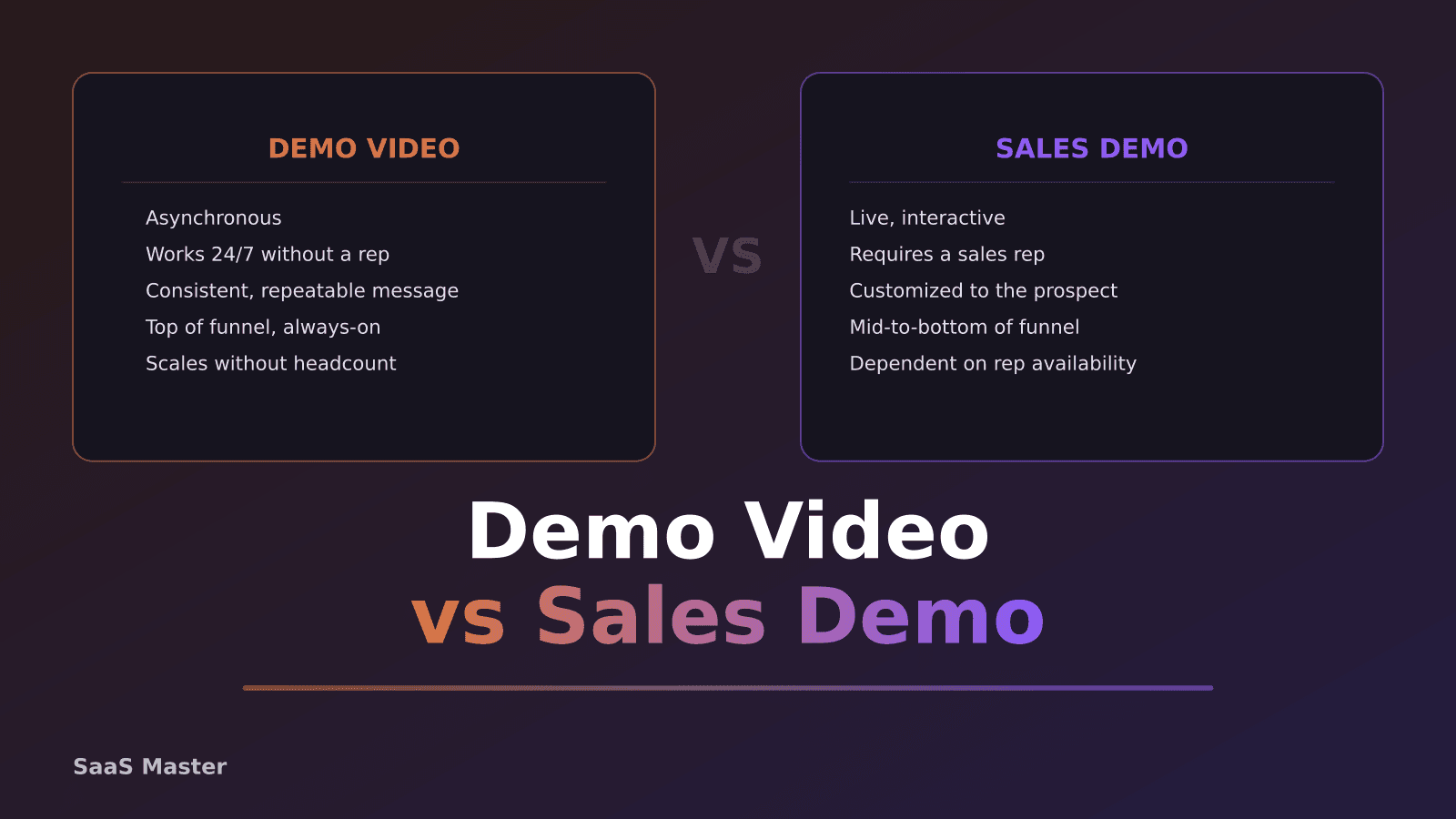
SaaS Demo Video vs Sales Demo: What Is the Difference?
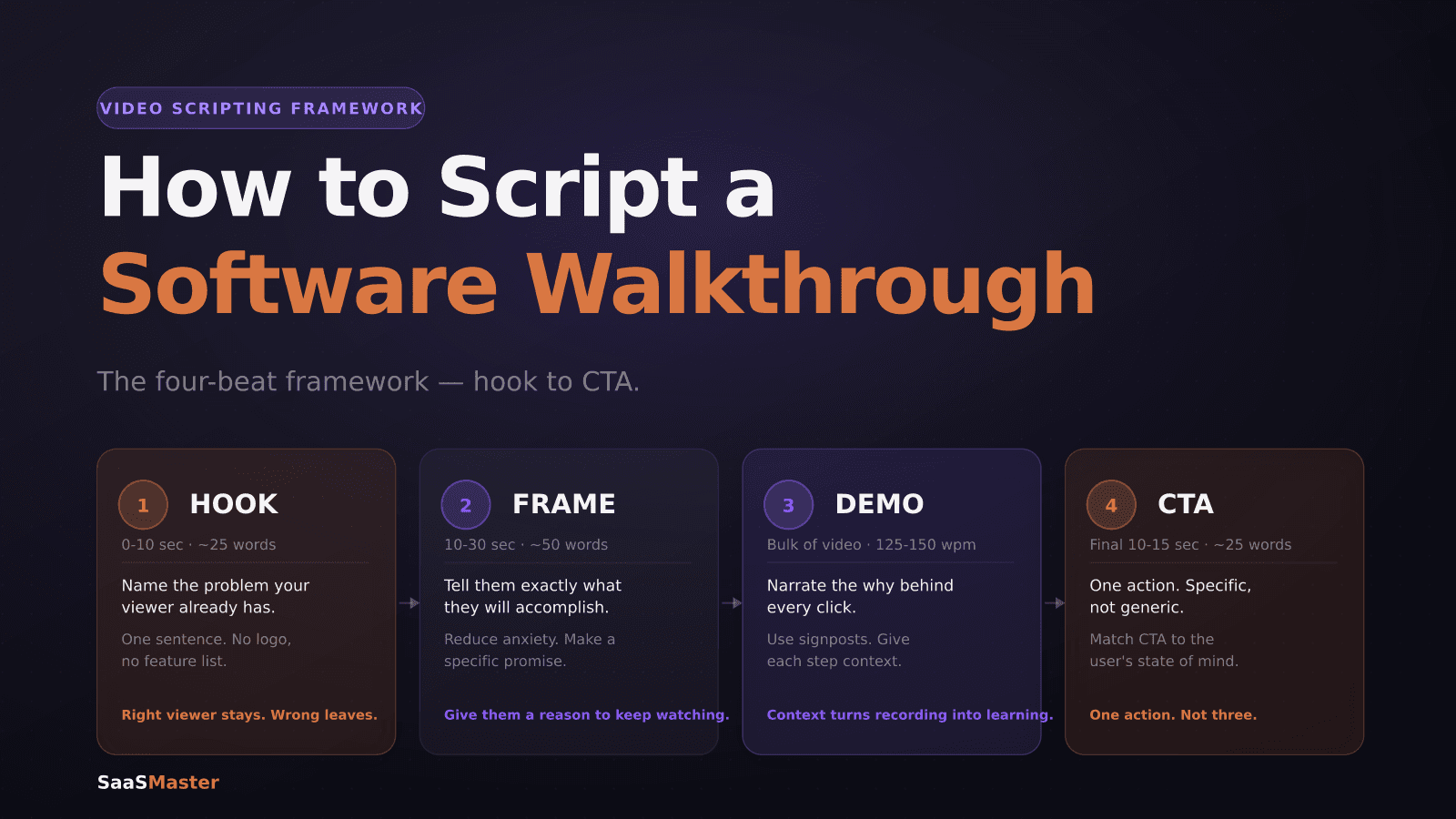
How to Write a Software Walkthrough Video Script That Actually Gets Watched
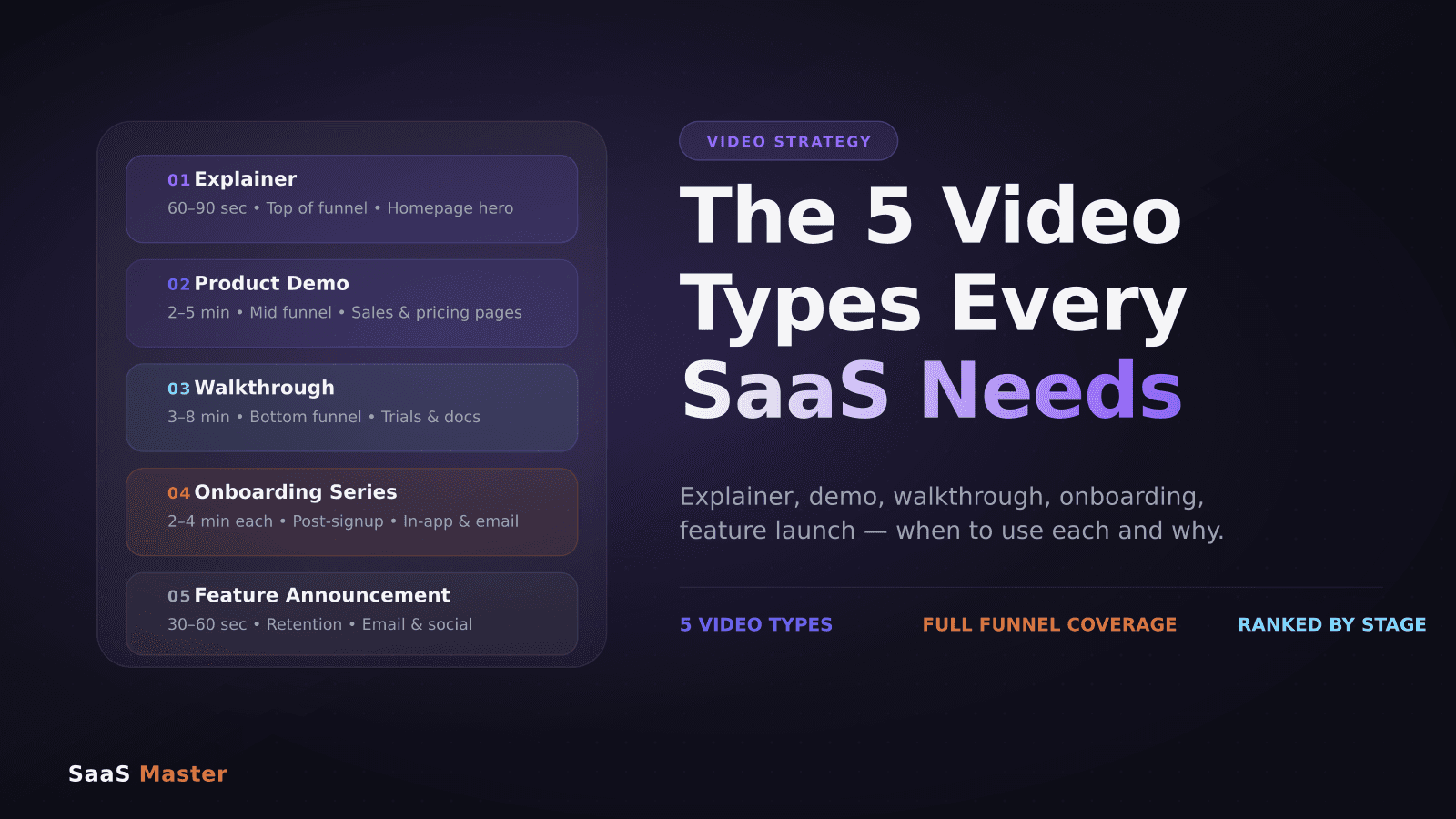
The 5 Video Types Every SaaS Company Needs (And When to Use Each)