The Self-Hosted AI Stack: Own Your Tools, Own Your Data in 2026
In short
Subscription fatigue meets privacy concerns: why founders are self-hosting open-source AI tools on a $10 VPS — and the exact stack to start with in 2026.
Add up what a typical small team pays for automation, analytics, PDF tools, transcription, and an AI assistant or two, and you land somewhere between $200 and $600 a month — for tools that each hold a piece of your business data on someone else's servers.
That math is why self-hosting went from a hobbyist niche to a mainstream founder move in 2026. The open-source versions of these tools got genuinely good, and one-click Docker deployment on a cheap VPS removed the technical barrier. You can now run a serious AI-powered stack for the price of one SaaS seat.
The starter stack: five tools, one server
A single mid-range VPS comfortably runs all of these side by side:
- ActivePieces — open-source Zapier/Make alternative with AI steps and unlimited workflows, no per-task pricing
- Ackee or Umami — privacy-first analytics that keep visitor data on your server and out of third-party hands
- Paperclip — an AI 'workforce' system where agents work through issues like a project team instead of a chat window
- BentoPDF — every PDF tool you pay for, self-hosted, so contracts and invoices never touch a stranger's cloud
- An open-weight LLM endpoint — for teams that want AI features without sending customer data to external APIs
What self-hosting actually buys you
Three things: predictable cost (a flat server bill instead of per-seat, per-task creep), data ownership (your customer records, documents, and analytics stay on hardware you control — which makes compliance conversations dramatically easier), and no rug-pulls (nobody sunsets your plan, raises your tier, or trains on your data).
The honest trade-off is responsibility. Updates, backups, and security are yours now. The modern panels make this far less scary than it sounds — Docker managers handle updates, snapshots handle backups — but go in knowing you're the ops team.
Start small, prove it, expand
The pattern that works: pick the one subscription that annoys you most, self-host its open-source equivalent for a month, and compare. Most founders who try this with an automation tool or analytics never go back — then migrate two or three more tools onto the same server at zero marginal cost.
If you'd rather watch the whole setup before touching a terminal, the SaaS Master YouTube channel walks through these exact installs step by step — Docker manager, domain, SSL, and all.
Was this article helpful?
Jorge Aguilar
Founder & Creator, SaaS Master
Producing SaaS and AI product videos since 2019 — 800+ videos for 200+ brands, covering tutorials, demos, walkthroughs, and explainers. Writing here about the tools, trends, and tactics that actually move the needle. LinkedIn · About · Work with me
Building an AI product that needs a clearer onboarding flow?
Client-owned videos that make your product easy to understand — demos, walkthroughs, onboarding, and explainers.
Explore AI product video productionRelated guides
More AI Tools & AI Workflows →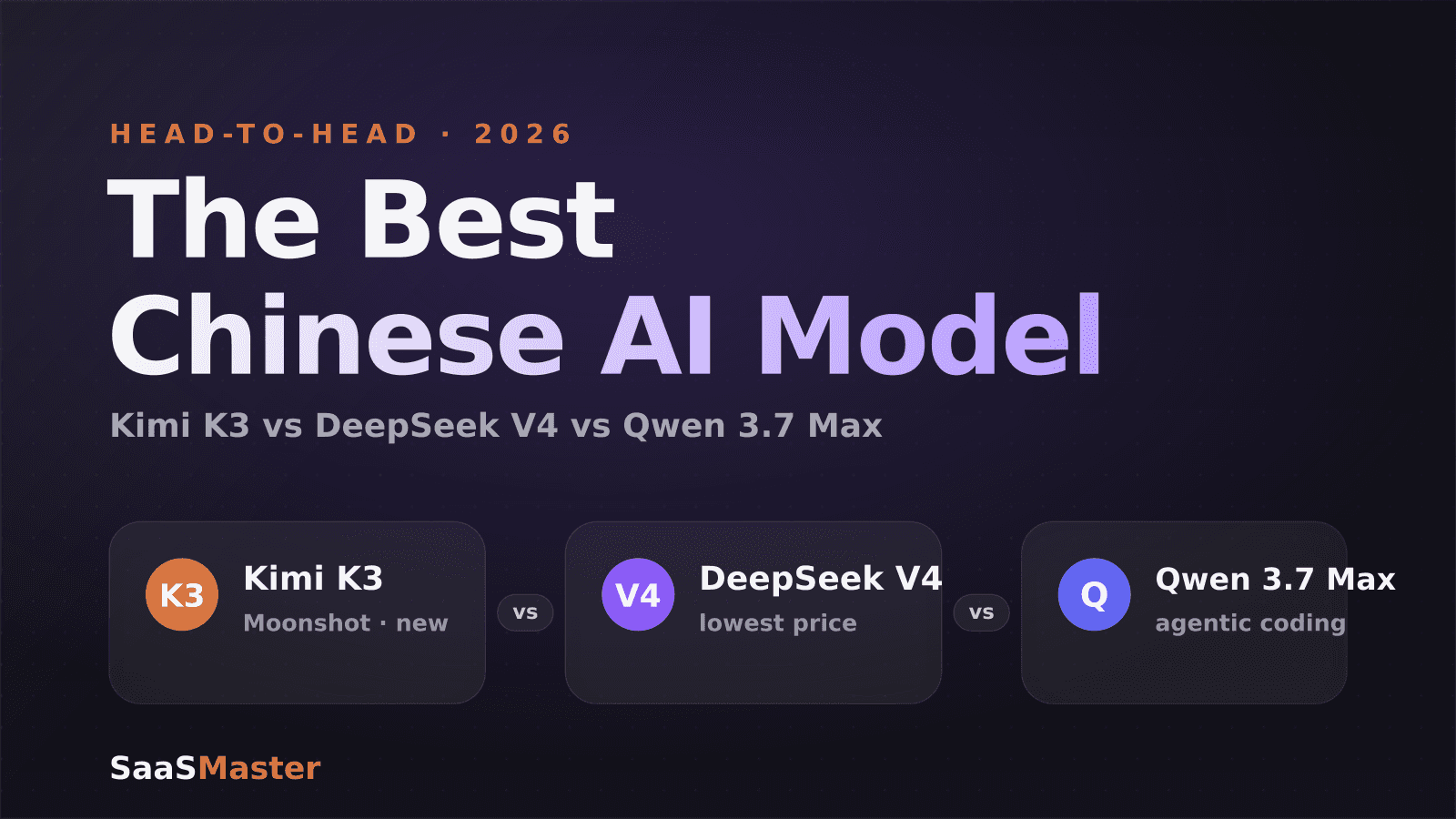
Kimi K3 vs DeepSeek V4 vs Qwen 3.7 Max: The Best Chinese AI Model in 2026
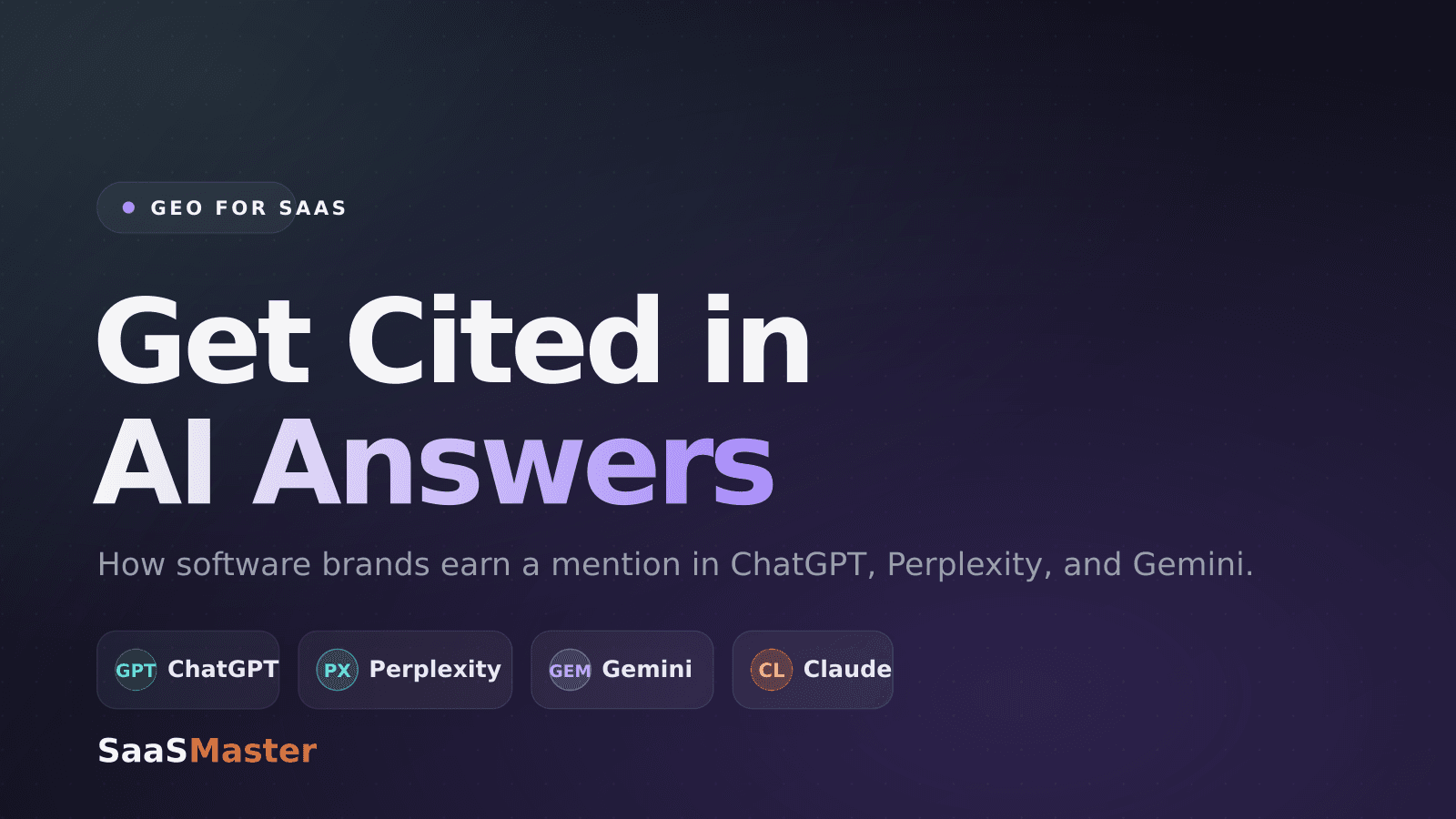
GEO for SaaS: How to Get Your Software Cited in AI Answers
Claude Code vs Cursor vs Windsurf: The Best AI Coding Agent in 2026