AI Tools
Claude Sonnet 5 for SaaS Customer Support: Building Reliable AI Agents in 2026
In short
Claude Sonnet 5's improved tool use and reasoning make it the best model for SaaS support agents in 2026. Here is how to build a tiered support system that resolves 65-80% of tickets without human intervention.
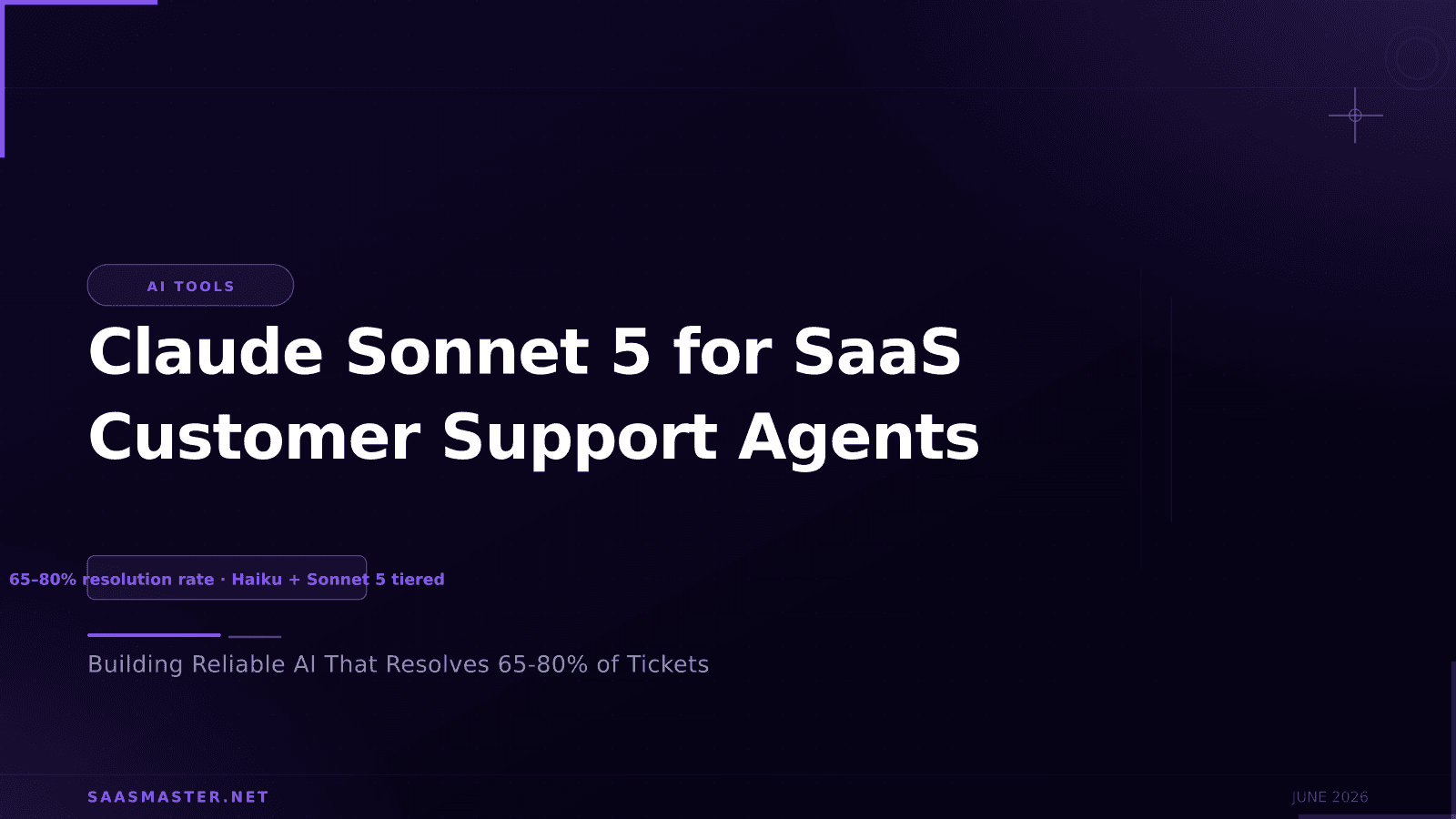
Customer support is one of the highest-stakes AI deployment areas for SaaS companies, and Claude Sonnet 5's improvements in reasoning, instruction following, and agentic reliability make it a meaningful upgrade for support agents built in 2026. A support agent powered by Sonnet 5 can classify tickets, draft responses, look up account data, escalate appropriately, and complete multi-step resolution workflows more reliably than previous-generation models. Here is how to build it right.
Key takeaways
- Sonnet 5's improved tool use reliability means support agents complete multi-step lookups and account checks without stalling mid-workflow.
- Claude's Constitutional AI training makes it well-suited for support contexts where tone, empathy, and appropriate escalation matter.
- A tiered architecture with Haiku 4.5 for classification and Sonnet 5 for complex responses reduces API costs by 60 to 80%.
- Knowledge base integration using Sonnet 5's 1M token context allows large documentation to inform responses without chunking.
- Human escalation paths are required in production. Sonnet 5 handles most tickets but SaaS customers expect human review for complex issues.
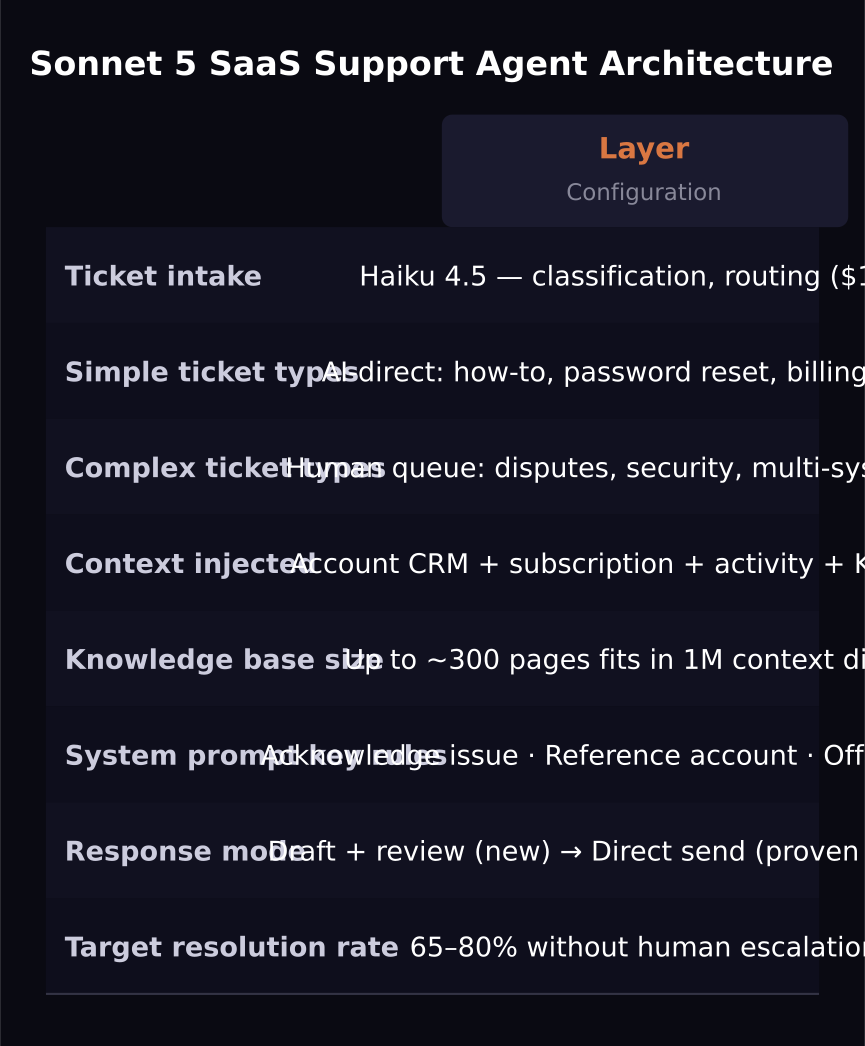
The support agent architecture
A well-designed SaaS support agent using Sonnet 5 has four layers: intake and classification, context retrieval, response generation, and escalation handling.
Intake classification is handled by Haiku 4.5. Every incoming ticket is classified by urgency, topic category, and whether it is answerable by the AI alone. Simple tickets (password resets, billing lookups, how-to questions) stay with the automated workflow. Complex tickets (billing disputes, multi-system bugs, account security issues) are flagged for human review before or after AI response drafting.
Context retrieval pulls account data from your CRM, subscription status from Stripe, recent activity from your product database, and relevant knowledge base articles. Sonnet 5 receives all of this as context alongside the customer's ticket.
Response generation uses Sonnet 5 with a system prompt that defines the support persona, tone, escalation criteria, and response format. The model drafts a response, references the specific account context, and either sends it (for simple cases) or queues it for human review (for sensitive cases).
Tone and empathy in support contexts
Sonnet 5's training includes strong emphasis on helpful, thoughtful responses that acknowledge the customer's situation before jumping to a solution. This is valuable in support contexts where frustrated customers respond poorly to robotic deflection.
Instruct the model in the system prompt to: acknowledge the specific issue before explaining the solution, avoid corporate jargon and canned phrases, reference account-specific details to show context awareness, and always offer a next step rather than closing with a generic response.
Knowledge base integration
Sonnet 5's 1 million token context window allows you to include large knowledge base documents directly in the context rather than chunking and retrieving pieces via RAG. For a support knowledge base up to several hundred pages, this is a practical approach that avoids retrieval errors.
Embed your full knowledge base in the system prompt context once and use it across all support calls. The model will reference the correct sections for each ticket type without requiring a separate retrieval system. This simplifies architecture significantly for teams with under 500 knowledge base articles.
For very large knowledge bases above the context limit, use a hybrid approach: pre-classify the ticket to identify the relevant documentation category, then inject only that category's content into the context.
Measuring agent quality
Track three metrics for your Sonnet 5 support agent: resolution rate (tickets resolved without human escalation), CSAT on AI-handled tickets versus human-handled tickets, and average handle time. A well-tuned Sonnet 5 support agent should achieve 65 to 80% resolution rate on a typical SaaS product's ticket volume.
Monitor for systematic failures: ticket types the agent consistently handles poorly should be added to the human escalation list rather than letting the model attempt and fail repeatedly.
Frequently asked questions
Should the AI send responses directly or draft them for human review?
For a new deployment, start with human review on all responses for the first two to four weeks. Track accuracy and refine the system prompt. Once accuracy is above 90% on the categories you are monitoring, switch those categories to direct send. High-stakes categories (billing disputes, account security) should remain on human review permanently.
How does Sonnet 5 handle angry or abusive customers?
Claude's training makes it robust to hostile inputs. It does not mirror frustration and maintains a helpful, professional tone under pressure. For customers who cross into genuinely abusive messaging, the model can be instructed to offer escalation to a human agent and end the automated conversation, which is the appropriate response.
What is the cost of running a Sonnet 5 support agent at scale?
For a SaaS product handling 1,000 tickets per day with an average of 800 tokens input and 400 tokens output per ticket, the daily API cost at intro pricing is approximately $4 per day ($2 × 0.8M input + $10 × 0.4M output). At standard pricing after August, approximately $6 per day. At any reasonable SaaS scale, this is substantially cheaper than the cost of human agents handling the same volume.
Was this article helpful?
SaaS Master
Creator behind SaaS Master — tutorials, walkthroughs, reviews, and explainers that help SaaS, AI, and WordPress products get understood and chosen. Writing here about the tools, trends, and tactics that actually move the needle. Work with me →
Want your product explained this clearly — in video?
Tutorials, walkthroughs, reviews, and shorts for SaaS, AI, and WordPress products.
Work With SaaS Master