How to Reduce Support Tickets with Tutorial Videos: A SaaS Playbook
In short
Tutorial videos can deflect 40-60% of routine SaaS support tickets. Here's the exact playbook: what to record first, how long, and where to place each one.
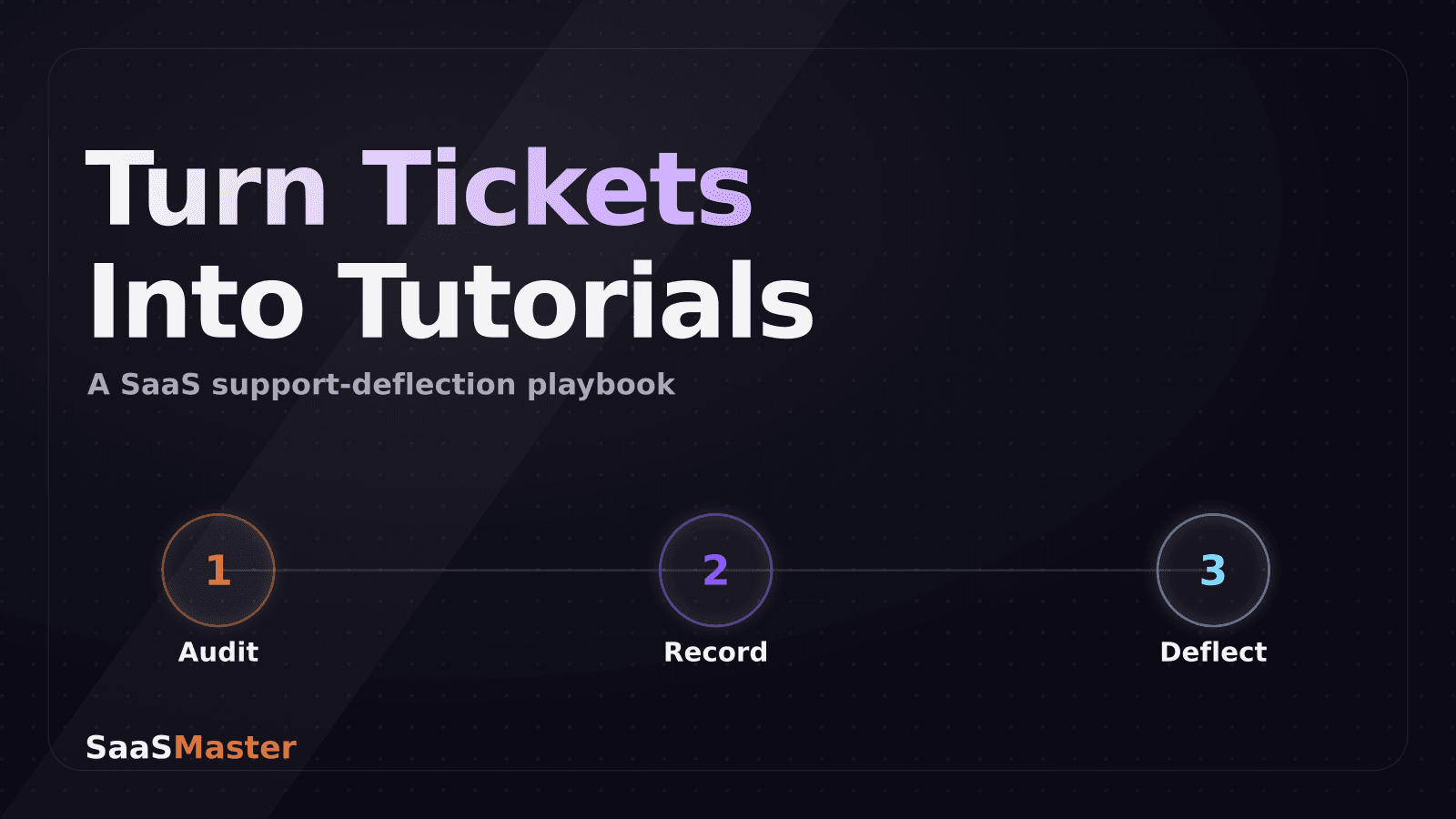
The fastest way to cut support ticket volume is to replace your team's most repeated typed-out answers with short tutorial videos, placed exactly where users get stuck. Most SaaS teams see routine "how do I..." tickets drop by 30 to 50 percent within a quarter of shipping a focused video library, because people would rather watch a 90-second clip than wait on a reply. This is the playbook I use when a SaaS client says their support inbox is drowning in the same five questions.
Key takeaways
- 40-60% of SaaS support tickets are repeatable how-to questions about features that are already documented — this is the bucket tutorial video attacks.
- Start with a ticket audit, not a wishlist: your top 10 recurring tickets tell you exactly which videos to make first.
- Keep each tutorial video under 90 seconds and scoped to one task. Longer videos get abandoned before the answer arrives.
- Placement matters as much as content — a video buried in a help center gets a fraction of the views one embedded in-app or in the confirmation email gets.
- Track deflection with a simple before/after ticket count on the specific workflow you filmed, not just total support volume.
Why tutorial videos deflect tickets that documentation can't
Written help docs work fine for people who already know roughly what they're looking for. They fail for the much bigger group who don't know the right words to search, or who are looking at an unfamiliar interface and can't map a paragraph of instructions onto the buttons in front of them. A short screen-recorded video removes that translation step entirely — the viewer sees the exact click path, in the exact product, and copies it.
This is also why interactive walkthroughs and video aren't really competing tools, they're solving different moments. An in-app interactive guide is great the first time someone touches a feature. A video wins for anything with visual nuance — formatting, drag-and-drop, a settings screen with a dozen toggles — where "just click here" doesn't capture what actually needs to happen. If you're weighing the two, our guide on how to choose between a SaaS demo, tutorial, and explainer video breaks down when each format earns its spot.
The other reason video deflects tickets that docs don't: it's forwardable. Support agents stop typing the same three paragraphs by hand and instead paste a link. That alone frees up meaningful agent time even before ticket volume drops, because the reply that used to take four minutes to write now takes ten seconds to send.
Which tutorials to make first (the ticket audit)
Don't guess. Pull the last 90 days of support tickets and tag them by the workflow they're about, not by product area. "How do I export a report as CSV" and "how do I export a report as a scheduled email" are different tickets even though they're both about exports.
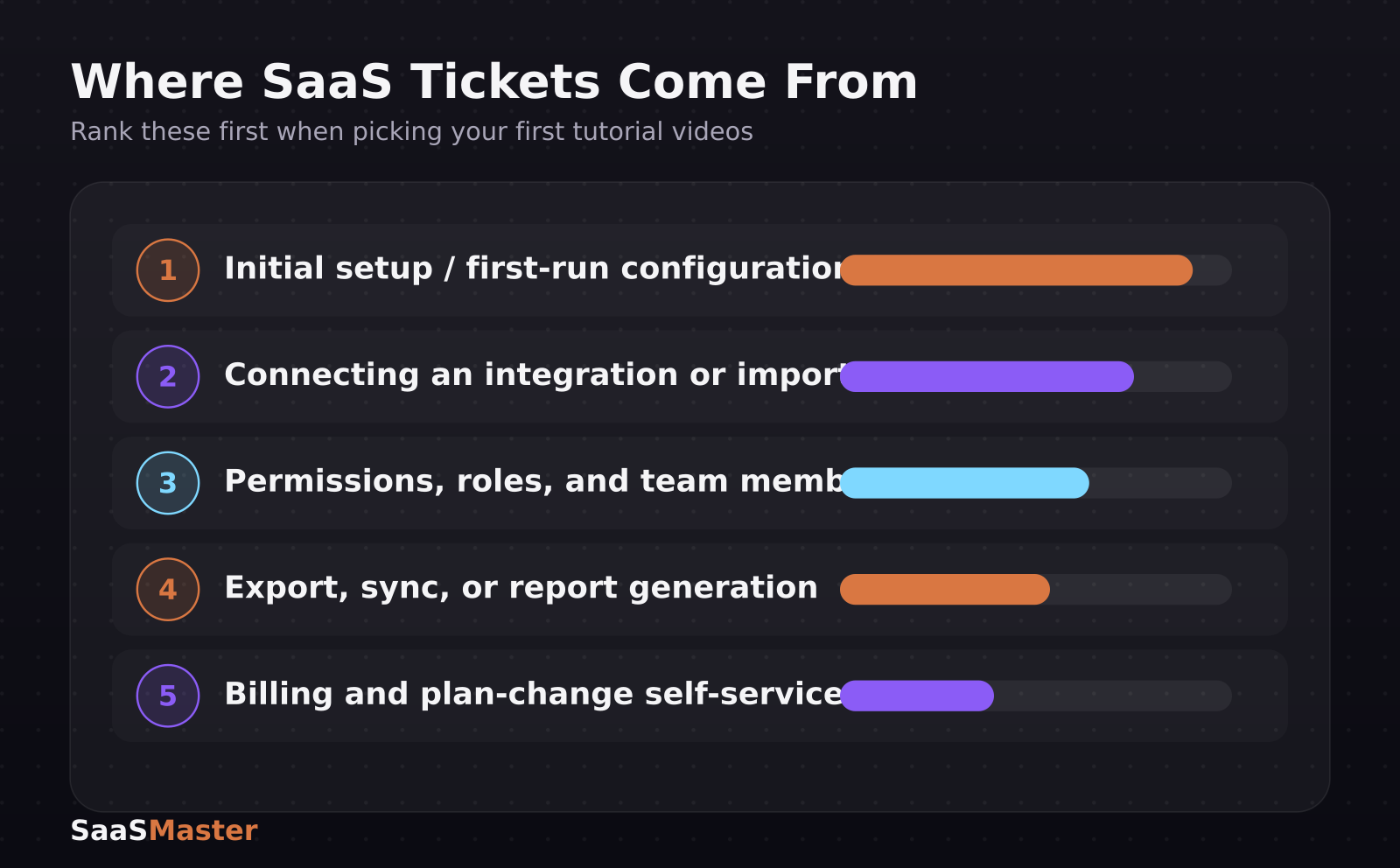
Rank the tags by volume, then cross off anything caused by a genuine product bug — video won't fix broken behavior. What's left is your production list. In practice, ranked by how often I see this in client ticket exports, the first five tutorials worth making are almost always:
- Initial setup or first-run configuration (the single biggest ticket source in most SaaS products)
- Connecting an integration or importing existing data
- Setting up permissions, roles, or team members
- Any export, sync, or report-generation flow
- Billing and plan-change self-service steps
If your product is new enough that you don't have 90 days of tickets yet, use the same list as a starting default — these five categories generate the bulk of first-30-days confusion in almost every SaaS product I've worked with, and they line up closely with the workflows covered in SaaS onboarding videos that reduce support and improve activation.
How long should a support tutorial video be?
Shorter than you think. The moment a tutorial video runs past the length of the task it's explaining, people stop watching and file the ticket anyway. As a working rule: 60-90 seconds for a single-task tutorial, and never longer than 3 minutes even for a multi-step setup flow — if a setup process genuinely takes longer than that to explain, split it into two or three videos rather than one long one.
Structure each video the same way every time so viewers know what to expect:
- 0-5 seconds: name the exact task ("Here's how to invite a teammate")
- 5-10 seconds: show the starting point (where in the product this begins)
- 10 seconds to the end: the click path, narrated plainly, no filler
- Last 5 seconds: what confirms it worked (a success message, a new row appearing, a badge changing state)
That closing confirmation matters more than people expect. Viewers who aren't sure the action worked will still file a ticket asking "did that actually save?" — showing the result closes that loop.
Where to place tutorial videos so people actually watch them
A video sitting in a help center article that nobody visits doesn't deflect anything. Placement decides whether the video gets watched before the ticket gets typed, not after. In order of effectiveness, based on what I've seen move the needle for clients:
1. In-app, contextual to the exact screen where confusion happens (a small "watch a 60-second walkthrough" link next to the relevant setting) 2. Inside the automated email that fires when someone hits the confusing step (e.g., an integration-connection email with the setup video embedded) 3. Linked directly from the chat widget's canned response for that topic, so agents and bots can drop it in one click 4. The help center article itself, but positioned above the written steps, not below them
Notice that "help center" is last on that list, not first. Most teams build the video library and stop at step 4. The teams who actually see ticket volume move do steps 1 and 2 as well, because those catch the user at the moment of friction instead of after they've already given up and opened a ticket.
How to script a tutorial video that doesn't need a re-record every release
The biggest hidden cost of a tutorial video library is maintenance — a UI redesign can quietly make half your library wrong. You can dodge most of this with how you script and shoot:
- Narrate the goal and the location, not the literal button label ("open your account settings" ages better than "click the gear icon in the top right," which breaks the moment that icon moves)
- Avoid zooming in tight on UI chrome that's likely to be redesigned; frame the action, not the pixel-perfect toolbar
- Keep a lightweight version-tag on each video's filename and a quarterly review reminder tied to your product release calendar, so re-recording is a scheduled five-minute check instead of a support ticket discovering it for you
- Record a script-only voiceover separately from the screen capture where practical — if only the UI changes, you can often re-shoot just the footage and reuse the same narration
If your team is building this out at scale, the full system for planning, scripting, and maintaining a video library is covered in The Complete SaaS Video Marketing Strategy Guide, and our breakdown of how to script a software walkthrough video that keeps viewers watching goes deeper on pacing and structure for longer walkthroughs specifically.
Measuring whether it's working
Resist the urge to just watch total ticket volume — too many other variables move that number. Instead, track deflection per workflow: pick the specific ticket tag you built a video for, note the weekly ticket count for that tag in the four weeks before the video went live, then compare it to the four weeks after. A real deflection effect typically shows up within two to three weeks, once the video has had time to get surfaced through the placements above.
Pair that with a simple thumbs up/down or "was this helpful" prompt under the embedded video itself. It's not scientific, but a video sitting at 20% helpful votes is telling you the tutorial doesn't match what people are actually confused about, and it's worth re-scripting before you invest in polishing production quality.
Frequently asked questions
Do tutorial videos actually reduce support tickets, or just delay them?
They reduce them for genuinely repeatable how-to questions — the 40-60% of tickets that are really the same handful of workflows asked over and over. They won't touch tickets caused by bugs, missing features, or account-specific issues, so don't expect total ticket volume to fall by the same percentage; expect the specific workflows you've filmed to drop.
Should tutorial videos have a real person on camera, or is screen recording enough?
Screen recording with a clear voiceover is enough, and often better — viewers came to see the product, not a presenter. Save on-camera segments for onboarding or explainer content where building trust in a person matters more than showing a click path.
How many tutorial videos does a SaaS product actually need?
Fewer than most teams assume. A focused library of 8-15 videos covering your top recurring ticket categories will out-deflect a sprawling 50-video library nobody can find, because a smaller set is easier to keep placed correctly and easier to keep current after product changes.
For teams that want this filmed and scripted properly rather than shot on a laptop webcam, our software walkthrough videos service builds exactly this kind of ticket-deflecting library from a support ticket audit through final delivery.
Was this article helpful?
Jorge Aguilar
Founder & Creator, SaaS Master
Producing SaaS and AI product videos since 2019 — 800+ videos for 200+ brands, covering tutorials, demos, walkthroughs, and explainers. Writing here about the tools, trends, and tactics that actually move the needle. LinkedIn · About · Work with me
Need a product demo, walkthrough, or SaaS explainer?
Client-owned videos that make your product easy to understand — demos, walkthroughs, onboarding, and explainers.
Explore SaaS video production