WordPress + AI in 2026: The Plugins and Workflows That Actually Move the Needle
In short
WordPress powers 40% of the web, and AI is being bolted onto every corner of it. Here's what's actually worth installing in 2026 — and the AI features that are still noise.
Every WordPress plugin added an 'AI' tab somewhere in the last two years. Most of them wrap the same API around a text box and call it a feature. But underneath the noise, a handful of AI workflows have become genuinely standard on serious WordPress sites in 2026 — and they're not the ones the marketing pages shout about.
The AI workflows earning their keep
Across client sites and plugin ecosystems, these are paying for themselves:
- AI-assisted SEO at the post level — tools like Search Atlas's WordPress integration handle schema, canonicals, internal linking, and metadata in bulk, which used to be an agency retainer
- Support deflection — AI chat trained on your docs and content, answering pre-sales and how-to questions directly on the site
- Image pipeline — generation, compression, alt-text, and renaming handled automatically on upload (a quiet accessibility and SEO win)
- Content refresh at scale — AI flagging stale posts, suggesting updates, and drafting revisions for human review across hundreds of posts
What's still mostly noise
One-click 'write my whole blog post' buttons produce content that readers bounce from and AI search engines ignore — generic text doesn't earn citations. AI page builders that generate entire layouts still produce sites that look like everyone else's. And any plugin whose AI feature is just a chat box with no connection to your actual content is shelf-ware.
The pattern: AI that operates on your existing content and data creates value. AI that generates from nothing creates noise.
For plugin and theme makers: the education gap is the opportunity
If you build WordPress products, there's a window right now. Users are confused about AI features — what they do, what data they touch, whether they're worth enabling. The products winning reviews aren't necessarily the most powerful; they're the best explained.
A two-minute video showing the AI feature solving a real problem outperforms a documentation page every time. Confused users churn quietly; users who've watched the feature work become the review section's best defenders.
Was this article helpful?
Jorge Aguilar
Founder & Creator, SaaS Master
Producing SaaS and AI product videos since 2019 — 800+ videos for 200+ brands, covering tutorials, demos, walkthroughs, and explainers. Writing here about the tools, trends, and tactics that actually move the needle. LinkedIn · About · Work with me
Launching a plugin, theme, or WordPress product?
Client-owned videos that make your product easy to understand — demos, walkthroughs, onboarding, and explainers.
Explore WordPress video productionRelated guides
More WordPress & Website Tools →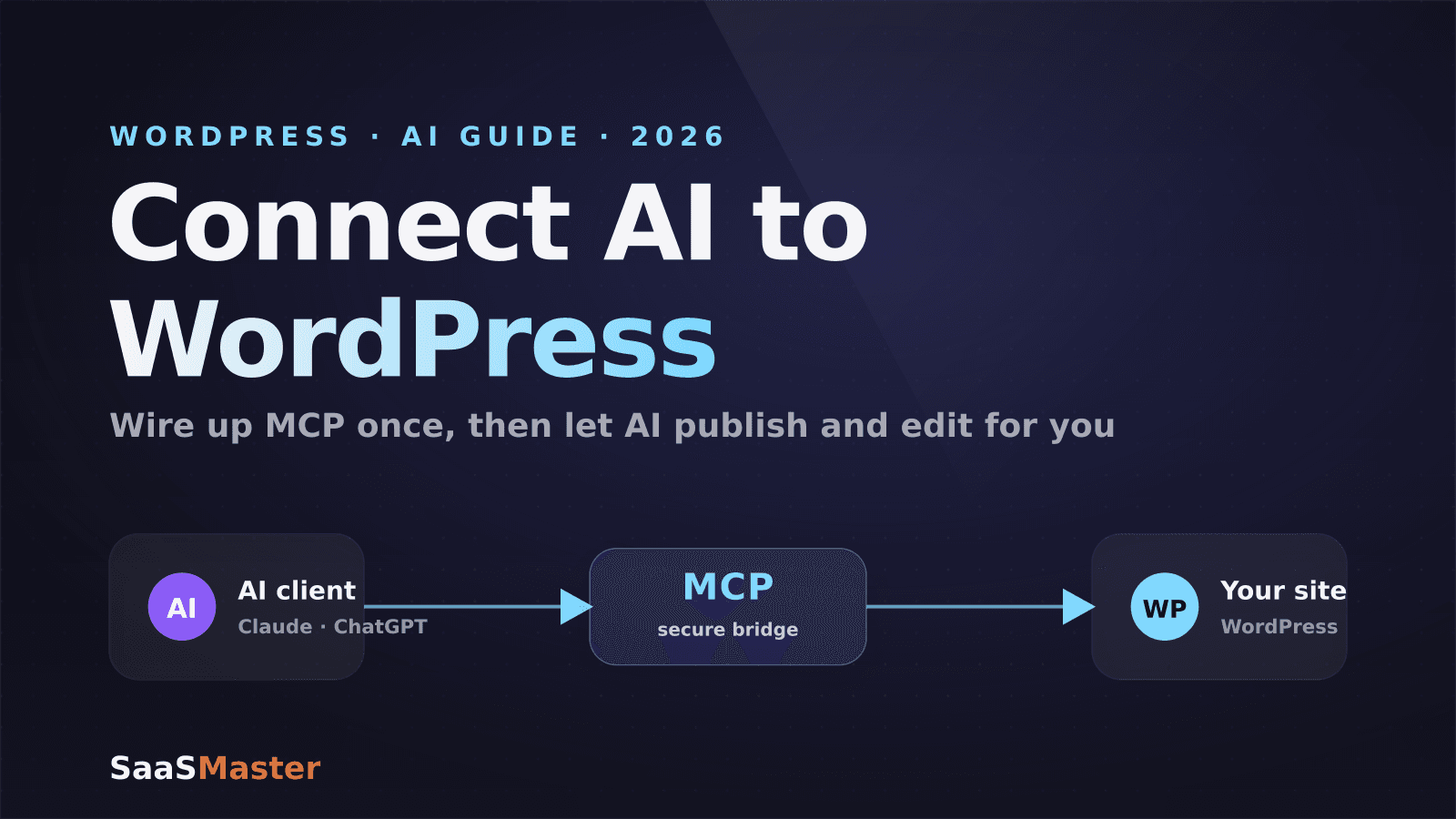
How to Connect AI to Your WordPress Site with MCP (2026 Guide)
How to Use Angie, Elementor's Free Agentic AI Plugin for WordPress
How to Make a WordPress Plugin Demo Video That Drives Adoption