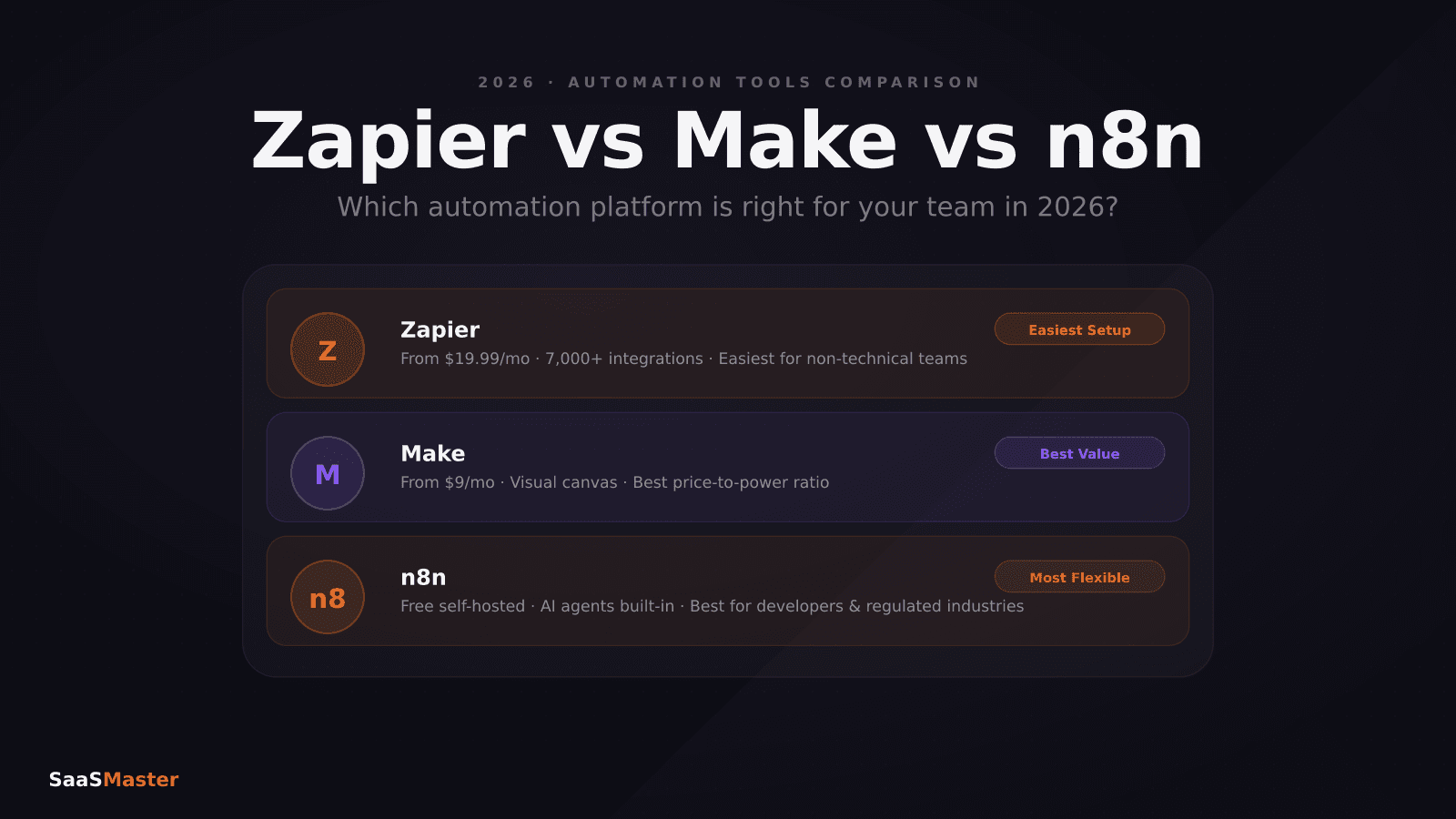
n8n vs Zapier vs Make in 2026: Real Pricing, AI Agents, and Which One Fits Your Stack
In short
n8n vs Zapier vs Make 2026: per-execution vs per-task pricing, AI agent capabilities, self-hosting, and which platform fits your team size.
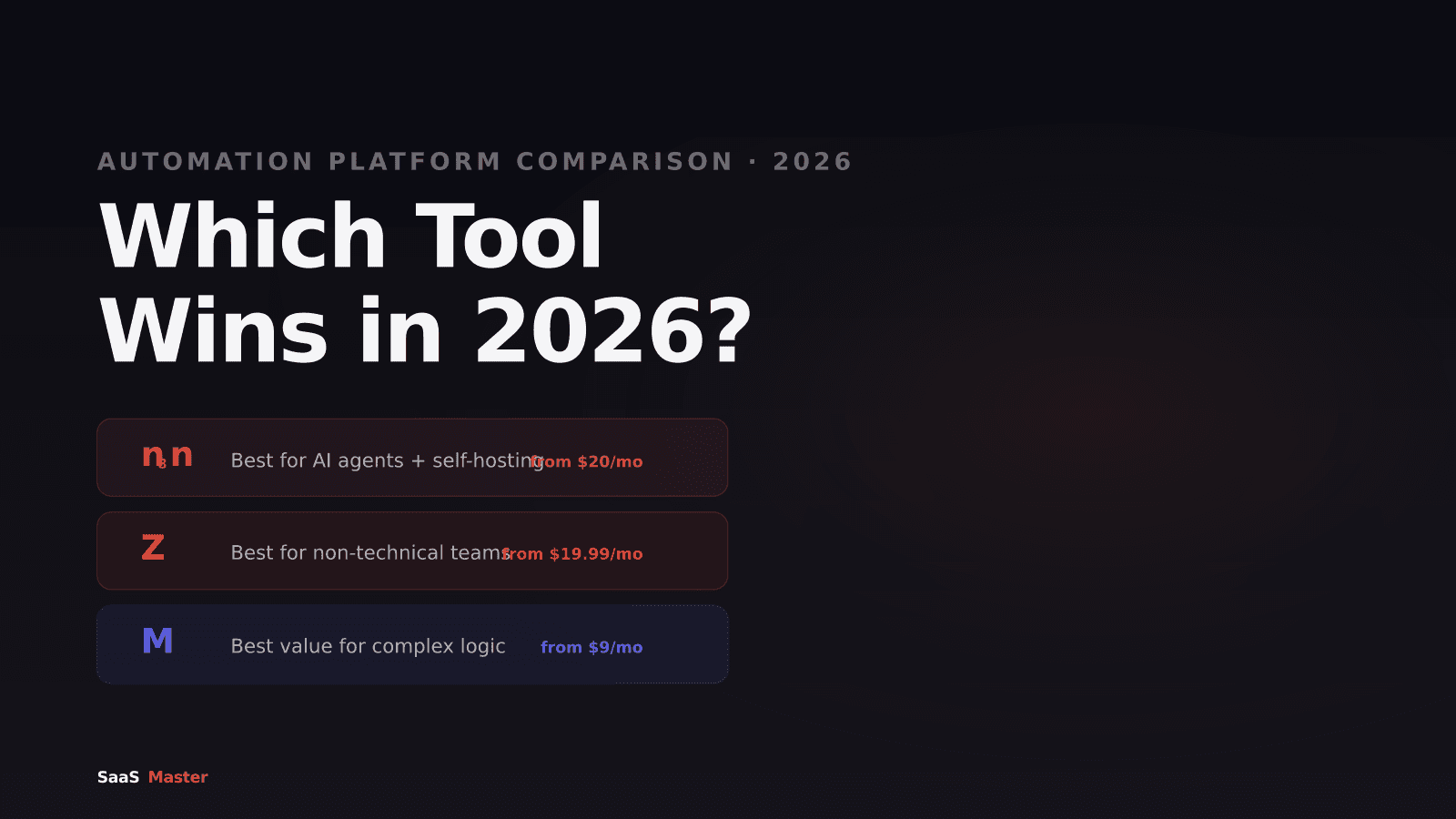
n8n cuts automation costs by 80 to 90 percent compared to Zapier on complex multi-step workflows, runs AI agents with genuine memory and tool-use, and lets you self-host it on your own server. Zapier connects to 8,000 apps without any code and takes 20 minutes to set up. Make sits in the middle on both dimensions. The right choice in 2026 depends entirely on whether you have someone technical on your team.
Key takeaways
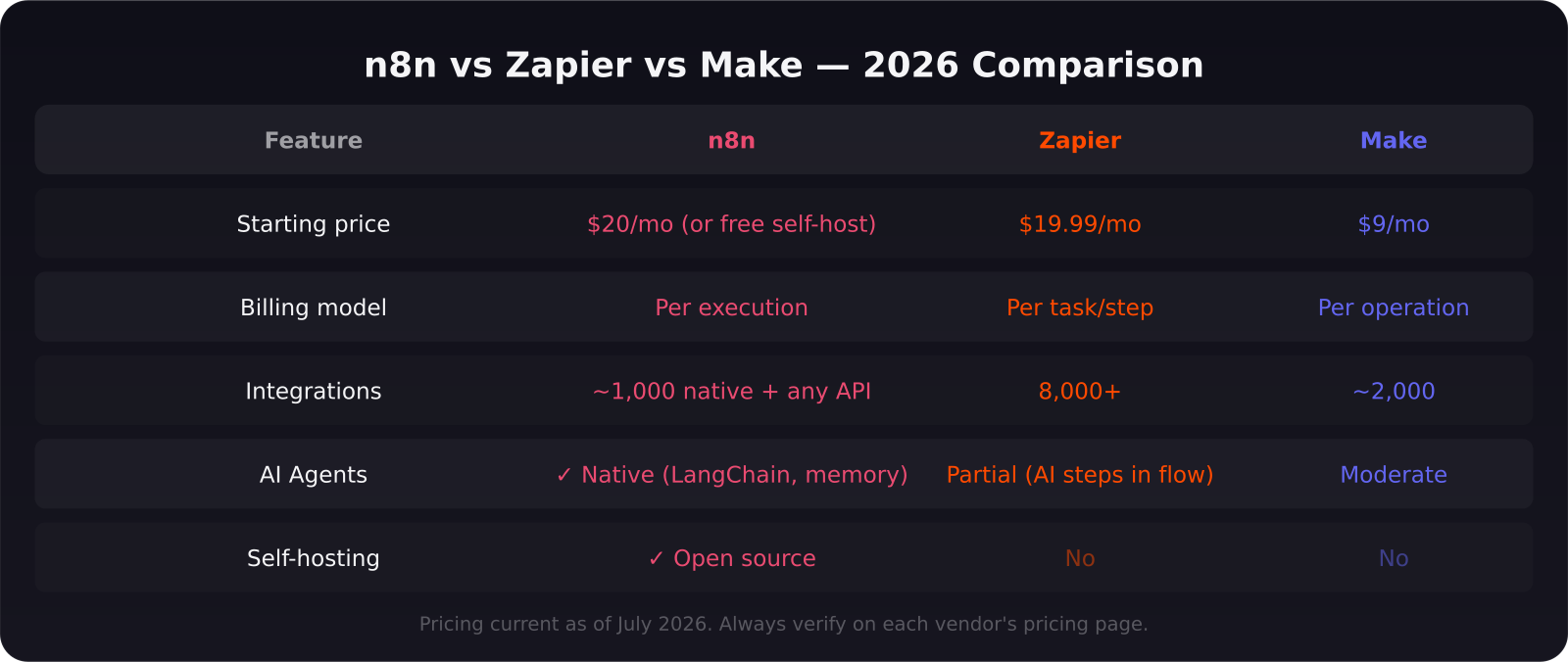
- n8n bills per workflow execution. Zapier bills per individual task step. A 10-step workflow running 10,000 times costs roughly the same on n8n as 1,000 runs on Zapier.
- n8n 2.0 (January 2026) introduced native LangChain integration, 70+ AI nodes, persistent agent memory, and self-hosted LLM support.
- Zapier leads on integrations: 8,000+. Make has ~2,000. n8n has ~1,000 native but connects to any REST API via HTTP node.
- n8n is the only self-hostable option of the three — critical for regulated industries or teams with strict data residency requirements.
- Zapier's AI Agents product runs autonomous tasks across its full integration library but cannot build reasoning loops the way n8n's AI Agent node does.
- Make offers the best visual logic for non-developers who need more power than Zapier's linear Zaps.
How does the pricing actually work?
The billing model difference is the first thing to understand because it changes the cost calculation entirely.
Zapier charges per task. Every action step in a Zap is one task. If your workflow has six steps and runs 5,000 times per month, that is 30,000 tasks. The Professional plan at $49/month covers 2,000 tasks — you would need a much higher tier or overage fees to handle that load.
n8n charges per execution. The entire workflow run — regardless of how many nodes it contains — counts as one execution. That same six-step workflow running 5,000 times costs 5,000 executions on n8n. The Starter plan at $20/month covers 2,500 executions. For the same workload, n8n is dramatically cheaper at scale.
Make charges per operation, which is similar to Zapier's task model but priced more aggressively. A six-operation workflow running 5,000 times costs 30,000 operations on Make — but Make's Core plan at $9/month covers 10,000 operations, and overages are cheaper than Zapier's.
For automation and no-code workflows, getting this pricing math right before you commit to a platform can save thousands per year.
Which platform handles AI agents best?
This is where the platforms diverge most significantly, and it matters because AI-native automation is where most SaaS teams are investing in 2026.
n8n's AI Agent node (introduced in n8n 2.0) supports genuine agentic loops: tool calling, persistent memory across sessions, and iterative reasoning. You can build a workflow where an AI agent reads an email, searches your CRM, checks a database, makes a decision based on history, and writes a follow-up — with the agent reasoning through each step rather than following a fixed sequence. n8n also supports self-hosted LLMs via Ollama, meaning your data never leaves your infrastructure.
Zapier's AI Agents product (launched 2025) runs autonomous tasks across its 8,000-app library. The strength is breadth — you can connect an AI agent to more tools faster than on any other platform. The limitation is depth: Zapier's agents operate in a more linear flow model and cannot build the reasoning loops that n8n's architecture enables. Zapier's AI Copilot, which builds Zaps from natural language descriptions, is excellent for non-developers but again produces linear automation rather than true agent behavior.
Make's AI integration sits between the two. You can connect existing AI services (OpenAI, Anthropic, Google) as steps in visual workflows, with good configuration options but without the agent loop architecture n8n offers.
When should you choose each platform?
Choose n8n if: you have a developer or technical founder on the team, you process high workflow volumes where per-step billing would be expensive, you work in healthcare, finance, or legal where data residency matters, or you are building AI agents that need to reason and iterate rather than follow a fixed flow.
Choose Zapier if: your team is non-technical, you need to connect to apps outside the major SaaS categories (Zapier covers long-tail apps that n8n and Make do not), you want automation running in two hours without onboarding, or you primarily need linear trigger-action workflows without complex branching.
Choose Make if: your team has some technical comfort but not full developer capacity, you need more logic and branching than Zapier's linear model supports, you want a visual workflow builder with decent AI integration, and cost matters more than the deepest AI agent capabilities.
What about the self-hosting question?
This is a non-negotiable for some teams and irrelevant for others. n8n is open source and self-hostable — you deploy it on your own VPS or cloud instance and no workflow data touches n8n's servers. This is the only option if you work in regulated industries, handle sensitive customer data, or operate in jurisdictions with strict data localization laws.
Zapier and Make are cloud-only. Every workflow execution passes through their infrastructure. For most SaaS teams, this is not a problem. For those building software walkthrough videos for enterprise compliance software or healthcare tools, the self-hosting question may come up in customer due diligence.
The actual recommendation for SaaS teams in 2026
If you are a SaaS team of 5 to 50 people and you have at least one person who can write a JSON payload, start with n8n. The cost savings at scale are real, the AI agent capabilities are genuinely more powerful, and the self-hosting option gives you flexibility as you grow. The learning curve is steeper than Zapier but significantly less steep than building custom integrations from scratch.
If you are a solo founder or a non-technical team, Zapier's breadth and ease of use are worth the higher per-task cost at low volumes. When you hit $300 to $500 per month in Zapier costs, that is usually the signal to evaluate whether n8n makes sense. Check the automation hub and AI tools section for detailed walkthroughs of each platform in real SaaS workflows.
Frequently asked questions
Is n8n really free to self-host?
n8n's community edition is free and open source under the Sustainable Use License. You pay for your own server costs (typically $5 to $20 per month on a basic VPS) but no per-execution fees. The cloud-hosted n8n.io plans start at $20 per month. Enterprise features — SSO, audit logs, advanced user management — require a paid license even for self-hosted deployments.
Can Zapier replace a developer for complex automation in 2026?
For linear trigger-action workflows with well-supported apps, yes. For multi-step decision logic, custom API integrations, database manipulation, or AI agent workflows with memory and reasoning, Zapier reaches its limits. The Zapier Agents product pushes further into autonomous territory, but it is not a substitute for n8n's architecture for the most complex use cases.
How does Make's per-operation pricing compare to Zapier's per-task pricing at scale?
Make is consistently cheaper than Zapier for the same workflow complexity, particularly at high volumes. Make's operations are priced at roughly $0.001 each on higher tiers versus Zapier's tasks at $0.0015 to $0.002. The gap widens on multi-step workflows. For teams already at Zapier's $49+ tier, running the same workflows on Make's equivalent tier usually cuts the bill by 40 to 60 percent.
Was this article helpful?
Jorge Aguilar
Founder & Creator, SaaS Master
Producing SaaS and AI product videos since 2019 — 800+ videos for 200+ brands, covering tutorials, demos, walkthroughs, and explainers. Writing here about the tools, trends, and tactics that actually move the needle. LinkedIn · About · Work with me
Need to show users how an automation workflow works in practice?
Client-owned videos that make your product easy to understand — demos, walkthroughs, onboarding, and explainers.
Explore product walkthrough video productionRelated guides
More Automation & No-Code →
How to Automate LinkedIn Outreach with Lemlist and Claude Without Sounding Like a Bot
Skywork 3.0 Review: Can One Agent Platform Replace Your Whole Workflow Stack?
How to Collect Donations and Sell Products Online Without a Website