How to Collect Donations and Sell Products Online Without a Website
In short
PaymentForm.io lets you collect donations and sell products online without a website: no-code payment forms, 0% platform fees, and Stripe and PayPal built in.
You can collect donations and sell products online without a website by using PaymentForm.io, a no-code tool that turns a single payment form into a shareable checkout link. You build the form, connect a gateway like Stripe or PayPal, and share a link or QR code, and the money lands in your account with no platform transaction fee. It is the fastest way I have found to start taking payments when you do not have, or do not want, a full site.
[[video:FP7ECNa9mCQ]]
In the video above I build a live payment form from scratch. This companion guide goes further: exact pricing, the gateways it supports, where it fits, and where you will still want a real store.
Key takeaways
- PaymentForm.io builds hosted payment forms and checkout links with no code and no website required.
- It charges a 0% platform transaction fee on both the free and paid tiers; you still pay your gateway's normal processing fees.
- Paid plans start at $5 per month, and the first 1,000 users get 12 months of full Pro access free.
- It connects to Stripe, PayPal, Razorpay, Mollie and more, so buyers pay with a method they trust.
- Best for donations, fundraisers, single products, event tickets and digital downloads, not a large catalog store.
What is PaymentForm.io?
PaymentForm.io is a form-based checkout platform. Instead of standing up a website, a shopping cart, and a payment integration, you create one form that collects the details you need, such as name, email, amount, quantity and shipping, and wire it to a payment gateway. The result is a hosted page you can share as a link, embed on any landing page, or hand out as a printable QR code.
That idea of the form being the checkout is the whole point. A freelancer can send an invoice link. A nonprofit can post a donation QR code in a bulletin. A creator can sell a PDF that delivers automatically after payment. None of them need a developer or a hosting bill. It positions itself as a lighter alternative to tools like Jotform, trading a huge feature list for a setup you can finish in minutes.
It supports several form types out of the box: one-time or recurring donation forms, fundraising campaigns with a goal amount, single-product forms with variants and stock limits, multi-product forms with categories, and digital products with automatic file delivery after payment.
How do you set up a payment form without a website?
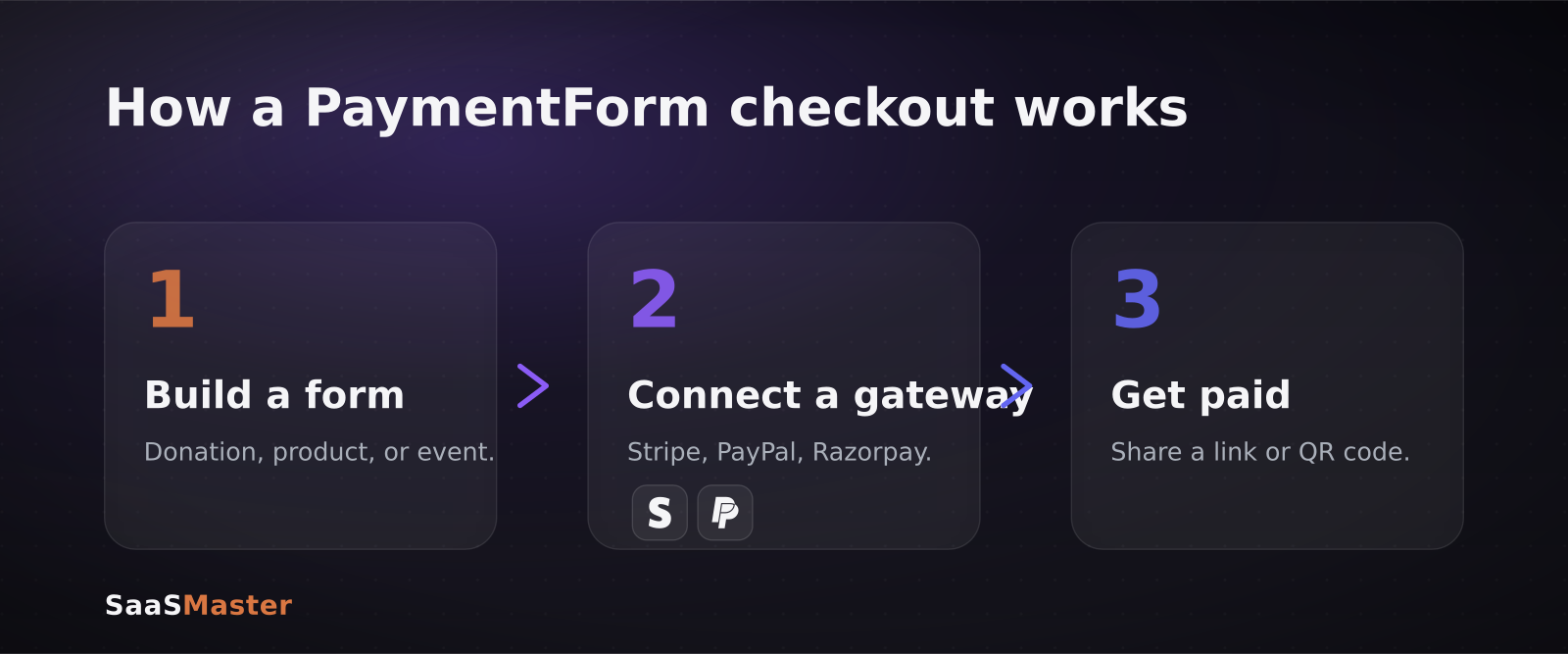
The flow is short enough that most people finish their first form in a few minutes:
- Pick a form type: donation, product, event, or fundraiser.
- Add your fields and price, plus any variants like size, tier or quantity.
- Connect a gateway (Stripe, PayPal, Razorpay, or Mollie) using your own account.
- Turn on receipts and admin notifications so both sides get an email.
- Share the hosted link, embed it, or download the QR code.
Because each form is hosted for you, there is nothing to deploy. Payments settle straight into your connected Stripe or PayPal account on their normal schedule, and PaymentForm.io keeps a record of every submission so you can track who paid and follow up on anyone who started but did not finish.
That abandoned-checkout follow-up is a genuinely useful touch. On a normal do-it-yourself setup you would need a separate email tool to recover half-finished orders; here it is built in.
What does PaymentForm.io cost?
Pricing is refreshingly simple. There are two tiers, and both carry a 0% platform transaction fee, which means PaymentForm.io does not skim a percentage of each sale on top of what your gateway already charges.
- Free plan: core forms with a 0% platform fee.
- Pro plan: every feature, starting at $5 per month, still with no platform transaction fee.
There is also an early-access offer: the first 1,000 users get 12 months of full Pro access free, and forms created under Pro keep their features after that window.
One number to keep straight: 0% is the platform fee, not the total cost of accepting money. Your gateway still charges its standard processing rate. Stripe and PayPal are typically around 2.9% plus a fixed fee per transaction in the US, because that is the cost of moving the card payment itself. PaymentForm.io simply does not add its own cut on top, which is the part that hurts small teams and nonprofits the most.
How does it compare to Jotform and Stripe Payment Links?
The obvious alternatives are Jotform and Stripe's own Payment Links, and the difference is scope. Jotform is a full form builder with payments bolted on: powerful and flexible, but heavier to learn, and its paid tiers can climb as your submission volume grows. Stripe Payment Links are dead simple but Stripe-only and light on donation and product-catalog features. PaymentForm.io sits in between, purpose-built for payments, multi-gateway, and priced as a flat plan rather than charging you per submission.
For a lot of small teams, that middle ground is the sweet spot. You get more real selling features than a bare payment link, without the complexity and creeping cost of a general-purpose form platform, and because it is gateway-agnostic you are not locked into a single processor if your needs change.
Who should actually use it?
I would reach for PaymentForm.io in a few specific situations:
- Nonprofits and creators who need to collect donations quickly and hate handing a percentage to a middleman.
- Solo founders validating a product before building a real store, so they can sell first and build the site later.
- Event organizers selling a fixed number of tickets who need stock limits and a QR code for flyers.
- Anyone selling a single digital product, like a template or ebook, who wants automatic file delivery after payment.
If you are demoing a tool like this to your own audience, the setup makes a great short tutorial, the kind of software walkthrough video that shows the whole path from empty form to first payment in under two minutes.
When do you still need a full store?
PaymentForm.io is deliberately narrow, and that is a strength until it isn't. If you are running a large catalog with dozens of products, complex tax and shipping rules, inventory that syncs across channels, or a subscription business with dunning and proration, you will outgrow a form-based tool. That is where a full commerce platform earns its keep.
A common and sensible pattern is to start on PaymentForm.io to prove demand, then graduate once orders are steady. If that is your path, my WooCommerce product video setup guide covers how to present products with video on a real storefront, and the broader no-code and automation library has more tools for stitching payments into the rest of your stack.
It also pairs well with good product storytelling. A clean checkout only converts if people understand what they are buying, which is exactly what a product demo video that converts is for. And if you want to know how I put tools like this through their paces before recommending them, here is how SaaS Master tests tools.
The bottom line
PaymentForm.io is the shortest distance between needing to get paid and having a working checkout link. The 0% platform fee and the free early-access year make it especially friendly for donations and small product sales, and the no-website approach removes the usual excuse for putting it off. It will not replace a real store at scale, but for a first product, a fundraiser, or a quick invoice, it is hard to beat.
Frequently asked questions
Does PaymentForm.io really charge no fees?
It charges a 0% platform transaction fee on both the free and paid tiers, so it does not take a cut of your sales. You still pay your payment gateway's standard processing fee, for example Stripe or PayPal's roughly 2.9% plus a fixed amount per transaction, because that covers the actual card processing.
Can I collect recurring donations?
Yes. PaymentForm.io supports one-time and recurring donation forms, plus fundraising campaigns with a goal amount, so supporters can set up a monthly gift and you can show progress toward a target.
Do I need Stripe or PayPal to use it?
You need at least one supported gateway connected to receive money. It works with Stripe, PayPal, Razorpay, Mollie and others, and you use your own account, so payouts follow that provider's normal schedule.
Was this article helpful?
Jorge Aguilar
Founder & Creator, SaaS Master
Producing SaaS and AI product videos since 2019 — 800+ videos for 200+ brands, covering tutorials, demos, walkthroughs, and explainers. Writing here about the tools, trends, and tactics that actually move the needle. LinkedIn · About · Work with me
Need to show users how an automation workflow works in practice?
Client-owned videos that make your product easy to understand — demos, walkthroughs, onboarding, and explainers.
Explore product walkthrough video productionRelated guides
More Automation & No-Code →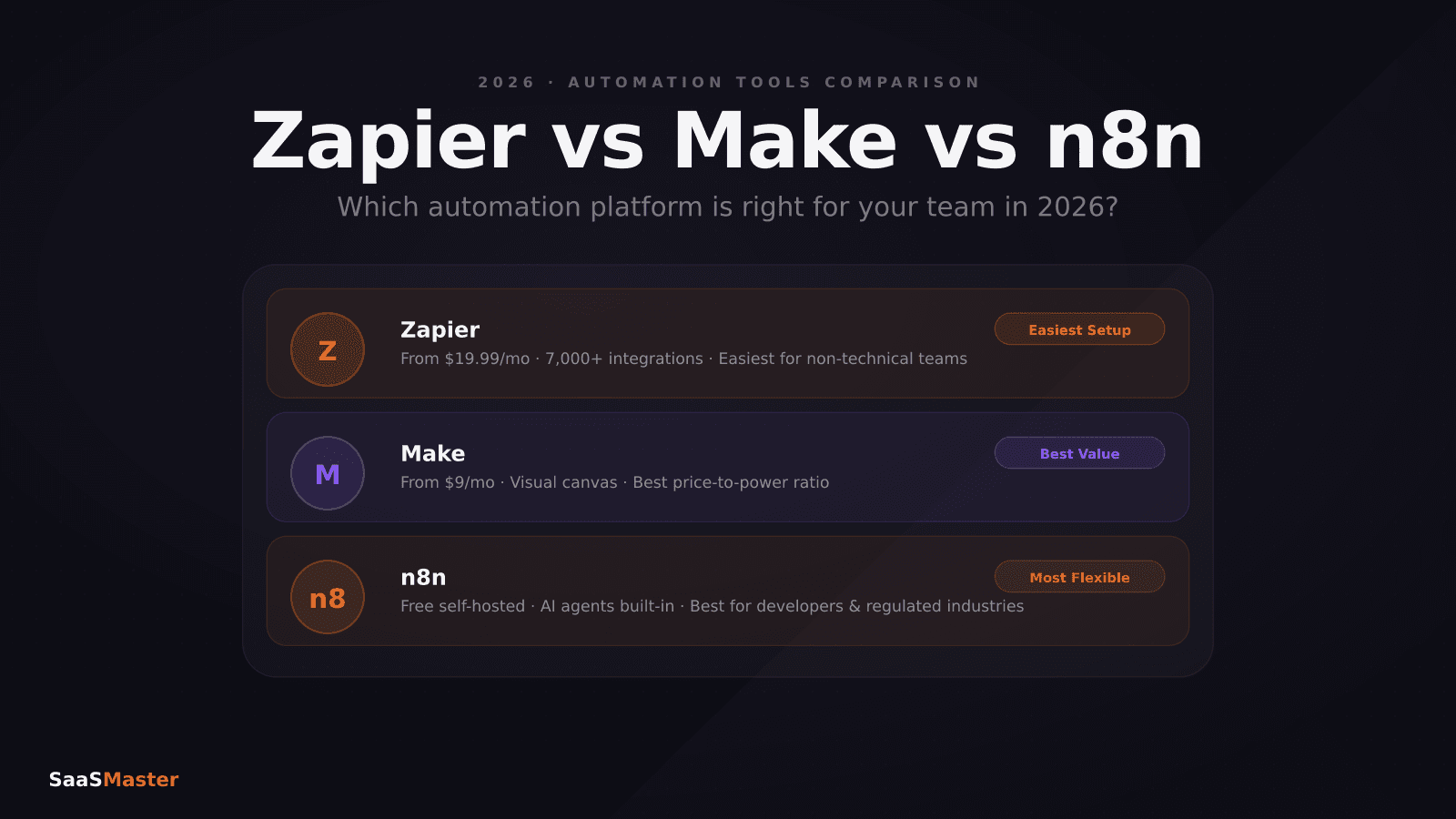
Zapier vs Make vs n8n in 2026: Which Automation Tool Saves You the Most?
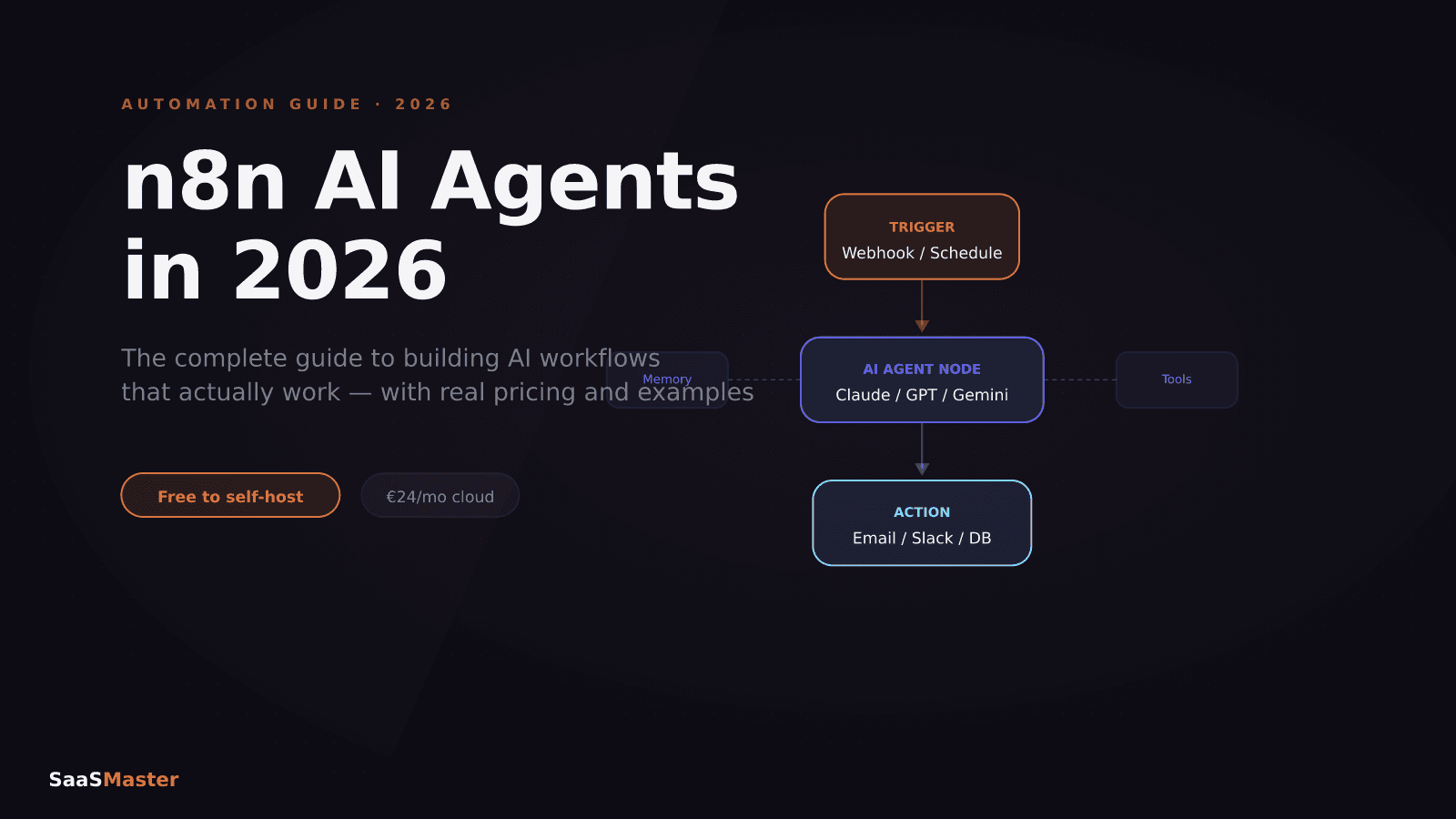
n8n AI Agents in 2026: The Complete Guide to Building AI Workflows

Short-Form Video for SaaS: How to Make Reels and Shorts That Actually Convert