Skywork 3.0 Review: Can One Agent Platform Replace Your Whole Workflow Stack?
In short
Skywork 3.0 review for 2026: what the agent platform actually builds, its real pricing, how SkyClaw works, and which tools in your stack it can replace.
Skywork 3.0 is an agentic AI platform that turns a single prompt into a finished deliverable — a cited research report, a branded slide deck, a working spreadsheet, even a small website — instead of handing you a wall of chat text to reassemble yourself. After running it against real client work, my short answer to the headline question is that it collapses about four tools into one for a solo operator or a small team, and it leaves the specialist software at the top of your stack untouched. Here is exactly where that line falls.
[[video:RD8cz13zeQM]]
Key takeaways
- Skywork 3.0 produces finished files — documents, slides, sheets, sites, video — rather than chat answers you have to rebuild.
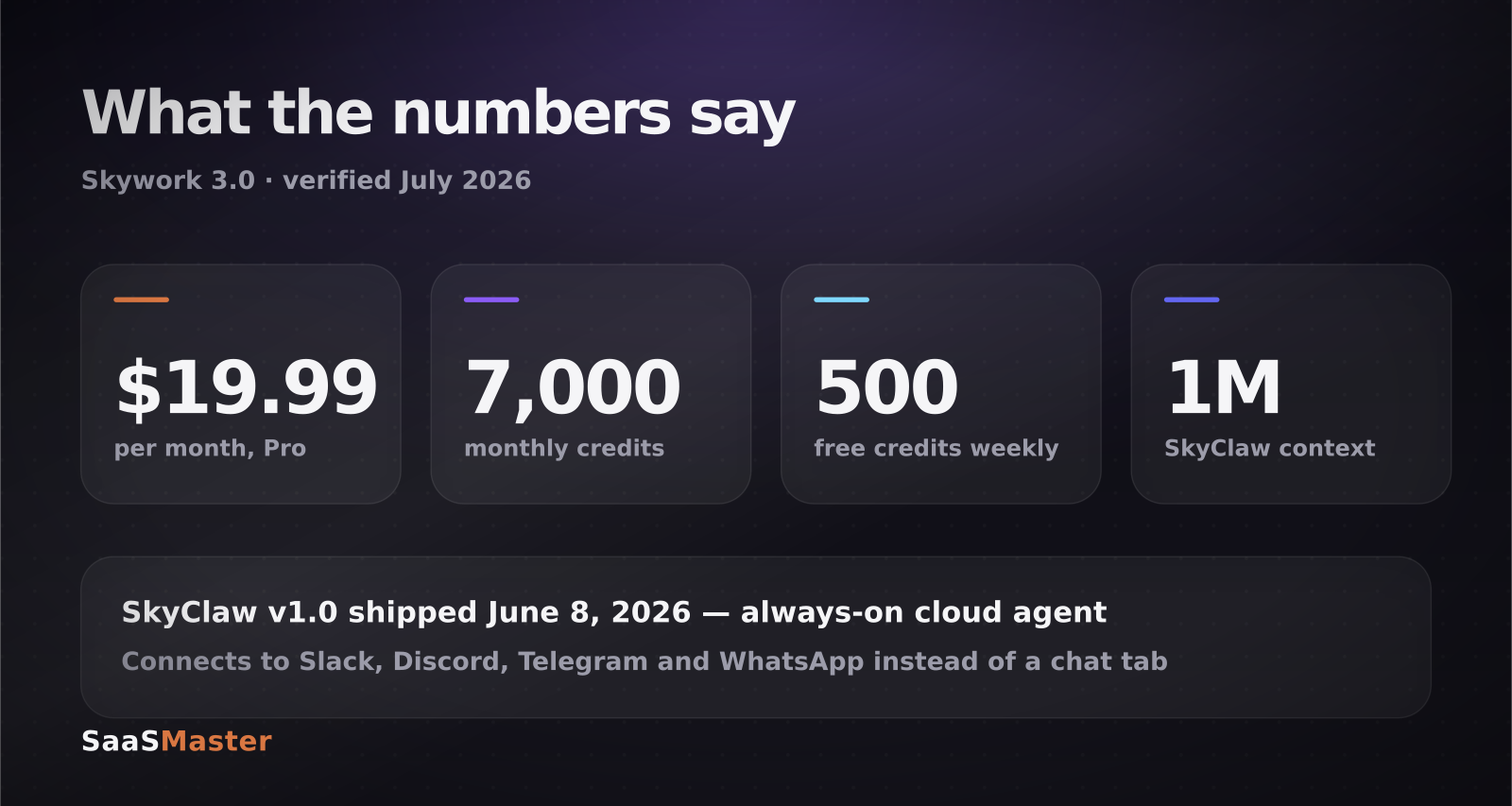
- Pro is about $19.99 a month with roughly 7,000 monthly credits; the free tier drops to 500 credits weekly after your first month.
- SkyClaw, the always-on cloud agent, shipped on June 8, 2026 with a 1M-token context window and lives in Slack, Discord, Telegram and WhatsApp.
- DeepResearch is the strongest component: it scans hundreds of pages per task and attaches citations you can verify.
- It can replace a research tool, a deck builder and a first-draft writer. It does not replace your design tool, your CMS, or an editor.
What is Skywork 3.0, exactly?
Skywork 3.0 is built by Skywork AI, a subsidiary of Kunlun Tech, the Chinese company listed on the Shenzhen Stock Exchange under 300418. If that name sounds familiar, it is the same company behind the AI music platform I covered in my Mureka review and generation walkthrough.
The platform organises itself around what it calls Super Agents — specialised workers rather than one general chatbot. There is a Documents Agent for reports and long-form writing with inline citations, a Slides Agent that builds branded decks, a Sheets Agent that takes raw data and returns tables and charts, a YouVibe Agent that turns videos and webinars into structured summaries, and an AI Developer Agent that builds functional pages from natural language.
The distinction matters more than it sounds. A chat assistant gives you text about a slide deck. The Slides Agent gives you the deck. That gap — between an answer and an artifact — is the entire pitch, and it is the thing worth testing when you evaluate any tool in this category.
Underneath, Skywork routes work across several frontier models rather than training its own. In practice that means you are paying for orchestration, formatting and file output, not for exclusive model access.
What does Skywork 3.0 cost in 2026?
Pricing lands in a range depending on where you look, so here is the careful version. Skywork's own pages put Monthly Pro at $19.99 with roughly 7,000 monthly credits, full DeepResearch access and commercial rights. Annual Pro is listed around $149.99 a year. Third-party trackers report figures between roughly $17 and $29 depending on region, billing period and promotion, so check the number in your own currency before you commit.
The free tier is more generous than most: 500 daily credits for the first month, then 500 credits weekly. That is enough to genuinely test the Super Agents before paying, which is not something every platform in this space offers.
Credits are the thing to watch. A quick document costs little. A DeepResearch run that reads hundreds of sources and a full slide deck in the same session will move the meter noticeably. If you plan to use this daily for client deliverables, model your usage for a week on the free tier before you assume 7,000 credits is plenty.
What is SkyClaw, and why does it matter more than the agents?
SkyClaw is the piece I did not expect to care about. Version 1.0 shipped on June 8, 2026 with a 1M-token context window, and unlike the Super Agents it does not live in a browser tab. It runs continuously in the cloud and connects directly to messaging channels — Slack, Discord, Telegram, WhatsApp.
The practical difference is that you stop going to the tool. You message it the way you would message a contractor: monitor this competitor's changelog and tell me when something ships, take this transcript and turn it into a summary deck, watch this topic and brief me Friday morning. It retrieves context from files you have uploaded, plans multi-step work, and executes over hours rather than seconds.
That is the same shift I keep writing about in AI agents for small business in 2026: the interesting products are the ones that removed the chat window, not the ones that added a better one. The big-vendor equivalents price that idea very differently, and usually per seat.
The caveat is trust. An agent with a 1M-token context, a persistent memory of your projects, and a live Slack connection is a meaningful amount of access to hand over. Read the data policy for whichever tier you buy — the enterprise tier advertises a zero-training-data policy and SOC 2 compliance, and the consumer tiers do not carry the same guarantees.
Where does Skywork actually beat a plain chat assistant?
Three places, consistently.
DeepResearch is the clearest win. It autonomously works through a large number of sources, cross-validates, and returns a document with citations attached rather than a confident summary you then have to fact-check from scratch. It is not infallible, but a cited draft is a fundamentally different starting point than an uncited one.
Slide generation is the second. Getting a chat model to produce a usable deck normally means generating an outline, moving it into another tool, and rebuilding the layout. Skywork returns a branded deck. It will not win a design award, but for an internal readout or a first client draft it removes an hour of work.
Persistent project context is the third. The platform remembers branding guidelines, past edits and project history across sessions. That sounds minor until you have re-explained your positioning to a blank chat window for the fortieth time.
Where does it still fall short?
Design ceiling. Generated decks and pages are competent and generic. They will look like generated decks and pages to anyone who looks closely. For anything client-facing at the top of your funnel, treat the output as a structured draft, not a finished asset.
Verification is still your job. Citations make checking faster; they do not make it optional. I found source attributions that pointed at pages which supported the general claim but not the specific number in the sentence. That is the normal failure mode for research agents right now, and it is exactly why we publish how SaaS Master tests and evaluates tools rather than relaying vendor claims.
Video output is the weakest agent. It is fine for a rough internal explainer. It is nowhere near what a product needs when the video is the thing that has to make someone understand and then buy — which is the whole reason AI tool video production is a category rather than a button.
Credit anxiety is real. Metered pricing changes how you use a tool. You start rationing experiments, which is the opposite of what you want early on.
Who should buy Skywork 3.0 — and who should skip it?
Buy it if you are a solo founder, a small agency, or a two-person marketing team who currently pays for a research tool, a deck tool and a writing assistant separately. Consolidating three subscriptions into one at roughly $20 a month is a straightforward win, and the free tier lets you prove it first.
Skip it if your work is design-led, if your compliance posture requires enterprise data guarantees you cannot get on a consumer tier, or if you already run a solid automation layer. If you are in that last group, the honest comparison is not Skywork against a chatbot — it is Skywork against a workflow you have already built, and the tools in my n8n vs Zapier vs Make comparison will beat it on control every time.
For a wider view of what is worth paying for this year, the AI tools library collects the rest of the evaluations.
Frequently asked questions
Is Skywork 3.0 free to use?
There is a free tier. You get 500 daily credits for your first month, and 500 credits weekly after that, with access to the Super Agents and limited research runs. It is enough to build a few documents and a deck and decide whether the output quality suits your work. DeepResearch at full depth and commercial usage rights sit behind the Pro plan.
How is Skywork different from a general AI assistant?
A general assistant returns text in a chat window. Skywork returns files — a formatted document, a slide deck, a spreadsheet with charts, a deployed page. It also keeps project context between sessions and, through SkyClaw, can run tasks continuously in the background instead of only when you are typing. You are buying the output format and the persistence, not a smarter underlying model.
Is SkyClaw safe to connect to my Slack workspace?
It depends on your tier and your risk tolerance. SkyClaw needs real access to be useful, which means it can read the channels you connect it to. The enterprise tier advertises a zero-training-data policy and SOC 2 compliance; consumer tiers do not carry those same commitments. Start it in a single low-sensitivity channel, confirm what it can and cannot see, and expand from there rather than granting workspace-wide access on day one.
Was this article helpful?
Jorge Aguilar
Founder & Creator, SaaS Master
Producing SaaS and AI product videos since 2019 — 800+ videos for 200+ brands, covering tutorials, demos, walkthroughs, and explainers. Writing here about the tools, trends, and tactics that actually move the needle. LinkedIn · About · Work with me
Need to show users how an automation workflow works in practice?
Client-owned videos that make your product easy to understand — demos, walkthroughs, onboarding, and explainers.
Explore product walkthrough video productionRelated guides
More Automation & No-Code →
How to Automate LinkedIn Outreach with Lemlist and Claude Without Sounding Like a Bot
How to Collect Donations and Sell Products Online Without a Website
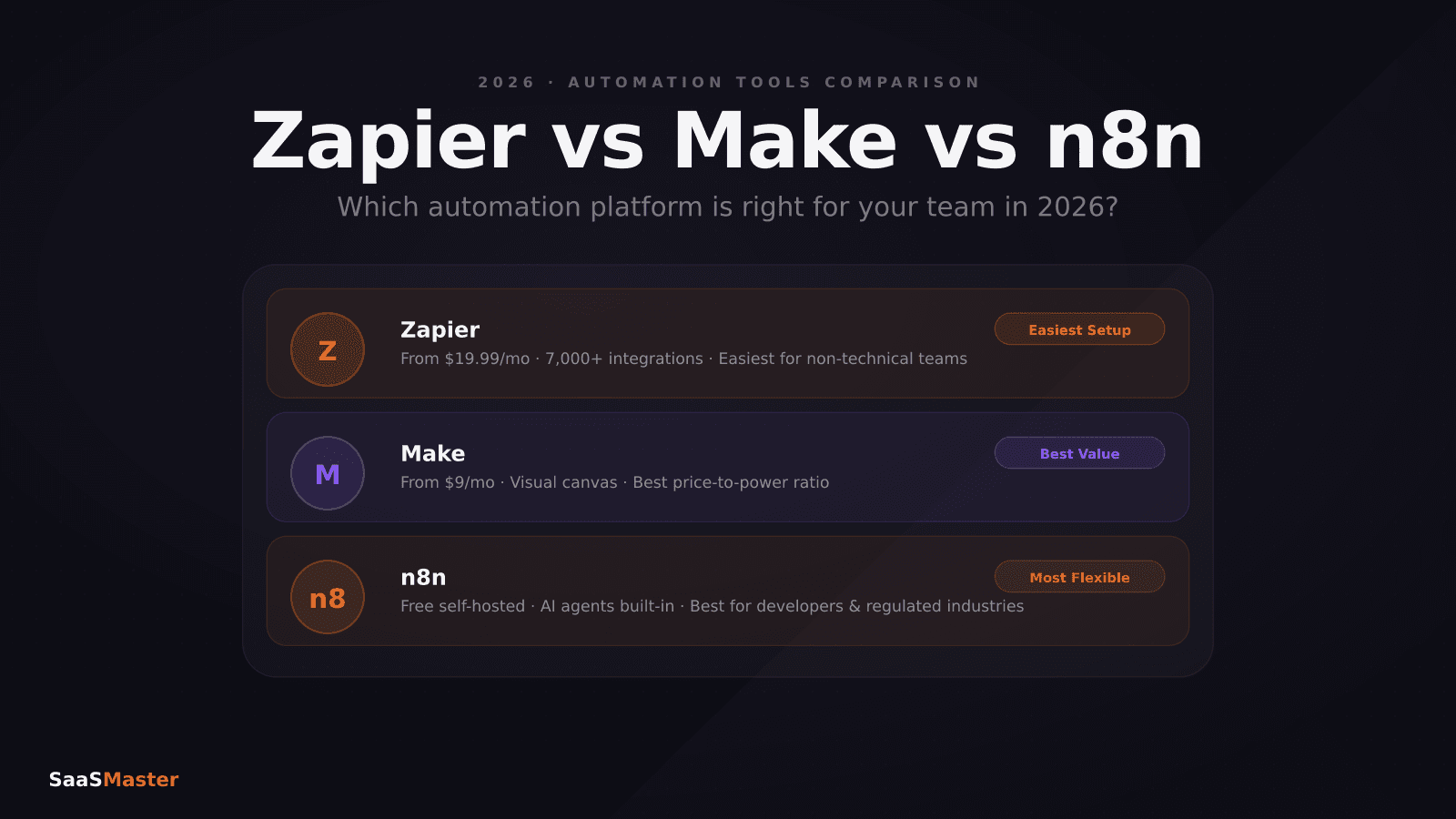
Zapier vs Make vs n8n in 2026: Which Automation Tool Saves You the Most?