WordPress Video Marketing Guide for Plugin and Theme Companies
In short
How WordPress plugin and theme companies use video to drive installs, activations, and marketplace conversions — which videos to make and where they belong.
WordPress plugin and theme companies live or die on two moments: whether someone installs, and whether they actually get the plugin working before they give up. Video is uniquely good at both — a short demo drives the install, and a setup walkthrough drives the activation. This guide covers how plugin and theme businesses should use video across the WordPress.org listing, their own site, YouTube, and onboarding to turn installs into active, paying users.
Key takeaways
- A short demo video raises install intent on your listing and landing page.
- A setup walkthrough is the single highest-ROI video — it drives activation.
- Answer the 'how do I…?' questions with short tutorials that also rank on YouTube.
- For WooCommerce and complex plugins, show the real configuration, not a mockup.
- Match each video to where the user is: listing, site, onboarding, or support.
Why video works so well for WordPress products
WordPress users evaluate a huge number of plugins and themes, often quickly and skeptically. Screenshots and feature lists blur together; a short video that shows the plugin actually doing its job stands out and answers the real question: will this work on my site without a struggle? And because so much plugin churn happens in the first ten minutes — during setup — a clear walkthrough directly protects your activation and your reviews.
The demo video: drive the install
Your primary demo should show, in under two minutes, the core outcome your plugin or theme delivers — the report generated, the page built, the store configured. Keep it focused on one flagship use case. This video belongs on your landing page, your pricing page, and (where the format allows) your listing, where it lifts install intent by replacing 'I think this does X' with 'I can see it does X.'
The setup walkthrough: drive activation
The most valuable video a plugin company can make is the one that gets a new user from install to first result. Most plugin uninstalls happen because setup felt confusing, not because the plugin was bad. A clear, short walkthrough — placed in the plugin's welcome screen, your docs, and an onboarding email — turns that fragile first ten minutes into a smooth path to value, which shows up in better activation and kinder reviews.
Tutorials and WooCommerce workflows
Beyond the demo and setup video, short tutorials that answer specific 'how do I…?' questions do double duty: they deflect support and they rank on YouTube and search, bringing in new users already looking for what you do. For WooCommerce and more complex plugins, show the real configuration steps with realistic data — store owners need to trust it will work on a real shop, not a clean demo site.
Match each video to where the user is
As with any product, placement is half the win. Put the demo where people decide (listing, landing page). Put the setup walkthrough where people activate (welcome screen, onboarding email). Put tutorials where people search and get stuck (YouTube, docs, support). One flagship story can be cut into all of these, keeping your message consistent from discovery to daily use.
Frequently asked questions
What video should a WordPress plugin company make first?
The setup walkthrough. Most plugin churn happens during the first few minutes of setup, so a short video that gets a new user from install to first result protects activation and reviews more than anything else. Make the demo video second to drive installs.
Where should plugin and theme demo videos live?
On your landing and pricing pages and, where the format allows, your WordPress.org listing — the places where users decide to install. Setup walkthroughs belong in the plugin's welcome screen and onboarding emails; tutorials belong on YouTube and in your docs for discovery and support.
How long should WordPress product videos be?
Demos work best under two minutes and focused on one flagship use case. Setup walkthroughs should be as short as possible while getting the user to first value — often 60–120 seconds. Tutorials can be a bit longer since the viewer is actively trying to accomplish a specific task.
Was this article helpful?
Jorge Aguilar
Founder & Creator, SaaS Master
Producing SaaS and AI product videos since 2019 — 800+ videos for 200+ brands, covering tutorials, demos, walkthroughs, and explainers. Writing here about the tools, trends, and tactics that actually move the needle. LinkedIn · About · Work with me
Launching a plugin, theme, or WordPress product?
Client-owned videos that make your product easy to understand — demos, walkthroughs, onboarding, and explainers.
Explore WordPress video productionRelated guides
More WordPress & Website Tools →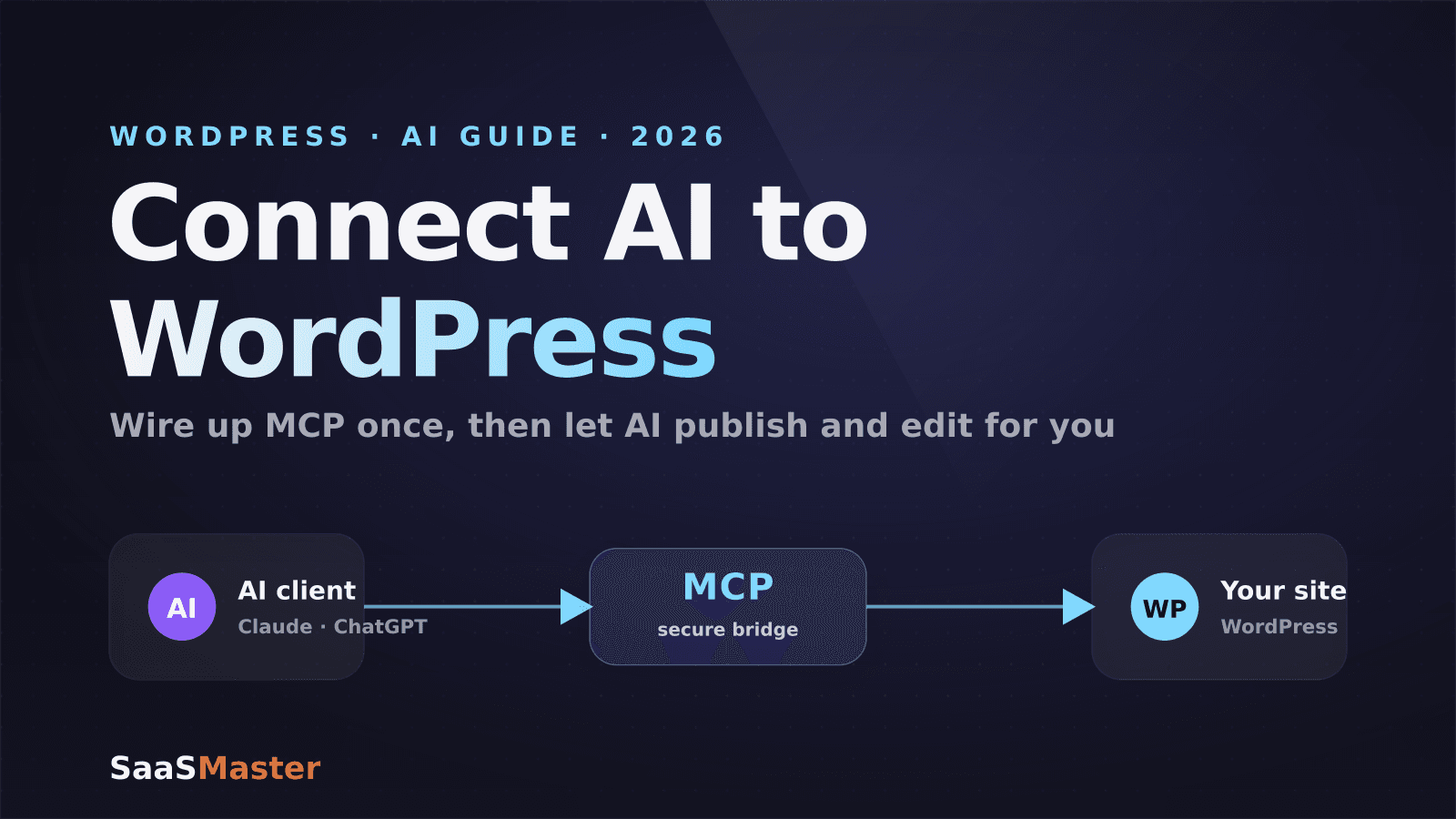
How to Connect AI to Your WordPress Site with MCP (2026 Guide)
How to Use Angie, Elementor's Free Agentic AI Plugin for WordPress
How to Make a WordPress Plugin Demo Video That Drives Adoption