Where SaaS Companies Should Use Product Videos: Website, Sales, Onboarding, and Ads
In short
Where should SaaS companies use product videos? Website, sales, onboarding, and ads each need a different cut. Here is what to place where, and why it works.
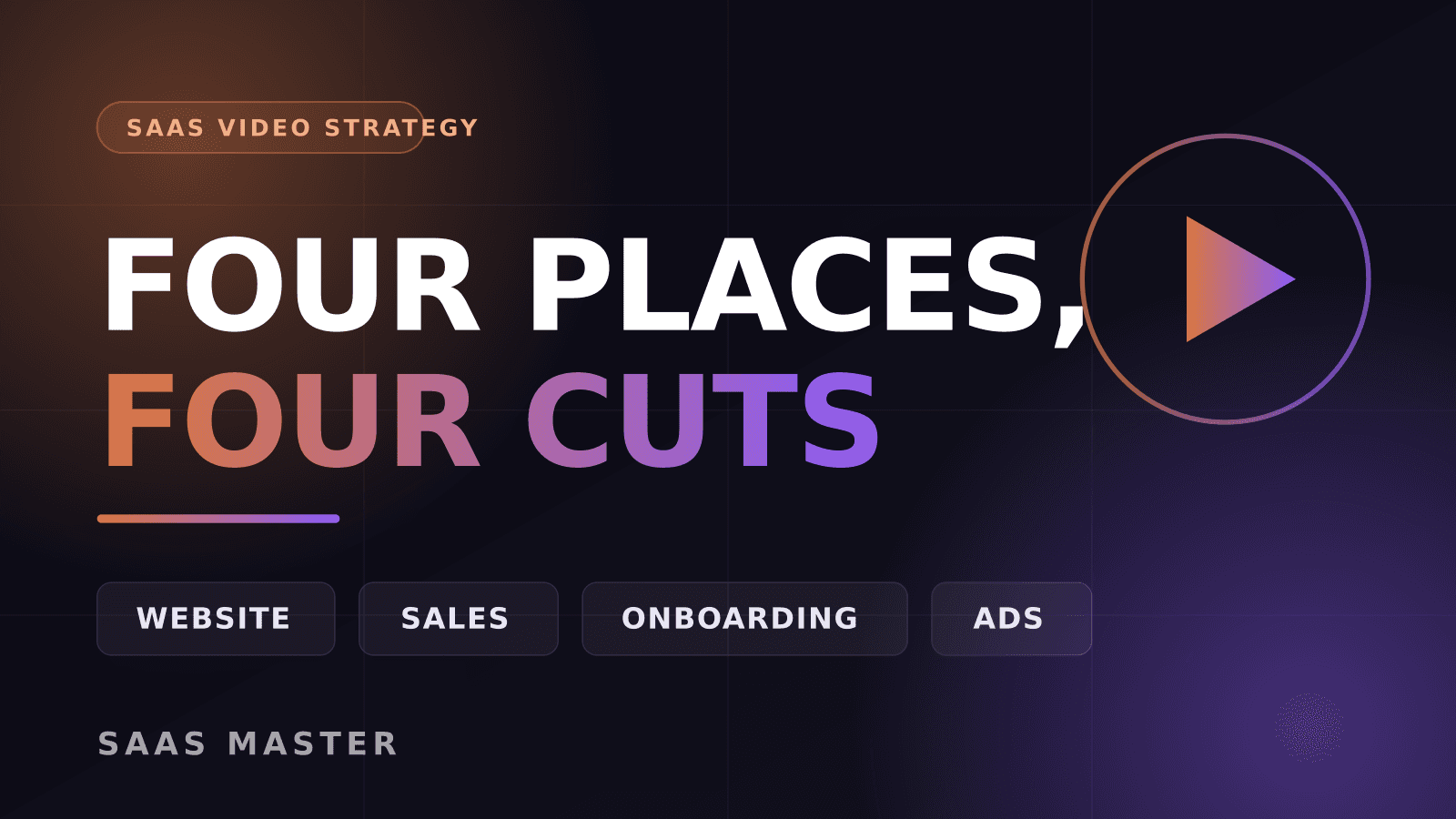
Use product videos in four places, and use a different cut in each one: a 60 to 90 second explainer above the fold on your website, a 2 to 4 minute focused demo in sales follow-ups, short task-specific walkthroughs inside onboarding, and 6 to 15 second hooks in paid ads. Same product, four different jobs. The mistake I see most often is one long demo pasted everywhere. It is too slow for ads, too vague for onboarding, and too generic for a sales reply. Match the cut to the moment and the same footage works four times as hard.
Key takeaways
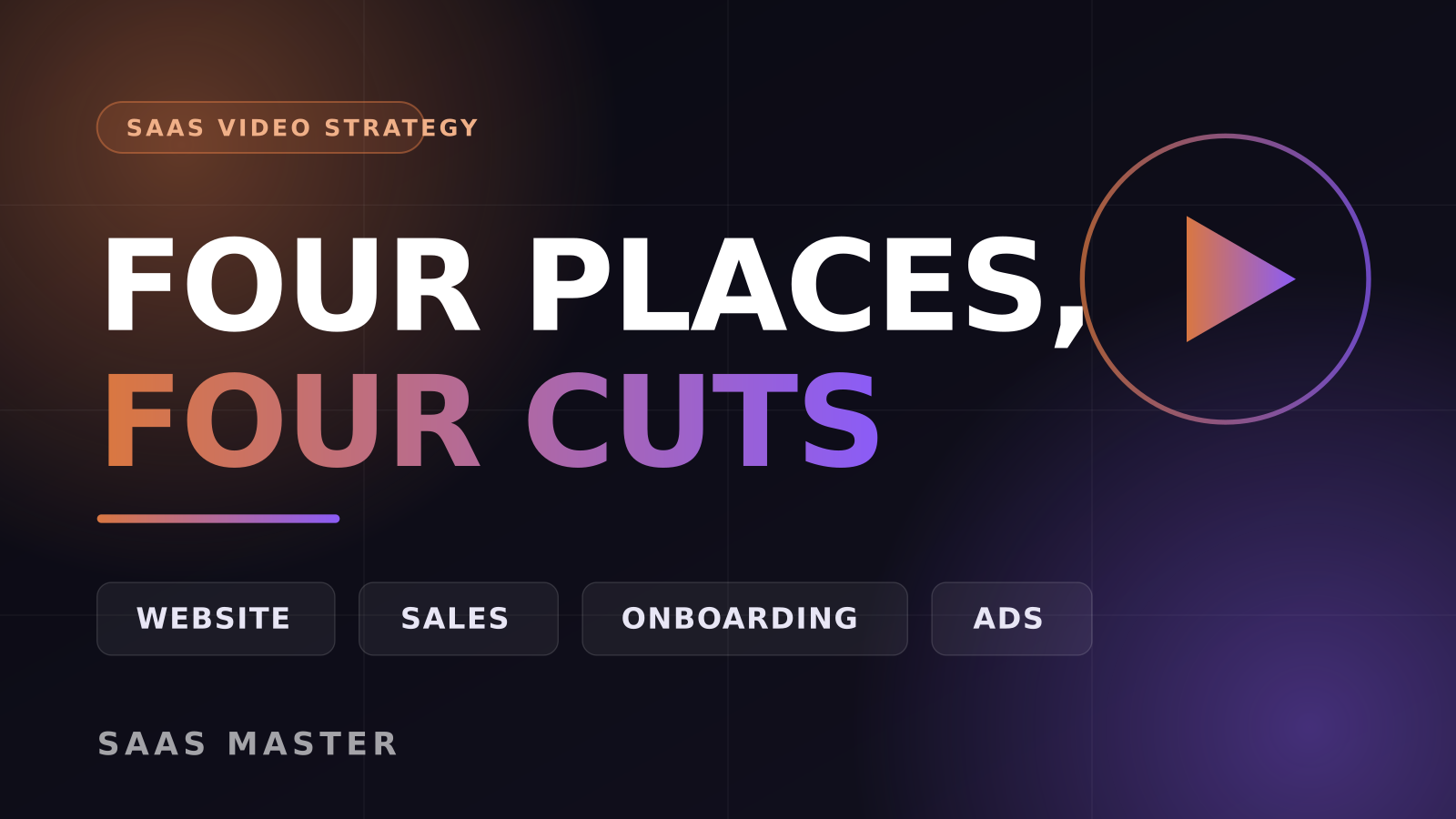
- Website: one short explainer above the fold that answers "what is this and who is it for" in under 90 seconds.
- Sales: a focused 2 to 4 minute demo of the one workflow that buyer cares about, sent as a follow-up, not a replacement for the call.
- Onboarding: several 45 to 120 second walkthroughs tied to specific first-run tasks, placed inside the product where the user gets stuck.
- Ads: 6 to 15 second vertical hooks that show the outcome in the first two seconds.
- Plan all four before you shoot. One production day can feed every placement if the script is built for it.
Where should a product video go on your website?
Above the fold on the homepage, and again on your highest-intent product page.
The homepage video has exactly one job: replace the confused first ten seconds. Someone landed from a Google result, an AI answer, or a LinkedIn post and does not yet know what you do. A 60 to 90 second explainer that shows the actual interface solving one recognizable problem does more than three paragraphs of copy.
A few things I have learned putting these together for SaaS teams since 2019:
- Do not autoplay with sound. Autoplay muted with captions burned in, or a still frame with a clear play button.
- Show real UI, not abstract animation. Buyers evaluating software want to see the software.
- Put the video next to the signup button, not in a separate section further down.
- Keep a text summary beside it. Some visitors will never press play, and search engines and AI answer engines still read the page.
The product page video is different. That visitor already knows what you do and is now asking "does it do the specific thing I need." That calls for a tighter, feature-level demo rather than a broad explainer.
If you are working out which of those two you actually need first, this page breaks down the format:
https://saasmaster.net/saas-explainer-videos
What video should you send in a sales conversation?
Send a short, specific demo after the call, not before it.
The instinct is to send a long recorded demo so the prospect can "see everything." In practice that video gets skimmed for thirty seconds and abandoned. What works better is a 2 to 4 minute cut showing the one workflow that came up in the conversation, sent within a day, with a subject line naming that workflow.
This matters because your champion has to sell you internally. They will forward your video to a manager, a security lead, or a finance approver who was not on the call. A focused clip that a non-user can follow in three minutes travels through an organization. A 22 minute screen recording does not.
Two practical habits:
- Keep a small library of workflow clips so reps can assemble follow-ups without asking marketing for a custom edit every time.
- Name files and links by workflow, not by feature. "How approvals work for finance teams" gets opened. "Feature overview v3" does not.
Which videos belong in onboarding?
Short, task-specific walkthroughs, placed where the task happens.
Onboarding video fails when it is one long "welcome to the product" tour sitting in a help center nobody visits. New users do not want a tour. They want to finish the thing in front of them: connect the data source, invite a teammate, publish the first project.
So build one video per first-run task, 45 to 120 seconds each, and embed them at the point of friction. Inside an empty state. Next to the integration screen. In the activation email that fires when someone stalls.
The measurable payoff is twofold. Users reach their first real outcome faster, and your support inbox gets lighter because the same five questions now have a 60 second answer you can paste into any reply. Teams I work with often start here rather than with the homepage video, because the return shows up in the support queue within weeks.
What kind of video works in paid ads?
Six to fifteen seconds, vertical, outcome in the first two seconds.
Ad video follows almost none of the rules above. There is no patient viewer, no context, and no goodwill. You get roughly two seconds before the thumb moves. That means the hook is not your logo or a problem-setup narration, it is the result on screen: the report that built itself, the inbox that emptied, the thing that used to take an hour finishing in a click.
What tends to hold up:
- Start on the outcome, then explain backwards.
- Captions always. Most of these plays are silent.
- One idea per ad. If you have four value props, that is four ads, not one crowded video.
- Cut multiple hooks from the same body footage and let the platform find the winner.
Vertical short-form is also where you get the most reuse out of footage you already own. Screen recordings from your demo and onboarding shoots can be reframed to 9:16 and cut into ad variants without a new production day.
You can see how these formats look side by side across different products here:
https://saasmaster.net/portfolio
How do you build all four without four separate budgets?
Plan the placements before you write the script.
This is the single decision that separates teams who get four assets from teams who get one expensive video. If you know going in that the footage has to serve a homepage explainer, a sales library, onboarding, and ads, you record differently: cleaner segment boundaries, no dependencies between sections, framing that survives a vertical crop, and voiceover recorded so individual lines can be lifted.
A practical sequence that works for most teams:
1. List the four placements and what each one must accomplish. 2. Write a modular script where each section stands alone. 3. Record the product once, at high resolution, with clean takes per module. 4. Cut the long-form pieces first, then derive the short ones. 5. Ship, measure, and recut the weak sections rather than reshooting everything.
Across 800 plus videos for more than 200 brands, in English and Spanish, the projects that go smoothest are the ones where placement was decided in the brief. The ones that get expensive are the ones where someone asks for "a version for LinkedIn" after the edit is locked.
What should you measure in each place?
Different placements deserve different scoreboards, and mixing them up leads to bad conclusions.
- Website: play rate and signup or demo-request rate on pages with the video versus without.
- Sales: whether deals where the follow-up video was sent move to the next stage faster, and whether the video gets forwarded.
- Onboarding: activation rate on the specific task the video covers, and ticket volume for that task.
- Ads: three-second view rate first, then cost per qualified signup. Watch time on a 10 second ad tells you almost nothing on its own.
A homepage explainer judged on cost per acquisition will look like a failure. An onboarding walkthrough judged on view count will look pointless. Judge each one on the job you gave it.
Frequently asked questions
Can one video really cover all four placements?
Not as a single file, but yes as a single production. One well-planned recording session can produce a homepage explainer, several sales and onboarding clips, and a batch of ad hooks. What does not work is publishing the same edit in all four places and hoping it performs everywhere.
How long should a SaaS product video be?
It depends entirely on placement: 60 to 90 seconds for the homepage, 2 to 4 minutes for a sales follow-up, 45 to 120 seconds per onboarding task, and 6 to 15 seconds for ads. Length is a function of how much attention the viewer has already agreed to give you.
Which placement should we start with if we only have budget for one?
Start with whichever problem is loudest. If people land on your site and bounce without understanding the product, build the homepage explainer. If they sign up and never activate, build onboarding walkthroughs first. The onboarding route usually shows a measurable return sooner, because it moves activation and support volume at the same time.
Need this type of video for your product? Request a client-owned SaaS video production quote: https://saasmaster.net/saas-video-production
Was this article helpful?
Jorge Aguilar
Founder & Creator, SaaS Master
Producing SaaS and AI product videos since 2019 — 800+ videos for 200+ brands, covering tutorials, demos, walkthroughs, and explainers. Writing here about the tools, trends, and tactics that actually move the needle. LinkedIn · About · Work with me
Need a product demo, walkthrough, or SaaS explainer?
Client-owned videos that make your product easy to understand — demos, walkthroughs, onboarding, and explainers.
Explore SaaS video productionRelated guides
More Product Demos & Video Marketing →
OpenAI Is Shutting Down the Sora API on September 24, 2026: A Migration Guide for SaaS Video Teams
What a B2B SaaS Product Demo Should Show
How to Script a Software Walkthrough Video (Step-by-Step)