How AI Companies Should Demonstrate Product Outputs Without Overpromising
In short
Learn how AI companies can show real product outputs in video without overpromising—covering demo strategy, honest framing, and what buyers actually need to see.
The best way for an AI company to demonstrate product outputs on video is to show real results on real inputs, name the exact conditions that produced them, and let the output speak for itself—without voiceover superlatives. That combination builds credibility faster than any sales claim.
Key takeaways
- Show actual outputs, not polished mock-ups; buyers are trained to spot the difference.
- Name your inputs and conditions upfront—this is trust-building, not a disclaimer.
- Pair output demonstration with a use-case frame: who this helps and what they do with the result.
- Avoid comparative claims unless you have third-party data to support them.
- Video is uniquely powerful here because it can show process and output together in one continuous take.
Why do AI product demos fail more often than traditional SaaS demos?
Traditional SaaS products do things. A project management tool creates tasks, assigns them, and tracks deadlines. The demo is mostly a walkthrough: here is the interface, here is what each button does.
AI products produce things. They generate text, classify images, extract data from documents, write code, flag anomalies, or summarize calls. The product's value isn't the interface—it's the output. And demonstrating an output in video is harder than showing a UI click path, because buyers immediately ask: Is this cherry-picked? Will it work on my data? How often does it get this right?
Those are legitimate questions. A video that ignores them loses trust. A video that confronts them—briefly, honestly—earns it.
What should an AI demo video actually show?
Show three things in sequence: the input, the process (briefly), and the output.
The input matters more than most AI companies realize. If your product summarizes customer calls, show a real call transcript—messy, with filler words, overlapping speakers. If it extracts data from invoices, use an actual invoice with handwritten corrections and a rotated logo. Real inputs signal that your product works in the real world, not just on curated test cases.
The process can be brief—a loading state, a thinking animation, a timestamp. Buyers don't need to see the model architecture. They need to see that the product is doing something, and roughly how long it takes.
The output should fill the screen. Don't bury it. If your AI produces a structured summary, show that summary at legible size. If it flags three anomalies in a dataset, show the flagged rows. If it writes a first draft of a reply, show the full draft. Give the viewer time to read it.
How do you frame AI outputs honestly without killing conversion?
The fastest trust-builder in AI video is specificity. Instead of "our AI delivers accurate results every time," try: "Here is a support ticket we fed the system. This was the summary it returned in four seconds."
That's it. You haven't made a claim. You've shown a fact. The buyer's brain does the work.
If your product performs well under specific conditions—longer documents, English-language inputs, structured data—say so. Buyers who fit those conditions will lean in. Buyers who don't will self-select out before they become frustrated customers, which is also good for your business.
Avoid benchmark comparisons unless you can back them with publicly verifiable data. "Better than GPT-4" is a claim that sophisticated buyers will test immediately. If the test fails, the video has done more damage than no video at all.
Should you use real customer data in AI demo videos?
No—and this is worth being direct about. Use synthetic data that looks realistic, or get explicit written permission from the customer and legal sign-off before using their data or name.
The goal is realism, not actual customer data. A synthetic invoice with real-looking vendor names, realistic line items, and deliberate messiness (a typo, a slightly off-format date) will look exactly as authentic as a real one. It also gives you full control over what the model sees, so you can choose an example where your product performs well and explain why.
If a customer does want to appear in a video showcasing real outputs, that's valuable—but it's a customer testimonial video, not a product demo. The two can complement each other.
What does overpromising actually look like in AI video?
It looks like these five things:
- A demo that only shows the model succeeding, never struggling
- An accuracy claim ("98% accurate") with no methodology cited
- Before-and-after comparisons where the "before" is the worst possible version of the alternative
- Voiceover lines like "effortless," "instant," "perfect," or "just works"
- Use cases that are technically possible but require significant implementation work the video doesn't mention
Every one of these will be tested by a buyer who is curious and skeptical by default. AI buyers in 2025 have seen a lot of demos. They know what good looks like, and they know what hype looks like.
How long should an AI product output demo be?
A product demo focused on outputs should run 90 seconds to three minutes for a top-of-funnel audience. If you're making it for a sales team to share after a discovery call, four to six minutes can work—because the buyer already has context.
The structure I've seen work best in the AI product videos we produce at SaaS Master:
- 10 seconds: name the problem
- 15 seconds: show the input
- 5–10 seconds: show the processing step
- 45–60 seconds: show and explain the output
- 20 seconds: one or two use-case examples
- 15 seconds: CTA
That's under two minutes. It respects the viewer's time and keeps the focus on what the product actually does.
We've produced AI product videos for companies across customer support automation, document intelligence, code generation, and marketing AI—spanning 200+ brands since 2019. The highest-performing ones all share the same trait: they let the output do the talking.
If you want to see examples of how this plays out across different AI product categories, browse our portfolio: https://saasmaster.net/portfolio
What about short-form AI demos for LinkedIn or ads?
A 60-second clip can absolutely demonstrate an output—but it needs to be even more selective. Pick one input, one output, one use case. Skip the process animation. Show the output filling the screen for at least 10–12 seconds.
The risk with short-form AI demos is that they become trailers: visually compelling, technically vague, and easy to dismiss. The fix is specificity. "We turned this 47-page RFP into a five-section proposal outline in 11 seconds" is specific. It's also short enough for a LinkedIn caption and memorable enough to share.
For AI companies doing video production across long-form demos, short-form clips, and product walkthroughs, we offer dedicated production services: https://saasmaster.net/ai-tool-video-production
Frequently asked questions
Can I use a screen recording to demonstrate AI outputs, or do I need a produced video?
A screen recording is fine for a product walkthrough or a sales follow-up. For top-of-funnel use—your website hero, LinkedIn ads, product launch—produced video with deliberate framing, proper audio, and a clear output focus will consistently outperform a raw screen capture. The production level signals the maturity of the product.
How do I demo an AI feature that isn't fully built yet?
Don't. If the feature isn't in a state where it produces results you'd stake your reputation on, it's not ready to demo publicly. A "coming soon" teaser is fine—show a UI wireframe and describe the use case. But showing simulated outputs for a feature that doesn't exist yet is the kind of overpromising that damages long-term trust most.
What if our AI sometimes gets things wrong—how do we handle that in video?
You don't have to show failure cases in a marketing video. But you should choose examples where the output is clearly good, and you should avoid making accuracy claims you can't support. If a prospect asks about error rates in a sales conversation, honest numbers with context ("our precision on invoice extraction is X% on structured PDF invoices; unstructured formats vary") will build more trust than evasion.
Need this type of video for your product? Request a client-owned SaaS video production quote: https://saasmaster.net/saas-video-production
Was this article helpful?
Jorge Aguilar
Founder & Creator, SaaS Master
Producing SaaS and AI product videos since 2019 — 800+ videos for 200+ brands, covering tutorials, demos, walkthroughs, and explainers. Writing here about the tools, trends, and tactics that actually move the needle. LinkedIn · About · Work with me
Need a product demo, walkthrough, or SaaS explainer?
Client-owned videos that make your product easy to understand — demos, walkthroughs, onboarding, and explainers.
Explore SaaS video productionRelated guides
More Product Demos & Video Marketing →
How to Record a Software Demo Video: The Complete Setup Guide
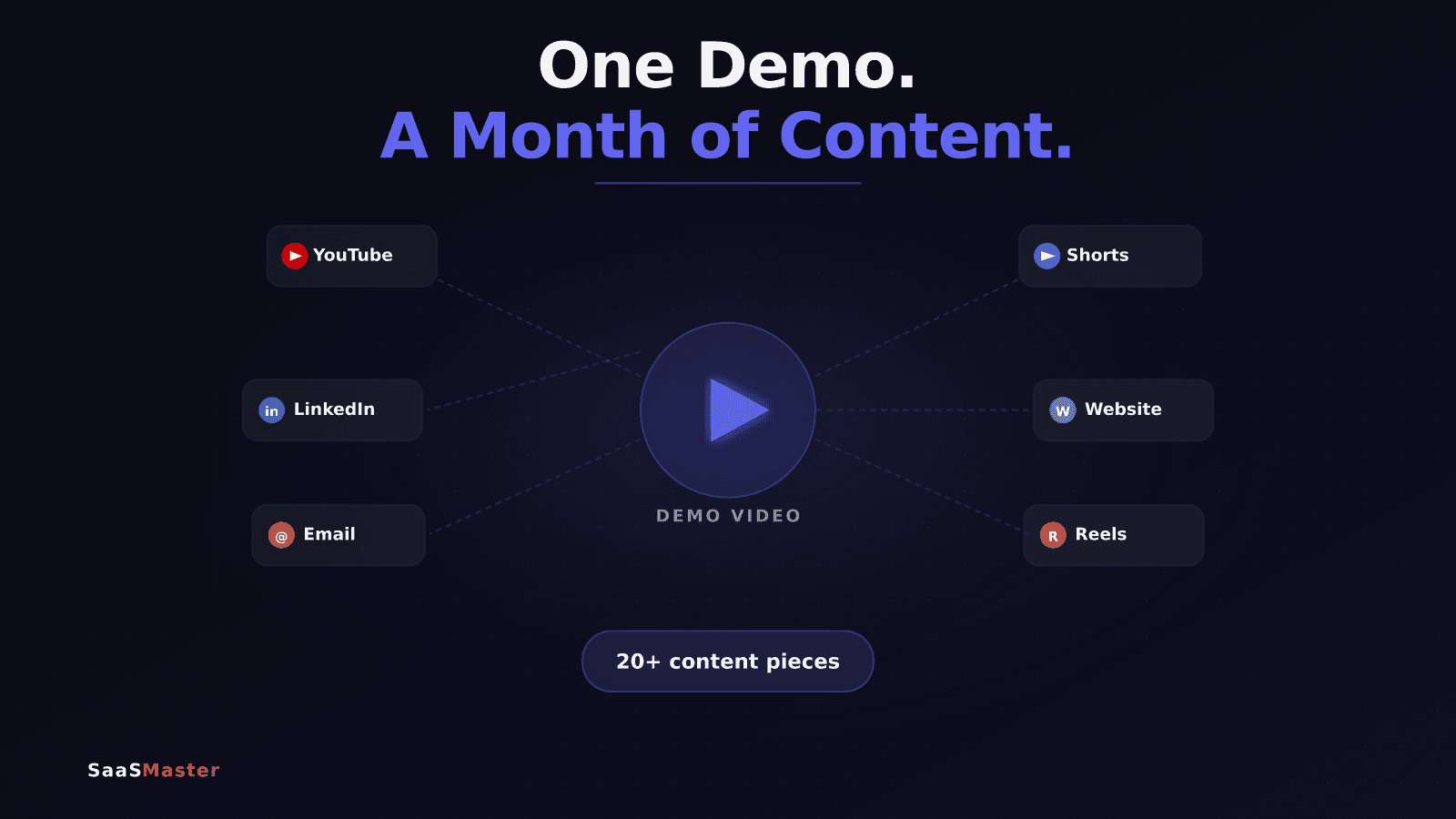
How to Turn One Product Demo Video Into a Month of Content
How to Script a Software Walkthrough Video That Actually Teaches