SaaS Onboarding Videos: What New Users Need to See First
In short
SaaS onboarding videos work best when they show the first meaningful action a new user must take — not a feature tour. Here's what to include, what to skip, and how to structure them for activation.
A SaaS onboarding video should show the single most important action a new user needs to complete in their first session — not a full feature tour. If a user watches your onboarding video and still does not know what to do next, the video failed. The best onboarding videos are short, specific, and tied directly to the moment users first log in.
Key takeaways
- Show the first meaningful action, not a feature list
- Keep onboarding videos under 3 minutes — ideally under 90 seconds for the primary one
- One video per job-to-be-done works better than one long video covering everything
- Match the video to where the user is in the product: empty state, setup wizard, first task
- Pair the video with in-app placement — autoplay on first login or embed in the welcome email
- Measuring activation (did the user complete the action?) tells you if the video worked
Why do most SaaS onboarding videos fail?
Most onboarding videos are actually product tours in disguise. They pan across every feature, list every benefit, and never answer the question every new user is really asking: what do I do right now?
I have worked on onboarding video projects for SaaS products across dozens of verticals since 2019. The pattern I see most often: a company invests in a beautiful two-minute video that shows the dashboard, the settings panel, the integrations page, the reporting tab — and then wonders why activation rates stay flat.
The problem is not the production quality. It is the script. A feature tour is not an onboarding video.
What should a SaaS onboarding video actually show?
An effective onboarding video is built around one question: what does a new user need to do to get their first result?
That first result is different for every product. For a project management tool, it might be creating a project and inviting a teammate. For an email tool, it might be connecting a mailbox. For an analytics platform, it might be installing a tracking snippet.
Whatever that first result is, your onboarding video should do three things:
- Show the user where to start (the exact screen and button)
- Walk them through the first critical action step by step
- Show them what success looks like when they finish
Every second of the video that does not serve one of those three purposes is friction.
How long should a SaaS onboarding video be?
For the primary onboarding video — the one that plays when a user first logs in or appears in the welcome email — aim for 60 to 90 seconds. That is long enough to walk through one clear task, and short enough that users will actually watch it.
If your product has multiple distinct workflows, build a short library instead of one long video:
- A 60-second "first login" video covering the first task
- A 90-second video per major feature or use case (shown in context, not all at once)
- A 2-to-3-minute walkthrough for more complex setup tasks (like integrations or data imports)
This approach lets you surface the right video at the right moment inside your product, rather than forcing users to sit through content that is not relevant to what they are doing right now.
Where should the onboarding video appear?
Placement matters as much as content. A great onboarding video buried in a help center does almost nothing. Here are the placements that actually move activation rates:
- Autoplay (muted) in an empty state — the video plays inside the product when a user first logs in and has not yet taken any action
- Welcome email — embed a video thumbnail that links to the product; this catches users before they even open the app
- In-app tooltip or modal — triggered when a user visits a specific feature for the first time
- Onboarding checklist — paired with each step in a first-run checklist so the user can watch and act in one flow
We have produced walkthrough and onboarding videos for software products across the English and Spanish-speaking markets, and the placements that consistently outperform are empty-state autoplay and welcome email — both because they reach the user at peak intent.
https://saasmaster.net/software-walkthrough-videos
What voice and tone work best for onboarding videos?
Direct and calm. The user is in a new environment and may already be slightly anxious. You want the narrator's voice and pacing to feel like a knowledgeable colleague walking them through a new tool — not an excited salesperson and not a corporate e-learning module.
Avoid:
- Hype language ("amazing," "powerful," "world-class")
- Jargon or internal product terms the user has not learned yet
- Skipping steps to save time — if you skip it on screen, users get lost
- Background music that competes with the narration
Use:
- Action verbs ("click," "type," "select," "you will see")
- Second-person language ("you" not "users")
- A natural pace — record at the speed a human would actually click through the product
- Cursor highlights and zoom-ins on the areas that matter
Should you have one onboarding video or a series?
For most SaaS products, a series wins. Here is a structure that works well:
- Video 1: First login — the single thing to do in the first 5 minutes (60–90 seconds)
- Video 2: Core workflow — how to complete the primary use case end to end (2–3 minutes)
- Video 3+: Feature-specific — one video per advanced feature, triggered in context
This is the model we use most often with our clients. It allows the product team to update individual videos when features change without rebuilding the entire onboarding experience. It also gives you measurable data per video: which ones are watched, which ones users skip, and which ones correlate with activation.
You can see examples of this kind of modular walkthrough approach in our portfolio:
https://saasmaster.net/portfolio
How do you know if your onboarding video is working?
Watch completion rate matters, but activation rate matters more. Define the activation event — the action you want the user to take — and measure whether users who watch the video are more likely to complete it than users who do not.
If completion rate is high but activation is unchanged, the video is engaging but not instructional enough. If completion rate is low, the video is probably too long or not placed where users are paying attention.
The fix for low completion is almost always the same: cut the video in half. The fix for low activation is almost always the same: be more explicit about the one thing to do next.
Frequently asked questions
How is a SaaS onboarding video different from a product demo video?
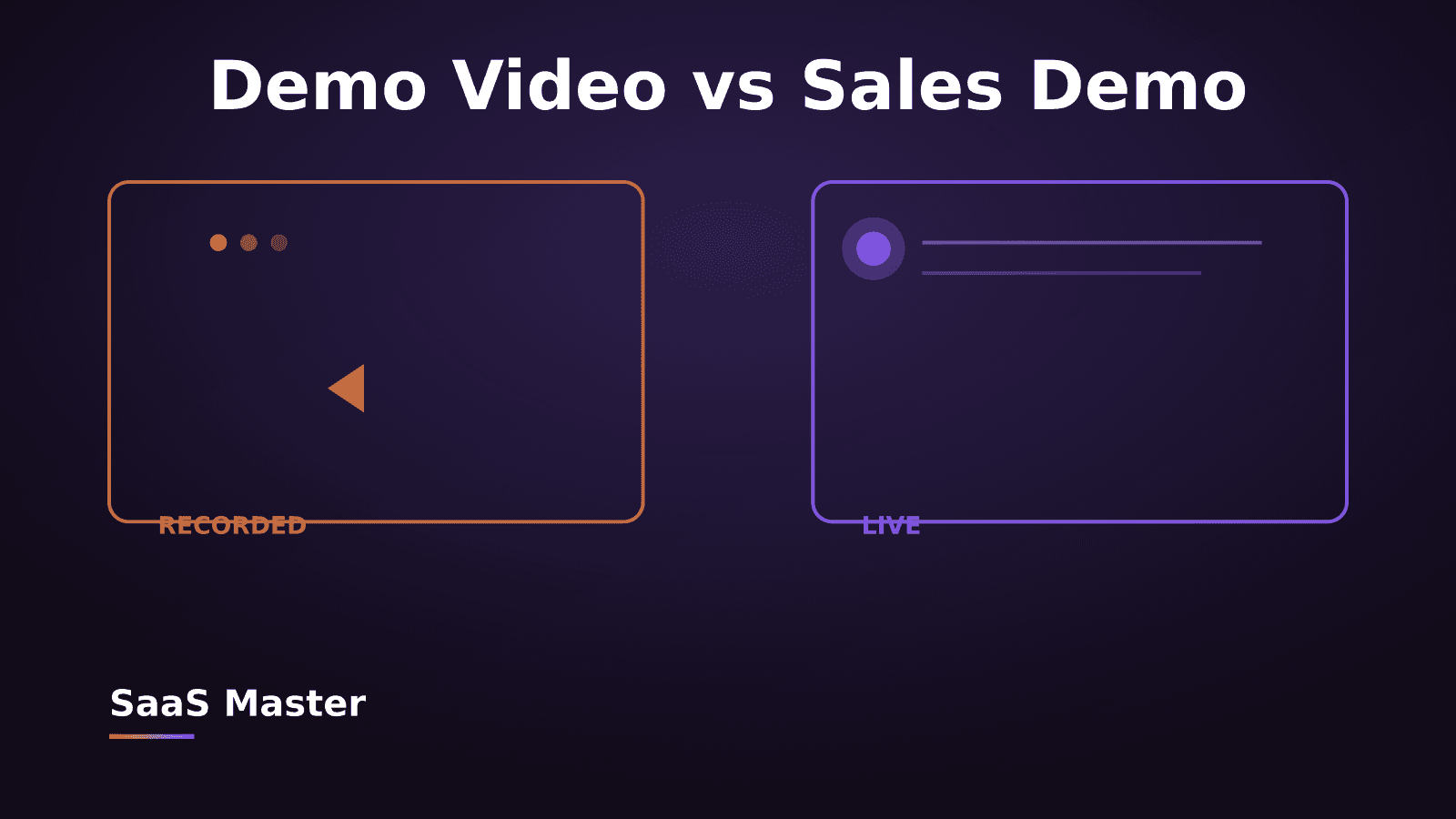
A product demo video is made for prospects — people who have not yet signed up and need to understand what the product does and why it is worth paying for. An onboarding video is made for new users who have already signed up and need to know what to do right now. The demo sells. The onboarding activates. They should be written and produced with completely different goals in mind.
Can the same onboarding video work in English and Spanish?
If you have users in both markets, a single English video will underperform in Spanish-speaking markets — not just because of language, but because pacing, terminology, and support expectations differ. We produce onboarding videos in both English and Spanish for SaaS products serving North American and Latin American users, and the localized versions consistently outperform dubbed or subtitled versions on completion rate and activation.
How often should SaaS onboarding videos be updated?
Update any onboarding video when the UI changes in a way that makes the video visually wrong — even small discrepancies (a button in a different place, a renamed menu) break user trust and cause drop-off. A practical approach: record onboarding videos in modular segments by feature so you can re-record individual sections without starting from scratch. Budget for at least one refresh per year, more often if your product ships UI changes frequently.
Need this type of video for your product? Request a client-owned SaaS video production quote: https://saasmaster.net/saas-video-production
Was this article helpful?
Jorge Aguilar
Founder & Creator, SaaS Master
Producing SaaS and AI product videos since 2019 — 800+ videos for 200+ brands, covering tutorials, demos, walkthroughs, and explainers. Writing here about the tools, trends, and tactics that actually move the needle. LinkedIn · About · Work with me
Need a product demo, walkthrough, or SaaS explainer?
Client-owned videos that make your product easy to understand — demos, walkthroughs, onboarding, and explainers.
Explore SaaS video production