How to Turn One SaaS Product Video Into Shorts, Reels, and LinkedIn Clips
In short
Learn how to turn one SaaS product video into Shorts, Reels, and LinkedIn clips with a repeatable repurposing system that stretches your video budget.
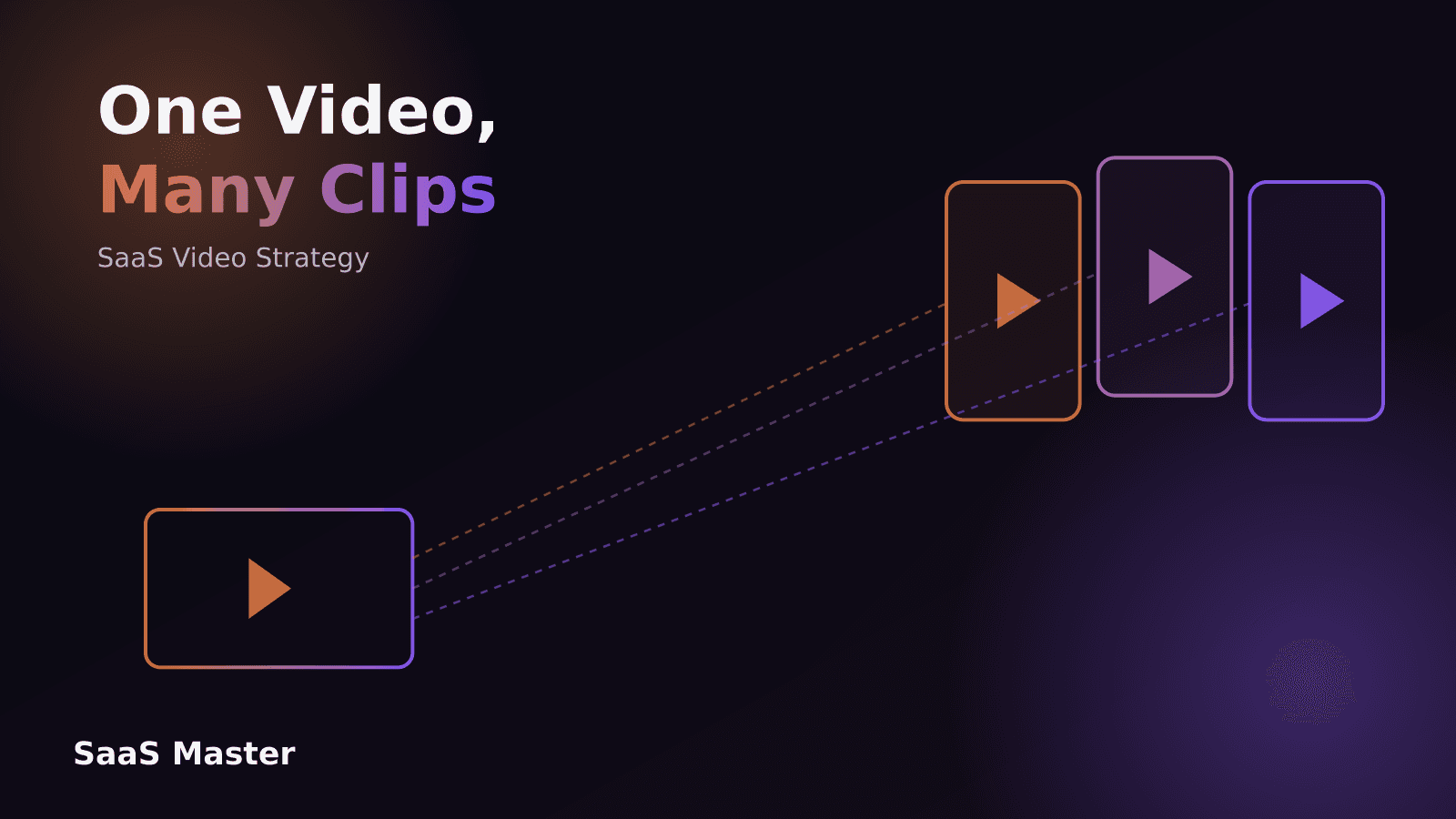
You turn one SaaS product video into Shorts, Reels, and LinkedIn clips by planning the cuts before you shoot, then pulling three to eight short segments from the same footage — a hook moment, one feature in action, a before-and-after result, a quick tip. Each clip gets reframed for its platform, vertical for Shorts and Reels and vertical or square for LinkedIn, captioned for silent viewing, and trimmed to 15 to 45 seconds. The source video does the heavy lifting once. The clips just repackage the strongest moments for feeds where people scroll fast and decide even faster.
Key takeaways
- One well-shot SaaS product video can realistically produce 5 to 10 short clips without reshooting anything.
- Plan the cutdown before production, so you know which 3 to 5 moments need to work as standalone 15 to 30 second clips.
- Vertical framing, burned-in captions, and a hook in the first 2 seconds matter more than extra polish on Shorts and Reels.
- LinkedIn clips can run a little longer and lean more explanatory, since B2B viewers there watch with more intent.
- Repurposing stretches one video budget across months of content instead of a single launch moment.
Why turn one SaaS video into multiple clips?
Most SaaS teams commission a video once — a demo, an explainer, a launch piece — post it to the website and YouTube, and move on. That leaves most of the value on the table. A single well-produced product video usually contains several moments that can stand completely on their own: the second the product solves the annoying manual task, the reaction shot, the "here's the result" reveal, the one-line explanation of what the tool actually does. Each of those moments is a clip.
Cutting one video into many isn't just about getting more content for less money, though that's part of it. It's about matching the format to how people actually discover software now. Nobody scrolls LinkedIn or Instagram looking for a 90-second product demo. They stop on a 20-second clip that shows one clear thing happening, and some percentage of them click through to watch the full video, visit the site, or start a trial. The long video builds understanding. The short clips build reach.
What kind of source video cuts best?
Not every video repurposes equally well. Talking-head explainers with long, connected sentences are hard to cut — pull 20 seconds out of the middle and it stops making sense. What cuts cleanly is footage built from short, self-contained beats: a screen recording showing one action completing, a specific UI moment, a clear before state followed by an after state, a customer or founder saying one complete thought in one breath.
If you're planning a new SaaS demo, tutorial, or launch video, it's worth structuring the script in modular chunks from the start — each section covering exactly one idea, with a clean in and out point. That single choice is the difference between a video that yields eight usable clips and one that yields two.
How do you plan the cutdown before you shoot?
The mistake most teams make is treating repurposing as an afterthought — finishing the main video, then handing it to someone and asking them to "find some clips." That works, but it leaves quality on the table because the footage wasn't shot with short-form in mind.
A better approach is to map the clip plan before production. Sit down with the script and mark 3 to 5 moments that could work as standalone 15 to 30 second pieces: the hook, the core feature demo, the result, maybe a quick tip or common question. Shoot those moments with a little extra headroom, framed so they still read well when cropped to vertical, and make sure each one has a clean beginning and end rather than blending into the next section. Fifteen minutes of planning at the script stage saves hours of awkward cutting later.
Where should each clip go — Shorts, Reels, or LinkedIn?
The platforms overlap, but the viewer intent is different enough that the same cut rarely performs the same way everywhere.
YouTube Shorts and Instagram Reels reward speed and a strong visual hook in the first two seconds — a fast cut showing the "after" state, an unexpected result, or on-screen text posing the problem. These audiences are browsing, not researching, so the clip has to earn attention before it earns understanding. Fifteen to 30 seconds is a safe range.
LinkedIn is closer to a professional feed than an entertainment feed. Viewers there are more likely to already have some context — they follow your company, they're evaluating tools for work, they read captions carefully. LinkedIn clips can run a bit longer, 30 to 60 seconds, and can afford a beat of setup before the payoff. A clip explaining "why we built this feature" works on LinkedIn in a way it wouldn't on Reels.
For teams that want a structured system for this instead of handling it ad hoc each time, that's the kind of repurposing workflow we build for SaaS and AI companies: https://saasmaster.net/short-form-videos-for-software
What does a strong SaaS short-form clip actually contain?
Regardless of platform, the clips that perform share a few traits. They open on the payoff, not the setup — show the result or the interesting moment in the first second or two, then let context follow. They're captioned, always, because most viewers watch muted. They stay on one idea; a clip trying to explain three features in 20 seconds explains none of them clearly. And they end with either a clear next step (a feature name, a short call to action, a link in bio) or a natural stopping point that doesn't feel cut off mid-sentence.
Text overlays matter more in short-form than in long-form. A one-line caption reinforcing what's on screen — "Auto-generated in 12 seconds," "No code required" — does a lot of the persuasion work that voiceover does in a longer video, for viewers who are watching without sound in a feed.
How do you keep clips on-brand without a bigger budget?
The clips should look like they came from the same company as the main video, without requiring a separate production pass. A consistent caption style, a consistent intro frame or logo bug, and a consistent color treatment go a long way toward making six short clips feel like a coordinated series instead of six random cuts. That consistency is also what makes a viewer recognize your brand the second time a clip shows up in their feed, even if they scrolled past the first one.
This is also where having the source video shot with repurposing in mind pays off again — clean framing and good lighting in the original footage means the clips need less correction, which keeps the turnaround fast enough to actually ship a batch of six or eight clips instead of laboring over one.
How many clips can you realistically pull from one video?
For a typical 60 to 90 second SaaS product video, 5 to 10 short clips is a realistic range, depending on how many distinct moments the script contains and how modular the shoot was. A longer explainer or a full walkthrough can yield even more, since there's more raw material to work with. The goal isn't to force a number — it's to identify every moment that can stand alone and cut it, rather than stopping after the first obvious one.
We've built this repurposing step into more than 800 videos for over 200 SaaS, AI, and WordPress brands since 2019, in both English and Spanish, and the pattern holds pretty consistently: the videos planned with short-form cuts in mind from day one always outperform the videos where clipping was bolted on afterward. You can see examples of both the long-form and short-form work in our portfolio: https://saasmaster.net/portfolio
Frequently asked questions
How long should a SaaS Shorts or Reels clip be?
Fifteen to 30 seconds works best for most SaaS product moments — long enough to show one clear idea, short enough to hold attention on a fast-scrolling feed. LinkedIn clips can stretch to 45 or 60 seconds since viewers there tend to watch with more intent.
Do I need different footage for LinkedIn than for Shorts and Reels?
Not necessarily different footage, but often a different cut and framing. The same screen recording or product moment can work on both, but LinkedIn versions usually keep a touch more setup and explanation, while Shorts and Reels versions cut straight to the payoff.
Can I repurpose an old demo video I already have?
Often yes, if the footage has clean, self-contained moments and decent picture quality. The main limitation is usually that older videos weren't shot with modular cuts in mind, so you may get 2 or 3 usable clips instead of 8. It's still worth doing before commissioning something new.
Need this type of video for your product? Request a client-owned SaaS video production quote: https://saasmaster.net/saas-video-production
Was this article helpful?
Jorge Aguilar
Founder & Creator, SaaS Master
Producing SaaS and AI product videos since 2019 — 800+ videos for 200+ brands, covering tutorials, demos, walkthroughs, and explainers. Writing here about the tools, trends, and tactics that actually move the needle. LinkedIn · About · Work with me
Need a product demo, walkthrough, or SaaS explainer?
Client-owned videos that make your product easy to understand — demos, walkthroughs, onboarding, and explainers.
Explore SaaS video productionRelated guides
More Product Demos & Video Marketing →
How to Record a Software Demo Video: The Complete Setup Guide
How AI Companies Should Demonstrate Product Outputs Without Overpromising
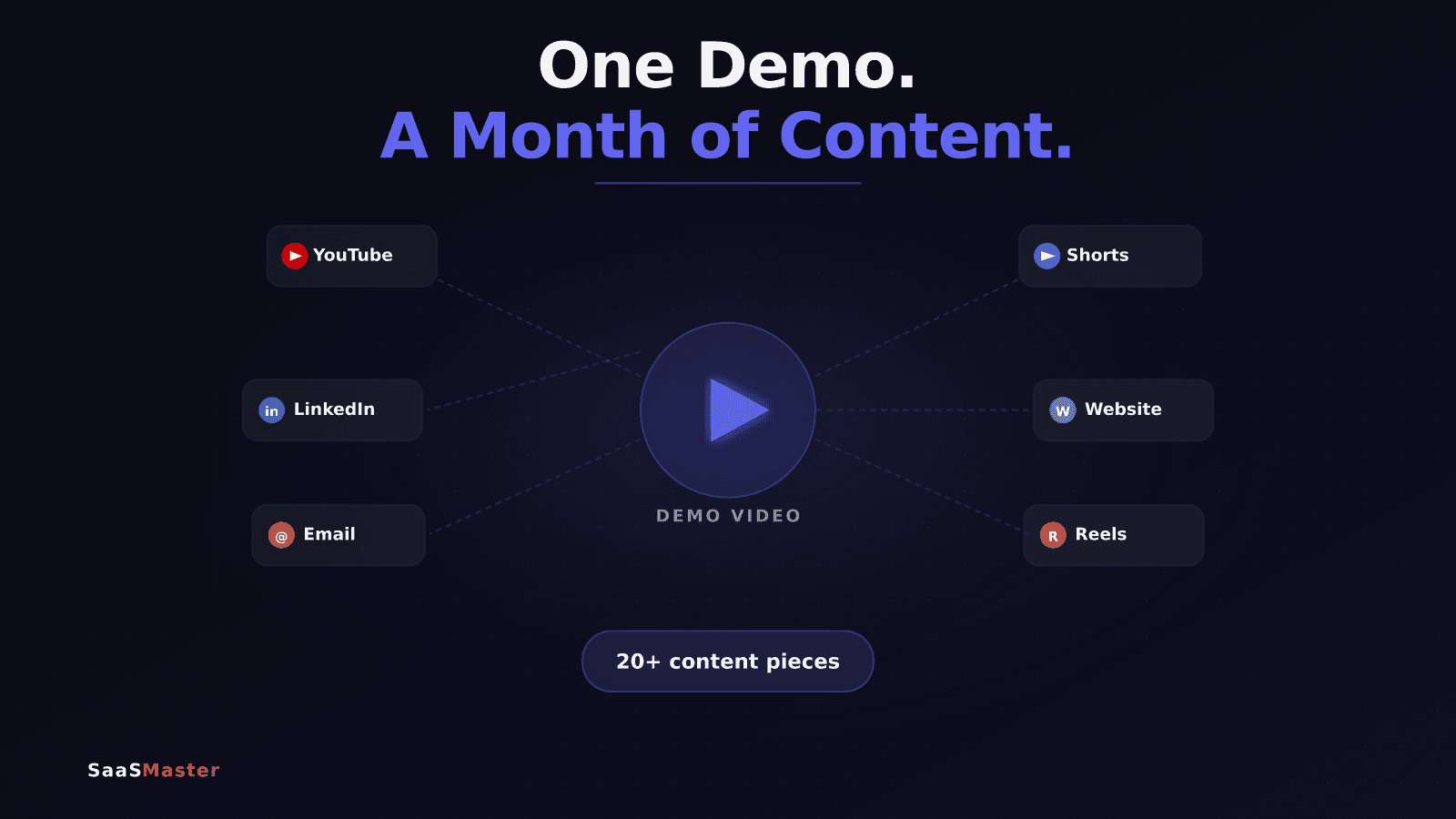
How to Turn One Product Demo Video Into a Month of Content