WordPress 7.1 Beta Is Live: What Site Owners and Plugin Developers Need to Know
In short
WordPress 7.1 Beta 1 launched July 15, 2026. Here's what's new for AI tooling, layout, and media, plus a testing checklist before August 19.
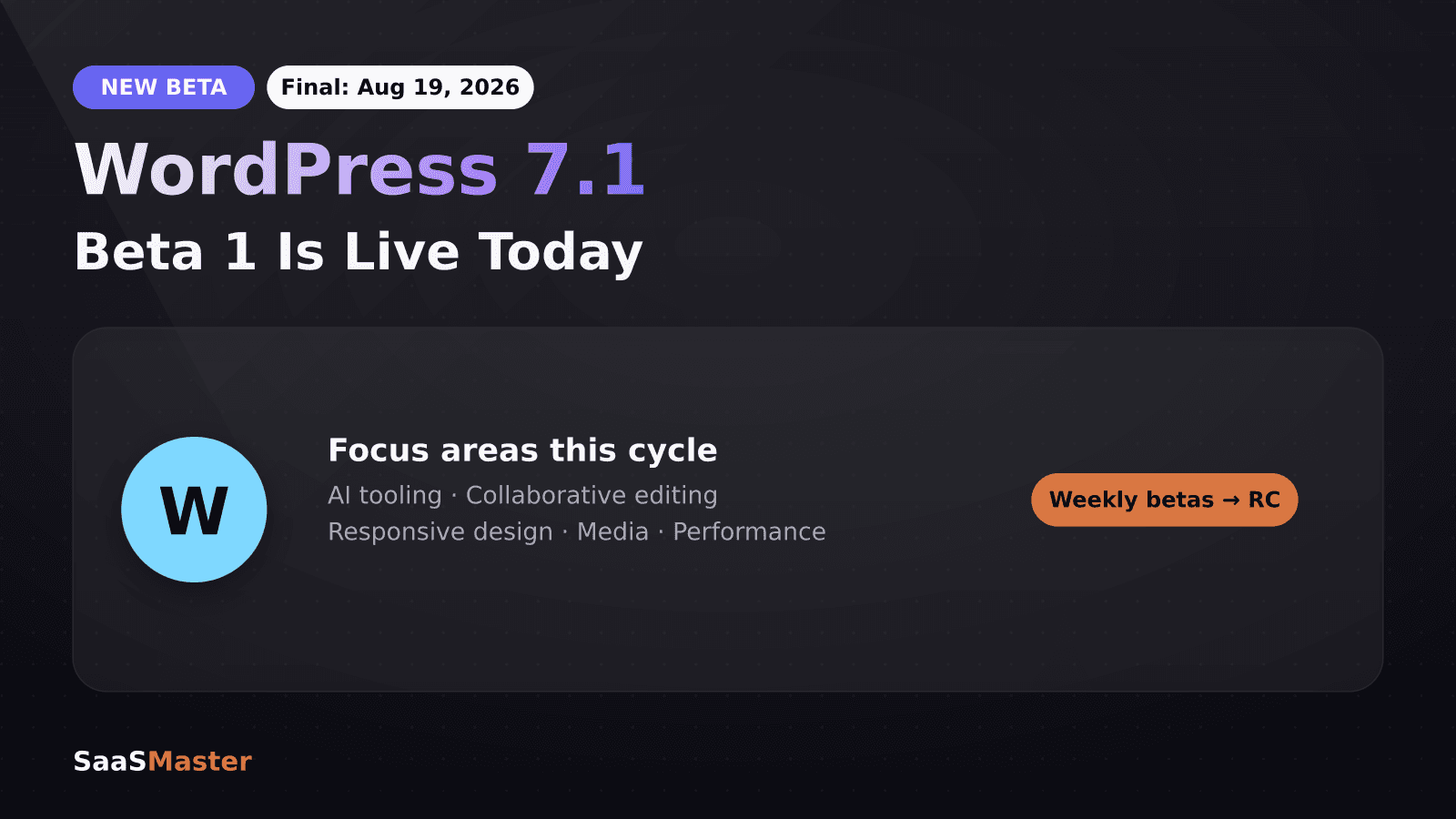
WordPress 7.1 Beta 1 landed July 15, 2026, kicking off weekly betas through the end of the month ahead of a final release on August 19, timed with WordCamp US. The focus areas are AI tooling, collaborative editing, responsive design, and media, with the first bug-fix-only point release, 7.0.1, already shipped July 9.
Key takeaways
- WordPress 7.1 Beta 1 is available now for testing, with weekly betas through late July and a final release on August 19, 2026.
- Confirmed features include responsive and interactive-state styling, a new Guidelines feature for AI editorial rules, Notes with emoji reactions and suggestion mode, and client-side media handling with HEIC support.
- Flex children with a fixed width now behave as truly fixed (flex-shrink: 0), with the old squishable behavior renamed "Max width," plus a new grid "fill available space" toggle.
- Gutenberg 23.4 added React 19 compatibility tooling, and a deprecation wave is underway across @wordpress/components, both relevant if you maintain custom blocks or plugins.
- WordPress 7.0.1, released July 9, was a bug-fix-only release covering 13 Core tickets and 13 Gutenberg fixes across the block editor, mail, and classic themes.
What's new in WordPress 7.1?
The 7.1 release squad, led by Anne McCarthy (Architecture & Open Source Director at Automattic) as Release Lead, with Benjamin Zekavica and Krupa Nanda as Release Coordinators, organized the cycle around five focus areas: AI tooling, collaborative editing, responsive design, media, and performance. That's a shift from purely editorial features toward infrastructure that plugin and theme developers will feel directly.
The AI tooling piece centers on a new Guidelines feature, which lets site owners define editorial rules that AI tools operating inside WordPress (including the growing set of MCP-connected assistants) are expected to follow. If you've been using Claude or ChatGPT connected to WordPress via MCP, Guidelines is the mechanism that keeps AI-generated edits inside the boundaries you set rather than relying on prompt discipline alone.
Collaborative editing gets Notes with emoji reactions and a suggestion mode, essentially bringing Google-Docs-style commenting and edit-tracking into the block editor. For agencies and teams managing client sites, that closes a real gap, previously most collaborative review happened outside WordPress entirely, in Slack threads or shared docs.
What changed for responsive design and layout?
Two changes matter most for anyone building custom blocks or themes. First, flex children with a "fixed" width setting are now truly fixed via flex-shrink: 0, whereas the old behavior would still let them squish under pressure, that older behavior is renamed "Max width" so it's still available but no longer the default assumption. Second, grid layouts gained a "fill available space" toggle, plus flex vertical alignment controls landed in the block inspector.
If your theme or plugin relies on the old flex-shrink default, test it against 7.1 Beta 1 now rather than waiting for the release candidate. Responsive styling and interactive-state styling (hover, focus, and similar states) are also open for testing in this cycle, which is worth flagging if you build blocks with custom CSS.
What should plugin and theme developers check before 7.1 ships?
- Gutenberg 23.4 (June 17) shipped React 19 compatibility tooling. If your plugin ships custom blocks with React dependencies, this is the moment to verify compatibility rather than discovering an issue after August 19.
- A deprecation wave is underway across @wordpress/components. Check your plugin's changelog against the developer roundup and update deprecated component imports before they're removed entirely in a future release.
- Client-side media handling now supports HEIC, relevant if your plugin or theme processes uploads directly, particularly for iPhone photo uploads that previously needed server-side conversion.
- Test the new flex-shrink behavior against any layout that assumed elements would squish, particularly WooCommerce product grids and custom page builders.
Is it safe to test WordPress 7.1 Beta 1 now?
Beta software is not for production sites. Use a staging environment or local install for testing. That said, running the beta somewhere safe now is worthwhile if you maintain plugins, themes, or client sites, catching a compatibility issue during the beta cycle is far cheaper than fixing it after 30,000+ sites auto-update to the stable release on August 19.
If you're coming off the 7.0 "Armstrong" release, our WordPress 7 Armstrong guide is a useful baseline for what's already changed before layering 7.1 on top. And if security is part of your pre-release checklist, our coverage of the Burst Statistics CVE-2026-8181 and the Protect the Shire security plugin are both worth a look while you're auditing your stack.
How does the AI Guidelines feature actually work?
Guidelines lets a site owner or admin define editorial rules, tone, formatting constraints, disallowed topics, required disclosures, that persist as context for any AI tool connected to the site through WordPress's AI Client API. It's a direct response to the reality that more WordPress sites are now edited partly by AI assistants, and site owners wanted a way to set boundaries once rather than repeating instructions in every prompt. For more on how that underlying API works, see our guide to the WordPress AI Client API.
How does this affect WooCommerce and plugin-heavy sites?
Store owners running WooCommerce or other plugin-heavy setups have the most to check before August 19. The flex-shrink change specifically affects product grids, since many WooCommerce themes rely on flexible columns that squish to fit varying content lengths, if your theme assumed the old squishable default, product cards could reflow unexpectedly after the update. Test your storefront's product grid, cart page, and checkout flow against Beta 1 in a staging environment before the stable release.
The @wordpress/components deprecation wave is the other item worth a proactive look, if you're running plugins that haven't been updated recently, check whether the developer has acknowledged 7.1 compatibility. An outdated plugin relying on a removed component can break silently rather than throwing an obvious error, which makes staging tests more important than usual this cycle. If you're also running WooCommerce and want a broader operational check beyond just compatibility, our guide to WooCommerce setup and reducing support tickets covers the adjacent workflow issues worth reviewing at the same time.
What's the realistic testing timeline for developers?
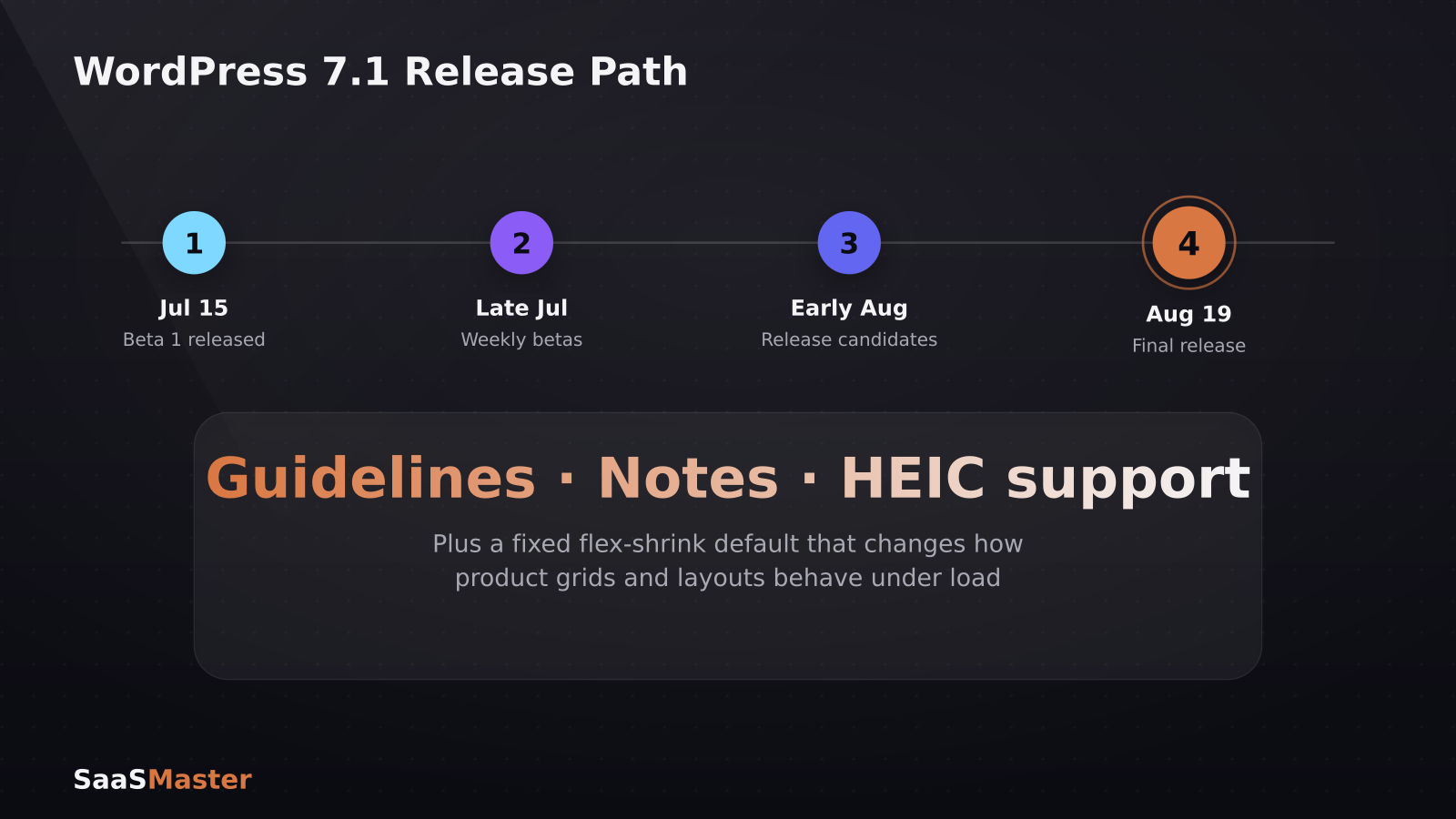
- **Now through late July:** Beta releases ship weekly. Test core compatibility, flex-shrink behavior, and any custom blocks against each beta as it lands, rather than waiting for a single beta to test everything.
- **Early August:** Release candidates typically follow the beta cycle. This is the point to do a full staging deployment with your actual production plugin and theme stack, not just a default WordPress install.
- **August 19:** Final release, timed with WordCamp US. Auto-updates will start reaching production sites shortly after, so any compatibility issue not caught by this point becomes a live support problem.
The bottom line
WordPress 7.1 is a developer-facing release more than a flashy user-facing one, the real headline features (Guidelines, Notes, the flex-shrink fix) are the kind of thing that prevents support tickets rather than generates screenshots. If you build or maintain WordPress plugins or themes, the smart move is testing against Beta 1 this week, not waiting for the release candidate in August.
For teams shipping a plugin or theme update alongside this release, a short walkthrough video showing what changed and how to use new features like Notes or Guidelines tends to cut support requests dramatically compared to a changelog alone. Learn more about how we approach that in our WordPress video production work.
Frequently asked questions
When does WordPress 7.1 fully release?
WordPress 7.1 is scheduled for final release on August 19, 2026, timed to coincide with WordCamp US. Beta 1 launched July 15, with weekly betas through the rest of July before moving to release candidates.
Should I update my production site to WordPress 7.1 Beta 1?
No. Beta releases should only run on staging or local environments. Wait for the stable release on August 19 before updating production sites, and even then, test plugin and theme compatibility on staging first.
What is the Guidelines feature in WordPress 7.1?
Guidelines is a new feature that lets site owners define editorial rules and constraints that AI tools connected through WordPress's AI Client API must follow when generating or editing content, giving site owners persistent control over AI-assisted edits.
Was this article helpful?
Jorge Aguilar
Founder & Creator, SaaS Master
Producing SaaS and AI product videos since 2019 — 800+ videos for 200+ brands, covering tutorials, demos, walkthroughs, and explainers. Writing here about the tools, trends, and tactics that actually move the needle. LinkedIn · About · Work with me
Launching a plugin, theme, or WordPress product?
Client-owned videos that make your product easy to understand — demos, walkthroughs, onboarding, and explainers.
Explore WordPress video productionRelated guides
More WordPress & Website Tools →
Bunny.net for Video Hosting in 2026: Is It Finally Smarter Than Vimeo or Wistia?

Independent Analytics Review 2026: WooCommerce Tracking Without Google
WordPress 7.0 Armstrong: What's New, What Got Cut, and How to Upgrade Safely