Google Photos Video Remix vs CapCut vs Runway: Is Gemini Omni a Real SaaS Video Tool Yet?
In short
Google Photos' new Video Remix uses Gemini Omni for instant clip effects. Here's how it compares to CapCut and Runway for SaaS video marketing.
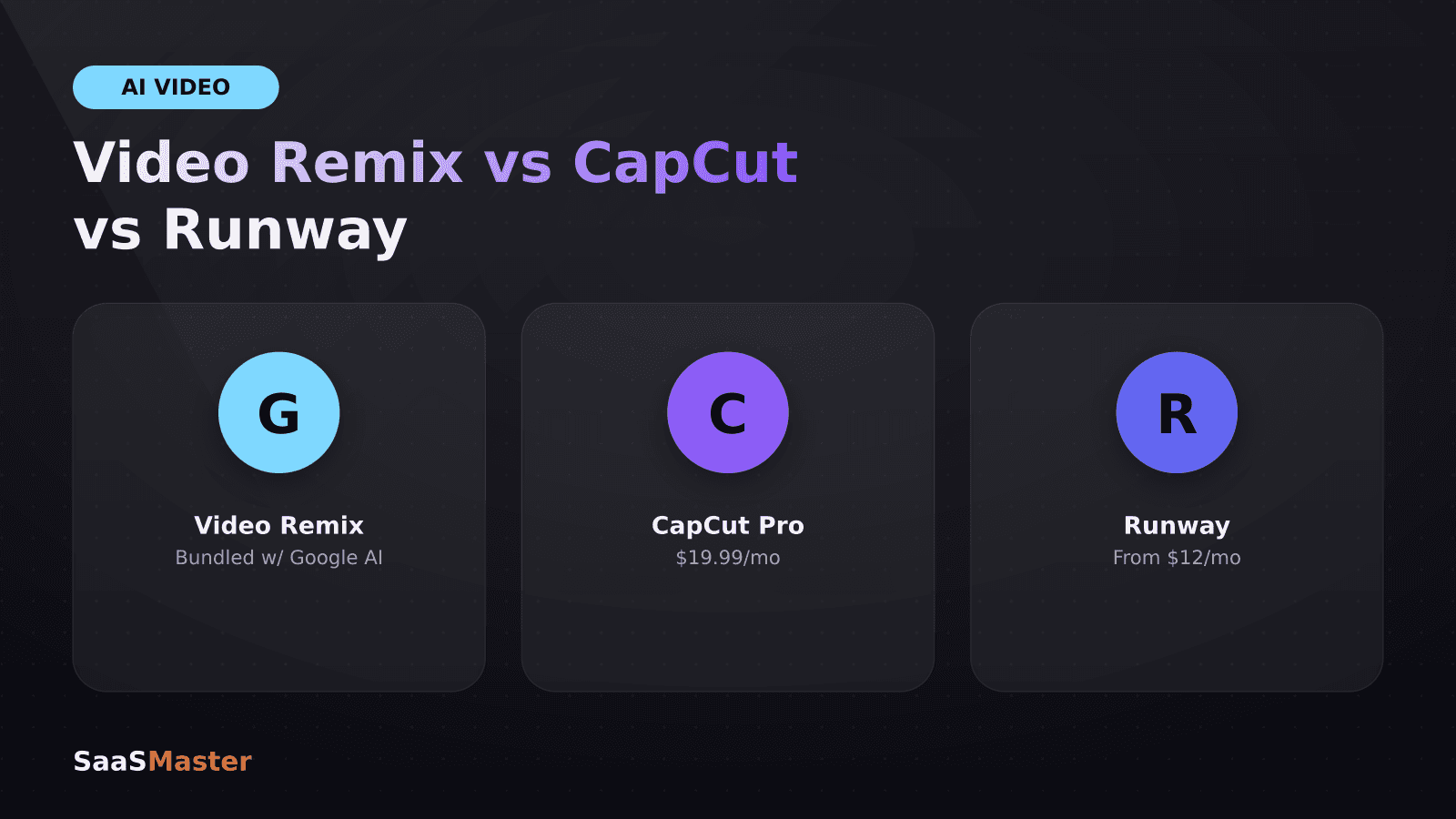
Google started rolling out Video Remix inside Google Photos on July 8, 2026, letting Google AI Plus, Pro, and Ultra subscribers apply cinematic relighting, background swaps, and artistic filters to ordinary clips in seconds using Gemini Omni. It's genuinely fast and easy, but it's a consumer editing feature, not a competitor to CapCut or Runway for anyone producing SaaS marketing video.
Key takeaways
- Video Remix lives in Google Photos' Create tab and uses Gemini Omni to apply template-based effects: cinematic relighting, background swaps, and artistic filters like watercolor, oil painting, and sketchbook.
- It's rolling out to Google AI Plus, Pro, and Ultra subscribers across 14 countries including the US, and processing takes just a few seconds per clip.
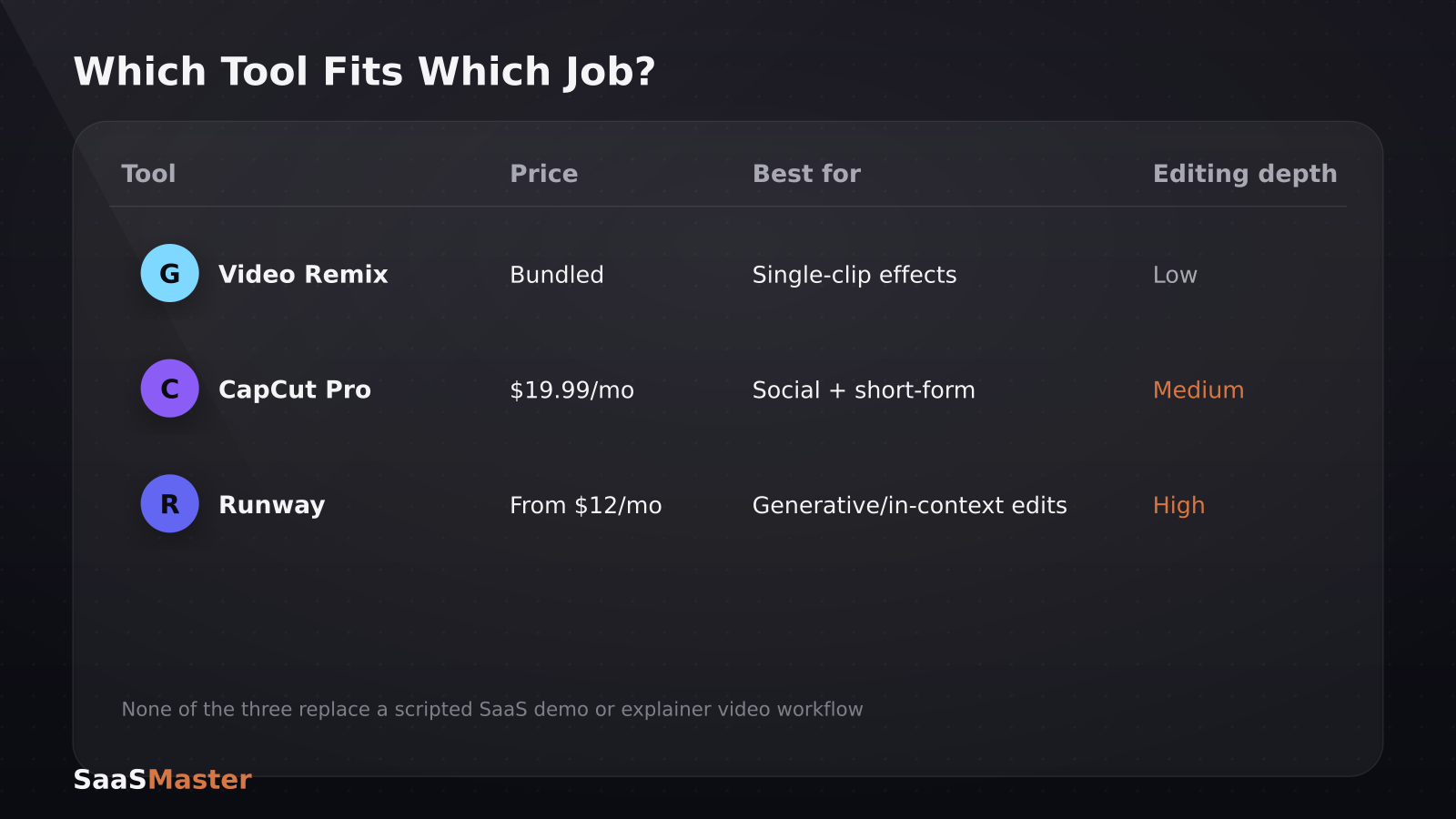
- CapCut Pro runs $10-20/month and covers timeline editing, auto-captions, HD upscaling, and longer AI generation, a meaningfully deeper toolset for structured content production.
- Runway's paid plans start at $12/month (billed annually) with credit-based usage; its Aleph in-context editing model uses about 150 credits per 10 seconds of video.
- None of the three tools are built for the kind of structured, message-driven SaaS product videos (demos, walkthroughs, explainers) that require a script and a narrative arc, they're template-driven effects tools, not production platforms.
What is Google Photos Video Remix, exactly?
Video Remix is a template library inside Google Photos' Create tab. You pick a clip, choose a template, and Gemini Omni applies the effect: relighting a dark shot, swapping the background, or converting the whole clip into a stylized look like watercolor or oil painting. Google says processing takes only a few seconds, and early hands-on coverage from 9to5Google and TechCrunch describes it as genuinely fast compared to manual editing.
It requires an active Google AI Plus, Pro, or Ultra subscription and is currently available in the US, Argentina, Bangladesh, Brazil, Colombia, Egypt, India, Indonesia, Japan, Mexico, Pakistan, Philippines, South Korea, and Turkey. There's no standalone pricing, it's bundled into the existing Google AI subscription tiers rather than sold separately.
How does it compare to CapCut for content creation?
CapCut is the more complete tool if you're actually producing content on a schedule. Its free plan already covers timeline editing, auto-captions, templates, and basic AI effects, while the Pro plan (roughly $10-20/month, officially listed at $19.99/month or $179.99/year) adds HD upscaling, longer AI generation, voice tools, and 4K export.
The practical difference: Video Remix transforms a single clip with a template in one step. CapCut lets you assemble multiple clips, add captions and voiceover, cut to a specific length, and export at production quality, the full workflow a short-form video needs, not just a stylistic pass. If your team is turning long-form demos into Shorts, Reels, and LinkedIn clips on a regular cadence, CapCut's editing depth matters more than Video Remix's speed.
How does it compare to Runway for SaaS and product video work?
Runway operates in a different category entirely, generative and in-context video editing aimed at production-grade output. Paid plans start at $12/month billed annually, with credit-based usage: Standard includes 625 monthly credits, Pro 2,250, and Max 9,500. Its Aleph 2.0 model, built for in-context video editing, uses roughly 150 credits per 10 seconds of video, so a Standard plan covers a meaningful amount of short-form editing before you hit the ceiling.
Where Video Remix applies a fixed template, Runway lets you describe a specific edit in natural language and apply it with more creative control. That makes Runway closer to a professional tool for teams building original video assets, while Video Remix is closer to a phone-camera enhancement feature. We've covered Runway in more depth in our comparisons of Veo 3.1 vs Kling 3.0 vs Runway Gen-4 and Sora 2 vs Veo 3.1 vs Runway Gen-4.5, if you're evaluating AI video generation tools specifically.
Should SaaS marketing teams use Video Remix?
For polishing a raw screen recording or a quick social clip with a visual effect, Video Remix is a fast, free-feeling add-on if you already pay for Google AI Plus, Pro, or Ultra. It's genuinely useful for making a mediocre clip look more finished in seconds.
It is not a substitute for a structured video production workflow. A SaaS demo, onboarding tutorial, or explainer video needs a script, a clear narrative arc tied to what the viewer needs to understand, and consistent branding across every asset, none of which a template-effects tool addresses. If your team is repurposing existing footage into shorts at volume, our guide on turning long videos into shorts with a repeatable workflow covers tools actually built for that specific job.
How do the three tools compare on brand consistency?
This is where the gap between a consumer feature and a production tool shows up most clearly. Video Remix applies a template designed for general appeal, there's no way to lock in your brand's specific color palette, font treatment, or logo placement across a batch of clips. Every video gets the same generic template look, not your look.
CapCut supports saved brand kits, custom fonts, and reusable templates you build yourself, so a marketing team can apply consistent captions, colors, and intro/outro treatments across every clip without rebuilding the style each time. Runway goes further for teams doing original creative work, its in-context editing lets you describe specific stylistic direction in natural language and apply it consistently, though it takes more setup time than a one-click CapCut template.
For a SaaS company where every piece of video content needs to look like it came from the same brand, template-effects tools are a starting point at best. This is usually the point where teams either invest in building their own reusable templates in CapCut, or bring in a video partner who maintains brand consistency as part of the production process rather than leaving it to whichever tool is fastest that day.
What does each tool actually cost at real usage volumes?
- **Google Photos Video Remix:** No separate cost, bundled into Google AI Plus ($19.99/mo), Pro, or Ultra subscriptions you may already have for other Gemini features.
- **CapCut:** Free tier covers basic editing; Pro at $19.99/month (or $179.99/year, roughly $15/month) unlocks 4K export, HD upscaling, and longer AI generation, reasonable for a small team producing regular social content.
- **Runway:** Starts at $12/month annually for Standard (625 credits), scaling to $76/month-equivalent for Max (9,500 credits) at higher volumes. At roughly 150 credits per 10 seconds of Aleph editing, a Standard plan covers about 40 seconds of heavy AI editing a month, budget accordingly if you're doing frequent generative work.
The bottom line
Video Remix is a smart, fast feature for consumer photo and video content, and it's worth trying if you're already paying for Google AI. But for SaaS teams producing demos, walkthroughs, or explainer videos meant to convert a "what is this?" viewer into a signup, it's not the right layer of the stack. That's still a job for a structured editing tool like CapCut for social cuts, or for working with someone who scripts, shoots, and edits video around a specific conversion goal.
If you're trying to figure out which type of video your product actually needs before picking a tool, our guide on choosing between a demo, tutorial, explainer, and launch video is the right starting point. And if you'd rather have a finished, on-brand video made for you instead of assembling one from templates, that's exactly what our SaaS video production work covers.
Frequently asked questions
Is Google Photos Video Remix free to use?
No. It requires an active Google AI Plus, Pro, or Ultra subscription. There's no separate price for Video Remix itself, it's included as a feature within those existing subscription tiers.
Can Video Remix replace a video editing app like CapCut?
Not for structured content. Video Remix applies single-template effects to individual clips in seconds, while CapCut supports full timeline editing, captions, multi-clip assembly, and export controls needed to produce a finished, publishable video.
Which countries have access to Google Photos Video Remix at launch?
Video Remix rolled out starting July 8, 2026 to eligible subscribers in the US, Argentina, Bangladesh, Brazil, Colombia, Egypt, India, Indonesia, Japan, Mexico, Pakistan, Philippines, South Korea, and Turkey.
Was this article helpful?
Jorge Aguilar
Founder & Creator, SaaS Master
Producing SaaS and AI product videos since 2019 — 800+ videos for 200+ brands, covering tutorials, demos, walkthroughs, and explainers. Writing here about the tools, trends, and tactics that actually move the needle. LinkedIn · About · Work with me
Need a product demo, walkthrough, or SaaS explainer?
Client-owned videos that make your product easy to understand — demos, walkthroughs, onboarding, and explainers.
Explore SaaS video productionRelated guides
More Product Demos & Video Marketing →
What a B2B SaaS Product Demo Should Show
How to Turn One SaaS Product Video Into Shorts, Reels, and LinkedIn Clips
How to Record a Software Demo Video: The Complete Setup Guide